Website Chatbot Launch Checklist: Add an AI Chatbot Without Coding
Use this website chatbot launch checklist to add an AI chatbot without coding, choose source content, set routing rules, and test handoffs before launch.
 Leo Lee12 min read
Adding an AI chatbot to a website is usually the easy part. Launching one that answers the right questions, uses the right sources, and hands off at the right time is the part that saves you from cleanup later.
If you want to know how to add an AI chatbot to a website without coding, the short answer is this: decide what the chatbot is allowed to answer, connect it to approved business content, map each common question to a booking or contact path, test risky questions, and then install the widget through your website builder or embed area.
Do not start with the code snippet. Start with the workflow.
A local business owner does not need another tool that creates more admin work. They need the website to answer the question that would otherwise sit in a missed call, contact form, or late-night DM:
- "How much does this usually cost?"
- "Can I book online?"
- "Which service should I choose?"
- "Do I need a consultation first?"
- "Can someone call me?"
- "What if the chatbot says something wrong?"
This guide gives you a practical website chatbot launch checklist for appointment-based local businesses: med spas, salons, wellness clinics, fitness studios, and quote-based service businesses.
Quick checklist: decide these 8 things before you install
If you only do one pass before adding the chatbot to your website, answer these eight questions first:
- What are the top 20 questions visitors ask before booking, calling, or requesting a quote?
- Which website pages, FAQs, policies, service descriptions, and links should the AI use as approved source content?
- Which questions can the chatbot answer directly?
- Which questions should always go to a person?
- What is the correct next step for each high-intent question: booking, quote, call, email, consultation, or contact form?
- What should the chatbot say when the answer is missing?
- Who will test the chatbot on desktop and mobile before launch?
- Who will review the first week of conversations and fix source, routing, or handoff gaps?
That is the difference between "we added an AI chatbot" and "we launched a Website Support Agent that fits our real business."
The no-code launch path
The no-code launch path is not complicated, but the order matters.
| Step | What you decide | Output before launch |
|---|---|---|
| 1 | Visitor questions | A short list of real questions from calls, forms, DMs, and emails. |
| 2 | Approved sources | Website pages, FAQs, policies, service pages, and contact details the AI can use. |
| 3 | Answer scope | A clear line between direct answers, general guidance, and human-only questions. |
| 4 | Routing paths | Booking, quote, call, email, contact, consultation, and service links. |
| 5 | Handoff rules | When the chatbot should stop and route to staff. |
| 6 | Launch test | A test set for pricing, booking, policies, risky claims, and messy customer wording. |
| 7 | Website install | The widget added through your website builder, CMS, or embed/code area. |
| 8 | First 30 days | A review loop for missed questions, weak answers, and wrong routes. |
The order is important because a chatbot with weak source content will not become trustworthy because the widget is installed correctly. A perfect embed can still send a visitor to the wrong next step.
If you need a deeper pre-launch test, use the 50 AI chatbot test questions for local business websites after this setup checklist.
Step 1: collect the questions people already ask
The best chatbot setup starts with the questions your business already gets.
Do not begin with, "What should our bot say?" Begin with, "What are customers already asking when we are too busy to answer?"
For a local business, those questions usually come from:
- Missed calls
- Contact forms
- Instagram or Facebook DMs
- Booking notes
- Quote request forms
- Front desk conversations
- Reviews
- Sales emails
- Staff memory
The phrases matter. A real visitor will not ask like a product manager. They will ask like someone deciding whether to spend money:
- "How much is lip filler?"
- "Do you do color correction?"
- "Is this appointment for new clients?"
- "Can I come in after work?"
- "How long does it take?"
- "Do I need a consultation first?"
- "Can I get a quote before someone comes out?"
- "I already booked but need to change it."
Those are better source inputs than a generic "Benefits of our services" page.
For a broader explanation of where this fits, start with the AI chatbot for small local businesses guide. This launch checklist is the implementation layer.
Step 2: turn your website into approved source content
A website chatbot can only be as useful as the business information it is allowed to use.
For a small business, approved source content usually includes:
- Service pages
- Pricing pages or pricing guidance
- New client instructions
- Booking and consultation links
- Quote request instructions
- Cancellation, deposit, and rescheduling policies
- Hours and location
- Service area
- Staff or provider information
- FAQ pages
The source content does not need to be long. It needs to be clear enough that the AI does not have to guess.
Weak source content sounds like this:
We offer many beauty services for every client's needs. Contact us for more information.
Better source content sounds like this:
New color clients should book a color consultation before a major change, correction, or service that may take more than one appointment. Existing clients can book root touch-up, gloss, or maintenance color directly through the booking link.
The second version gives the AI a decision rule. It can answer the visitor, then route them safely.
Step 3: map every answer to a next step
The common failure is not that the chatbot gives no answer. It is that it gives an answer with no useful next step.
A visitor who asks "Do you offer Botox?" probably does not want a long educational essay. They want to know whether this business can help, whether consultation is required, and where to go next.
Use a simple routing map:
| Visitor asks | Chatbot can answer | Best next step |
|---|---|---|
| "Can I book online?" | Yes, if the booking link is approved. | Send booking link. |
| "Which service should I choose?" | Give general guidance from service rules. | Route uncertain cases to consultation or contact. |
| "How much does it cost?" | Use published prices or explain price factors. | Send pricing page, consultation, quote, or contact path. |
| "Can someone call me?" | Give the approved phone or contact path. | Route to call/contact. |
| "Do you have appointments tomorrow?" | Only answer if live availability is connected. | Send booking link or say the schedule should be checked there. |
| "Can you make an exception?" | Explain the standard policy. | Route to staff. |
This is where a Website Support Agent earns its keep. It should not just respond. It should reduce the next-step confusion that keeps people from booking, requesting a quote, or contacting the team.
Step 4: write human-only rules before launch
Some questions should not be automated, even if the AI could produce a confident answer.
Human-only questions usually include:
- Medical suitability
- Legal or financial advice
- Exact quote promises without review
- Live appointment availability without calendar access
- Refund exceptions
- Policy exceptions
- Complaints from upset customers
- Result guarantees
- Safety concerns
- Anything involving a person asking, "Is this safe for me?"
For these moments, the chatbot should stop trying to impress the visitor. It should give a careful boundary and a human route.
Bad answer:
Yes, you are probably a good candidate for Botox. You can book now.
Better answer:
I cannot determine whether Botox is right for you here. The safest next step is to book a consultation or contact the team so a qualified provider can review your goals and health history.
Bad answer:
Yes, we can probably waive the cancellation fee.
Better answer:
Our standard cancellation policy is listed here. If you need an exception, the team should review it directly.
This kind of restraint makes the AI more useful, not less useful. A chatbot that knows when to stop creates fewer problems for the owner.
Step 5: install the widget after the workflow is clear
Once the scope, sources, routes, and handoff rules are clear, installation is usually a website admin task.
The exact steps depend on the website platform. In general, you add the chatbot through a website builder's custom code, embed, app, or integration area. If your site is handled by a freelancer or agency, they can usually place the snippet once the business owner decides where the widget should appear.
For CatchWhen users, the resource center includes platform-specific install guides for the standard website embed, WordPress, Wix, Webflow, Squarespace, and Shopify.
Before launch, check:
- The widget appears on desktop.
- The widget appears on mobile.
- It does not block your booking button, contact button, or cookie banner.
- The opening message sounds like your business.
- The first suggested questions are useful.
- Booking, quote, phone, email, and contact links work.
- The chatbot does not claim actions it cannot actually perform.
The last point is easy to miss. If the AI cannot cancel appointments, check live availability, confirm form submissions, or change orders, it should not imply that it can.
The full website chatbot launch checklist
Use this checklist before going live. Mark each item as ready, fix source, fix route, human-only, or not needed.
| Area | Launch check | What good looks like |
|---|---|---|
| Questions | Top customer questions are collected. | You have 20-30 real questions from calls, forms, DMs, or staff memory. |
| Sources | Service pages are approved. | The AI can answer from current service names and descriptions. |
| Sources | Pricing guidance is approved. | The AI uses published prices, starting prices, ranges, or a quote/consult route. |
| Sources | Policies are approved. | Cancellation, deposit, rescheduling, refund, and prep policies are clear. |
| Sources | Contact details are approved. | Phone, email, location, hours, and service area are current. |
| Routing | Booking path is tested. | Visitors can reach the correct booking or consultation link. |
| Routing | Quote path is tested. | Quote-based questions route to the right form or contact path. |
| Routing | Call/contact path is tested. | Visitors can reach a person when they need one. |
| Boundaries | Human-only topics are listed. | Medical, legal, quote exceptions, complaints, and outcome guarantees do not get over-answered. |
| Boundaries | Missing information is handled. | The chatbot says it cannot confirm instead of inventing. |
| Voice | Tone matches the business. | The answer sounds helpful, direct, and calm. |
| Voice | The chatbot does not pretend to be human. | It can be warm without saying "I personally checked" or "I spoke to the team." |
| Mobile | The widget is easy to open and close. | It does not cover core buttons or make the page hard to use. |
| Testing | Messy wording is tested. | Casual, typo-heavy, and short messages still work. |
| Testing | Risky questions are tested. | The chatbot handles pricing, eligibility, guarantees, and urgent issues safely. |
| Owner review | Someone signs off before launch. | The owner or manager reviews answers that affect trust, price, booking, or safety. |
| Post-launch | Review time is scheduled. | You know who will check conversations during the first 7-30 days. |
This checklist is intentionally operational. It is not asking whether the chatbot "sounds like AI." It is asking whether the website now handles the first customer question without creating a new mess for the team.
Bad setup vs better setup
Here are the setup problems that usually show up first.
| Setup problem | Weak setup | Better setup |
|---|---|---|
| Source content is too vague | "Contact us for pricing." | "Prices start at X when published, but exact cost depends on consultation, service area, or quote details." |
| Booking links are generic | Every visitor gets the homepage. | Service questions route to the matching service, booking, quote, or consultation path. |
| Sensitive questions are over-answered | The chatbot guesses whether a customer is a candidate. | The chatbot explains the boundary and routes to staff. |
| Missing data is hidden | The chatbot invents hours, prices, or policies. | It says it cannot confirm and gives the best contact path. |
| Owner never reviews it | The widget goes live after one dashboard preview. | The owner tests real customer questions on desktop and mobile before launch. |
The better setup is not more complicated. It is just more honest about what the AI should and should not do.
The first 30 days after launch
Launch is not the finish line. The first month is where the useful fixes appear.
| Timeframe | What to review | What to change |
|---|---|---|
| Week 1 | Questions the chatbot could not answer. | Add or clarify source content. |
| Week 1 | Conversations that ended without a next step. | Fix routing links or call-to-action wording. |
| Week 2 | Repeated pricing, booking, or policy confusion. | Add better FAQ answers and decision rules. |
| Week 3 | Human-only questions that appeared often. | Add safer boundary language and staff handoff rules. |
| Week 4 | Pages where visitors ask the most questions. | Improve page copy, suggested questions, and internal links. |
This is also where the owner learns what the website was not explaining clearly. If five visitors ask the same thing after reading the page, that is not only a chatbot issue. It is a website content issue.
For broader tool prioritization, the AI tools for small business guide covers where a website support layer fits against scheduling, marketing, admin, and customer service tools.
Where CatchWhen fits in this launch checklist
CatchWhen is built for businesses that want website inquiries handled without replacing their booking, quote, calendar, or contact tools.
In this checklist, CatchWhen is useful because it helps the owner see three practical gaps before and after launch:
- Source gaps: the AI cannot answer because the website or FAQ does not explain the topic clearly.
- Routing gaps: the answer is fine, but the visitor does not get the right next step.
- Handoff gaps: the question needs a person, but the business has not decided how that handoff should work.
That is a more useful way to think about the product than "add a chatbot." CatchWhen creates a Website Support Agent inside a broader Customer Support AI System. It starts with website inquiries, uses the business's approved information, and routes ready visitors into the tools the business already uses.
The product does not need to be the whole customer support stack on day one. For most small teams, the better first win is simpler: answer the first website question, avoid risky over-answers, and send the visitor to the right next step.
Common launch questions
Can I add an AI chatbot to my website without coding?
Yes, in many cases. The business owner usually does the workflow decisions: questions, sources, routes, and boundaries. The actual widget install can often be done through a website builder, CMS, app, or embed area.
Should I install the chatbot before rewriting my website copy?
You can, but weak website copy usually creates weak chatbot answers. If your service pages, policies, pricing guidance, and booking paths are unclear, fix the most important source content before launch or schedule a cleanup pass during the first week.
How much content does the chatbot need?
Start with the pages and FAQs that answer real pre-booking questions. A focused set of service pages, policies, contact details, pricing guidance, and booking links is usually better than dumping every document into the system.
Can the chatbot book, cancel, or reschedule appointments?
Only if the product is connected to tools that can safely perform those actions. If it is not connected, it should route visitors to the booking, cancellation, rescheduling, or contact path instead of pretending the action has been completed.
The practical takeaway
The right question is not "Can we add an AI chatbot to our website?"
The better question is:
What questions should our website answer instantly, and where should each answer send the visitor next?
If you answer that first, the no-code install becomes the easy part. The chatbot stops being a novelty and becomes a practical Website Support Agent for the first few minutes of customer support.

Article by
Leo Lee
Leo Lee is the founder and builder of CatchWhen, a Customer Support AI System that creates AI Support Agents for appointment-based local businesses. CatchWhen helps med spas, salons, wellness clinics, and other independent service businesses answer customer-facing website inquiries and route ready leads into the booking, quote, or contact tools they already use. Leo writes about the workflows, guardrails, and infrastructure behind production-ready AI customer support agents.
Keep reading
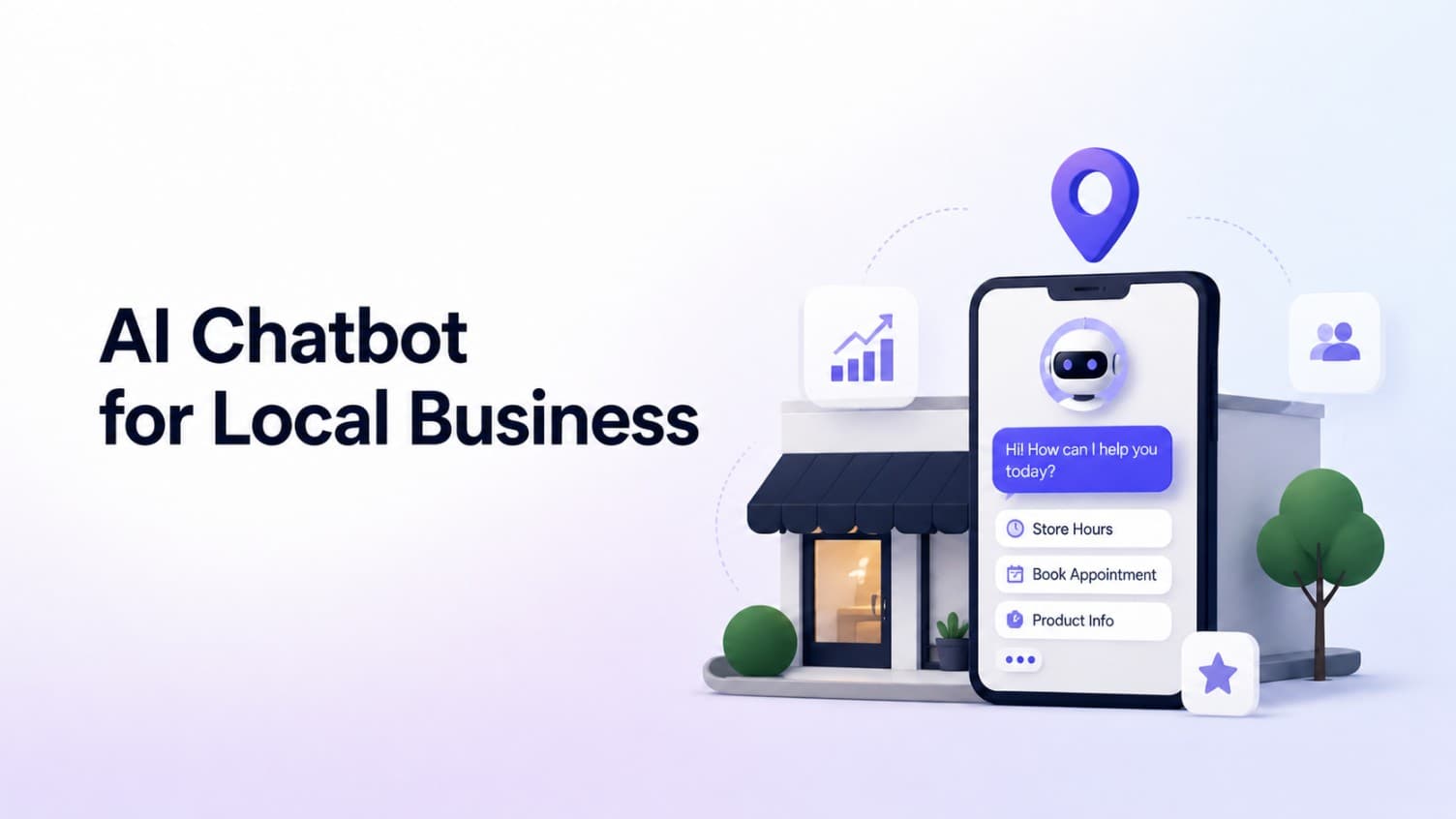
AI Chatbot for Small Local Businesses: A Practical Website Guide
A practical guide to AI chatbots for small business websites: what they answer, where they fit, and how local owners route visitors to booking or quote links.
 Leo Lee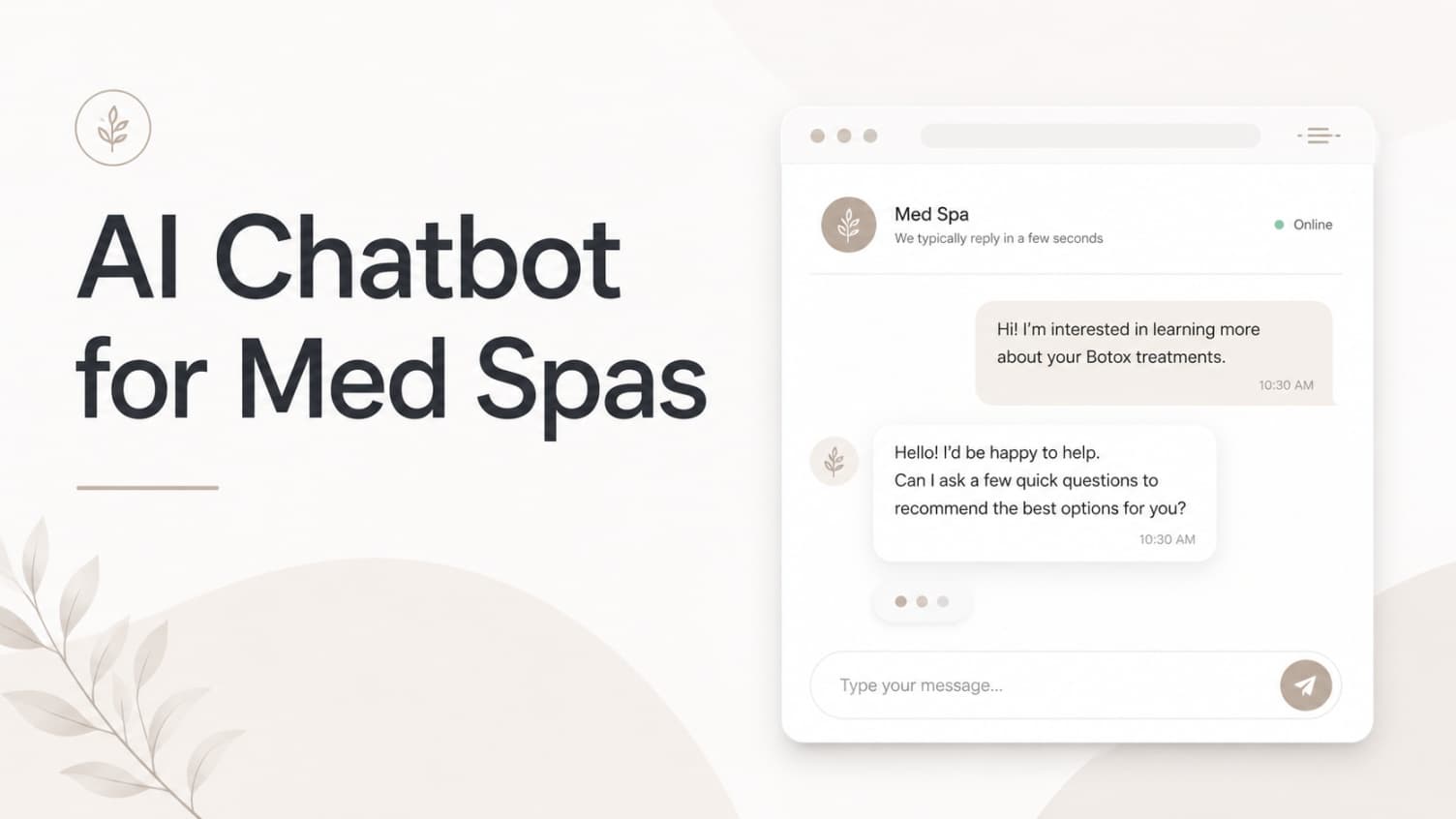
AI Chatbot for Med Spas: Route More Consult Requests from Your Website
A practical guide to med spa website chatbots: answer Botox, filler, laser, pricing, and consult questions, then route visitors to your existing booking path.
Leo Lee
AI Chatbot for Wellness Clinics: Answer First-Visit Questions Faster
A practical guide to wellness clinic website chatbots: answer physio, chiro, massage, pilates, yoga, and IV drip first-visit questions, then route ready visitors to booking or intake.
Leo Lee