AI Chatbot for Small Local Businesses: A Practical Website Guide
A practical guide to AI chatbots for small business websites: what they answer, where they fit, and how local owners route visitors to booking or quote links.
 Leo Lee12 min read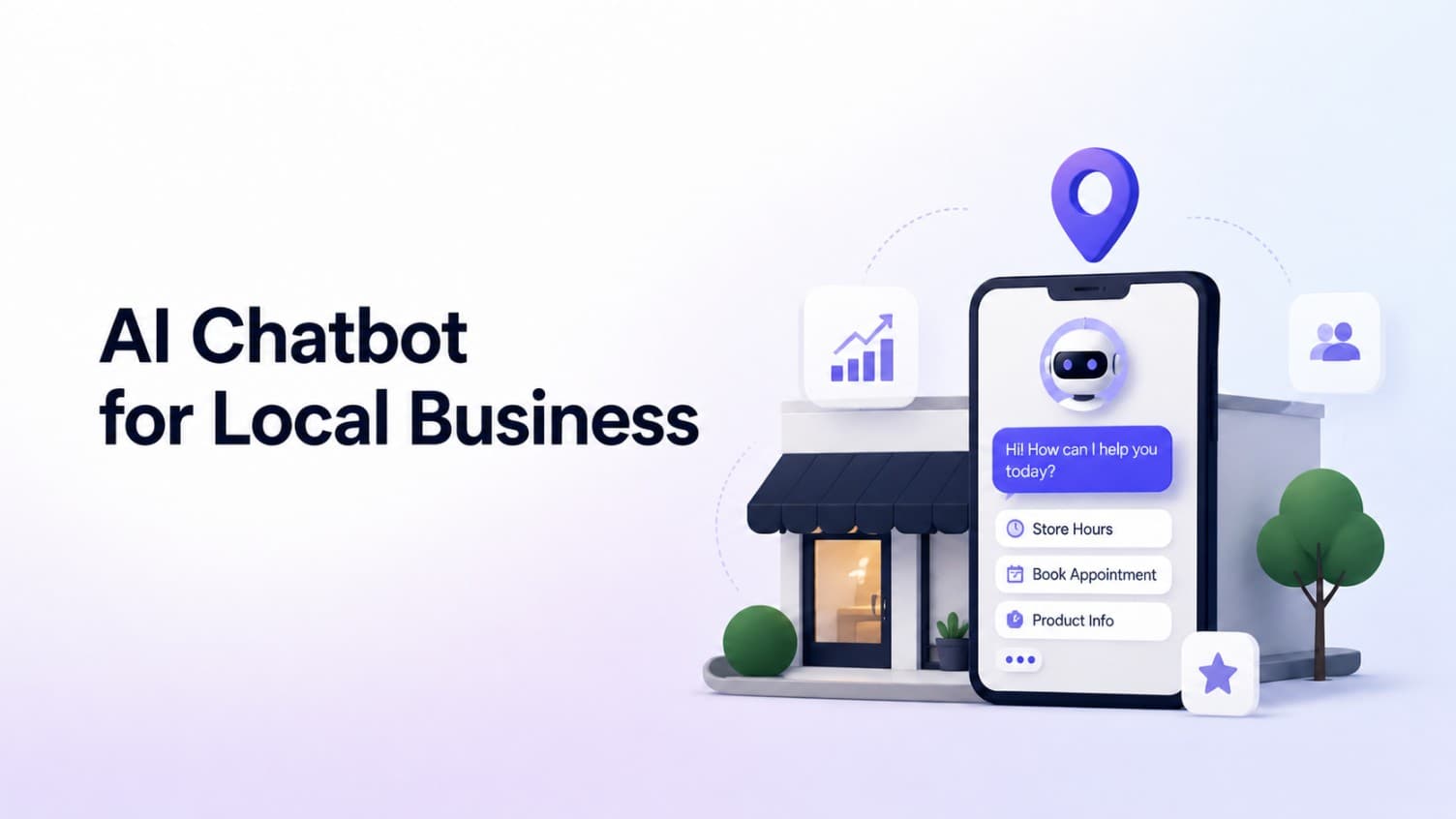
If a visitor opens your website at 9pm with a real question, your site has two options. It can answer, or it can make them wait until someone checks the phone, inbox, form, or Instagram DM.
An AI chatbot for small business websites fills that first-response gap. For a small local business, it answers common questions from your real business information and points ready visitors to the booking, quote, call, or contact path you already use.
That last part matters. A useful chatbot should not ask a med spa to replace its booking system, a salon to change calendars, or a wellness clinic to rebuild its intake flow. It should answer first, then route.
CatchWhen is built around that job. It creates a Website Support Agent: a website chatbot that handles the first reply and routes the visitor to the next step while your existing tools stay in place.
This guide explains what that layer does, where it fits, and how to set up the first version without turning your website into another software project.
What an AI chatbot for small business should do
An AI chatbot for a small local business website should do four practical things:
- Answer the visitor's first question from your website, FAQs, policies, and service details
- Clarify the next step when the visitor is ready to act
- Route the visitor to your existing booking, quote, call, or contact link
- Support after-hours lead capture while the team is busy or closed
It should not pretend to be the owner, replace the front desk, make medical or legal decisions, or run the whole customer workflow. The best version handles the first thirty seconds of the conversation and then hands the visitor off cleanly.
That is the difference between a chatbot that looks modern and one that actually helps.
Why small local business websites lose leads
Most small local business websites still work like brochures.
They list services, photos, hours, staff, and a contact button. That proves the business is real. It does not always answer the specific question a visitor has before they decide whether to book, call, or leave.
A typical visitor wants one clear answer:
- "How much does this usually cost?"
- "Do I need a consultation first?"
- "Can I book online?"
- "Do you offer this service for my situation?"
- "How long does the appointment take?"
- "Do you have weekend availability?"
- "Where do I request a quote?"
- "Can someone answer this tonight?"
If that answer is not obvious, the visitor has to hunt through service pages, submit a form, or call during business hours. Many will compare another provider instead. For businesses where one inquiry can be worth a real appointment or consultation, that delay matters.
After-hours lead capture is not only about saving a name and email. It is about answering enough of the first question that the visitor still has a reason to book, request a quote, or leave useful context before they move on.
This is especially visible in med spas, beauty studios, wellness clinics, fitness studios, and quote-based local services. The visitor may not need a full sales process. They often need one useful answer and one clear next step.
What the chatbot should answer
A local business chatbot is strongest when it stays close to the business's own information.
Good source material includes:
- Service pages
- Price ranges or pricing guidance
- Booking and consultation links
- Quote request links
- Hours, location, and service area
- Cancellation, deposit, and rescheduling policies
- New-client instructions
- Common questions from phone calls, DMs, emails, and contact forms
The chatbot should turn that information into short answers a visitor can use. For example, it can explain that Botox pricing depends on units and consultation findings, then route the visitor to a consult booking link. It can confirm that a salon offers balayage and point to the right booking page. It can explain what happens during a first chiropractic visit and send the visitor to new-patient scheduling.
The value is not just the answer. The value is the answer plus the next step.
Where CatchWhen fits in the workflow
Most local businesses already have tools they rely on.
A salon might use Vagaro. A wellness studio might use Mindbody. A home service business might use Jobber. A clinic might have a separate intake or booking system. Replacing those tools is a bad default because the business already has links, habits, staff workflows, and customer history attached to them.
CatchWhen sits before those tools.
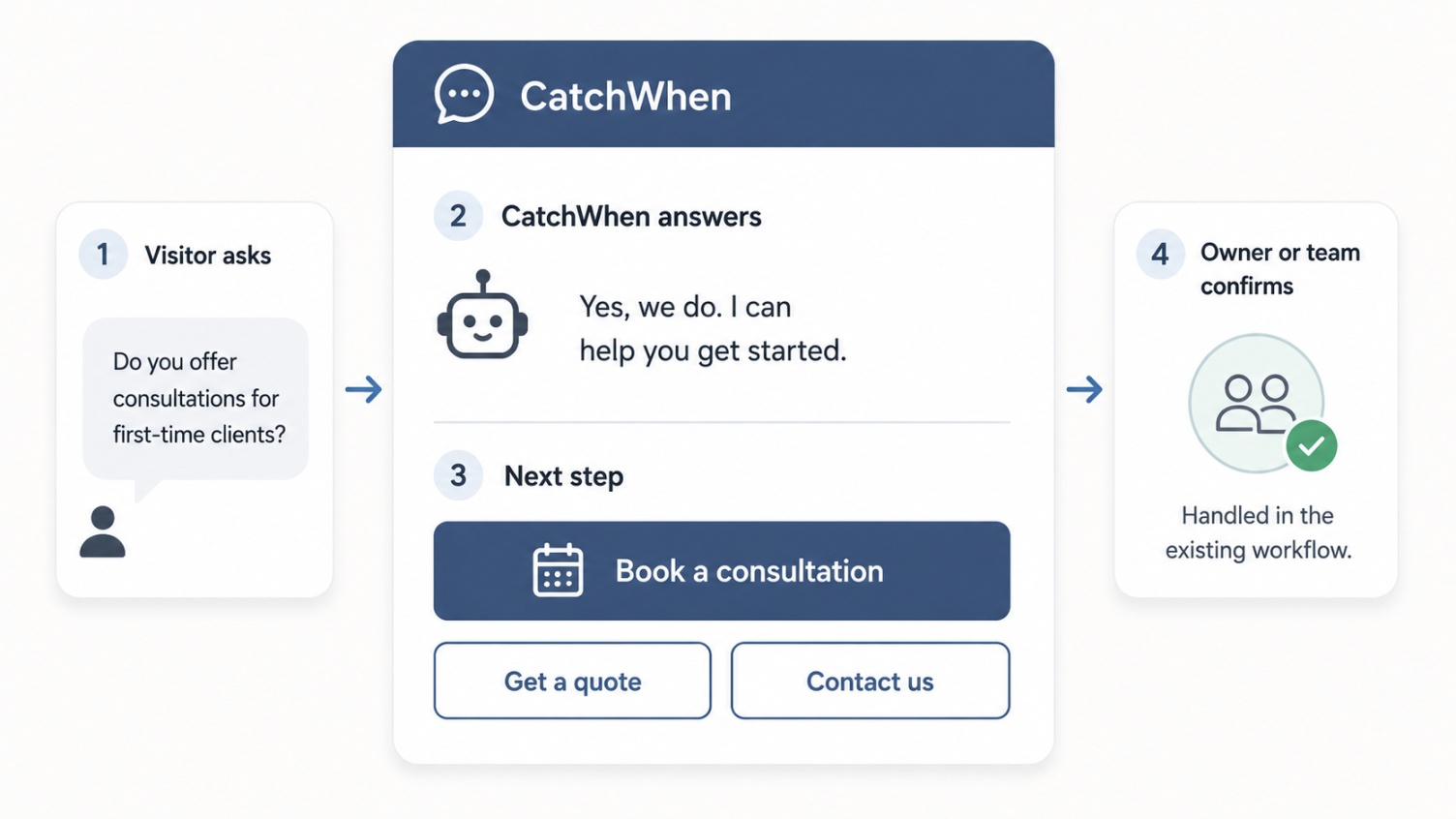
The flow is simple:
- A visitor asks a question on the website.
- CatchWhen answers from the trained knowledge base.
- The visitor gets the relevant next step.
- The visitor clicks the existing booking, quote, call, or contact path.
- The owner or team confirms the booking, quote, or follow-up as usual.
That makes CatchWhen a Website Support Agent, not a booking system replacement.
How the chatbot chooses the next step
A chatbot becomes useful when it can match the visitor's question to the right next step.
Use the visitor's intent to choose the route:
| Visitor intent | Useful answer | Best next step |
|---|---|---|
| Book an appointment | Confirm the service or consultation path in plain language. | Show the booking link. |
| Ask about price | Give approved price guidance or explain what affects price. | Route to booking, quote, or consultation. |
| Request a quote | Explain what details the business needs. | Send the visitor to the quote request path. |
| Ask if a service is right for them | Explain the service from approved business content. | Route to consultation or human follow-up. |
| Ask after hours | Answer what is known and set the follow-up expectation. | Capture the lead or point to booking/contact. |
| Ask about missing information | Say clearly that the chatbot does not have that answer. | Route to phone, email, or the contact form. |
This is also where generic chatbots fall short. "Please contact us" is technically a response, but it does not move the visitor forward. A good chatbot answers what it can, admits what it cannot, and makes the next action obvious.
Use cases by industry
Different local businesses need different answers, but the first-response pattern is similar. Use this map as a starting point, not a script.
| Business type | Common visitor question | Good route | Important guardrail |
|---|---|---|---|
| Med spas and aesthetic clinics | Price ranges, consultation requirements, treatment fit, downtime, memberships. | Consult booking, service page, or approved contact path. | Explain the clinic's published process. Do not diagnose or guarantee outcomes. |
| Beauty businesses | Service options, appointment length, deposits, cancellation policy, availability. | Book online, view services, call the studio, or ask a follow-up. | Keep the answer short enough for mobile during a busy appointment block. |
| Wellness clinics and studios | What a first visit looks like, who the service is for, how to start. | New-client scheduling, intro offer, class page, or intake form. | Use plain-language education, not medical or treatment-specific promises. |
| Quote-based local services | Whether the business can help, what affects the quote, what details are needed. | Quote request form, callback path, intake form, or site-visit request. | Do not over-answer before the business has the details it needs. |
The practical difference is the route. A med spa chatbot should usually move a qualified visitor toward consultation. A salon chatbot should make booking easier. A wellness chatbot should make the first visit feel less confusing. A quote-based business chatbot should get the visitor into the right intake path with useful context.
How to set up the first version
Start narrow.
The first chatbot does not need to answer every question a customer could ask. It should answer the questions that block visitors from taking action.
For many owners, the first version should also be no-code. A no-code AI chatbot for small business should let you add approved answers, connect your website and FAQ content, copy a widget snippet into your site builder, and keep using the booking or quote links you already have. A developer can help with custom placement later, but the first working version should not require a website rebuild.
A practical setup checklist:
- List the top ten questions visitors ask before booking, calling, or requesting a quote.
- Write short approved answers for those questions.
- Add the most important service pages and policy pages.
- Add booking, quote, call, email, and contact links.
- Test the chatbot on desktop and mobile.
- Ask the same questions real visitors ask by phone, DM, email, or form.
- Fix vague answers by improving the source content.
- Fix good answers with weak next steps by adding better routing links.
Do not start with brand voice documents or a huge PDF. Start with the questions customers already ask.
Example chatbot conversations
Here is a simple appointment flow.
Visitor: Do you offer consultations for first-time clients?
Chatbot: Yes. First-time clients can book a consultation so the team can understand your goals and recommend the right service. You can book one online here.
Next steps:
- Book a consultation
- View services
- Ask another question
Here is a quote flow.
Visitor: Can you give me a quote?
Chatbot: We can help. Quotes depend on a few details, so the fastest next step is to submit a request with the service you need and your preferred timeline.
Next steps:
- Request a quote
- Call the team
- Ask another question
These flows are intentionally plain. The chatbot should not make the visitor admire the software. It should answer the question and move the visitor forward.
Common mistakes to avoid
A chatbot helps only when it is grounded in real business context.
Using generic answers
If the chatbot sounds like it could belong to any business, visitors will not trust it. Train it on real service pages, FAQs, policies, price guidance, and routing links.
Hiding the booking or quote path
If conversion is the goal, the right next step should appear when the visitor is ready. Do not make someone ask three more questions just to find the booking link.
Replacing the workflow instead of routing to it
Most local businesses do not need another operating system. They need a faster first response before the visitor reaches the existing system.
Skipping mobile testing
Many local searches happen on phones. Test the widget, answer length, buttons, and contact actions on a small screen.
Letting information go stale
Old prices, outdated hours, expired promotions, and broken links damage trust quickly. If the business updates a service page or policy, the chatbot knowledge should be updated too.
What to watch after launch
After the chatbot is live, look for patterns instead of judging one conversation in isolation.
Useful signals include:
- Repeated questions the chatbot could not answer
- Questions that should have routed to a booking or quote link but did not
- Broken or outdated routing links
- After-hours conversations that show real intent
- Visitors asking the same pricing, policy, or first-visit question again and again
- Answers that are technically correct but too long for mobile
Those patterns show what to improve next. Sometimes the fix is a better chatbot answer. Sometimes the fix is a better service page, clearer pricing guidance, or a cleaner booking link.
AI chatbot for small business FAQ
Can I add an AI chatbot to my small business website without a developer?
Yes, if the chatbot is built for no-code setup. The first version should let you add approved answers, connect website or FAQ content, copy a widget snippet into your site builder, and keep using your existing booking or quote links.
Will an AI chatbot replace my booking system?
It should not. For most local businesses, the better setup is a Website Support Agent that answers the visitor's first question and routes them to the booking, quote, call, or contact path the business already uses.
Is an AI chatbot useful for after-hours lead capture?
Yes, when it answers enough of the visitor's question to keep the inquiry alive. The goal is not only to collect a name and email. The goal is to give a useful answer, set the right expectation, and make the next step clear before the visitor leaves.
When a chatbot is not the right first move
An AI chatbot is not always the first thing to fix.
It is probably too early if the website has almost no traffic, the business has no clear services or next-step links, or every inquiry must be handled by a licensed professional before any general answer can be given.
In those cases, fix the website basics first:
- Clear service pages
- Accurate hours and location
- Obvious booking, quote, call, or contact paths
- A short FAQ based on real inquiries
- Working mobile layout
Once those basics exist, the chatbot has something useful to answer from.
The practical takeaway
An AI chatbot for small local business websites is not just a support widget. The useful version is a Website Support Agent.
It answers common questions from real business information, keeps after-hours interest from going cold, and routes ready visitors to the booking or quote path the business already uses.
That is the job CatchWhen is built for: answer quickly, stay grounded in the business's own information, and make the next step obvious.
For a local business website, the goal is simple. Do not make interested visitors wait, hunt, or leave. Give them a useful answer and a clear path forward.
Answer quickly. Route clearly. Let the website do the rest.

Article by
Leo Lee
Leo Lee is the founder and builder of CatchWhen, a Customer Support AI System that creates AI Support Agents for appointment-based local businesses. CatchWhen helps med spas, salons, wellness clinics, and other independent service businesses answer customer-facing website inquiries and route ready leads into the booking, quote, or contact tools they already use. Leo writes about the workflows, guardrails, and infrastructure behind production-ready AI customer support agents.
Keep reading
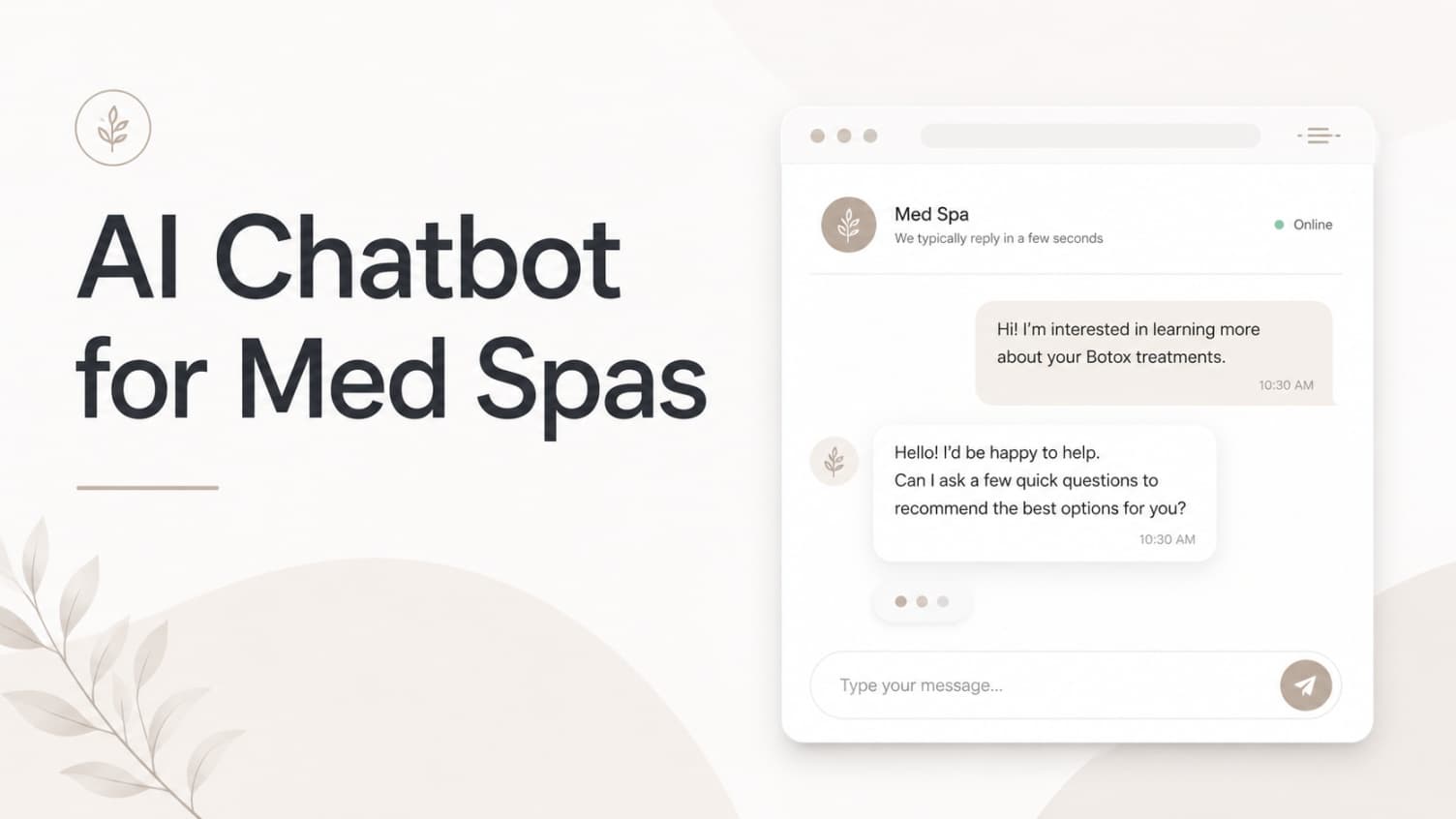
AI Chatbot for Med Spas: Route More Consult Requests from Your Website
A practical guide to med spa website chatbots: answer Botox, filler, laser, pricing, and consult questions, then route visitors to your existing booking path.
 Leo Lee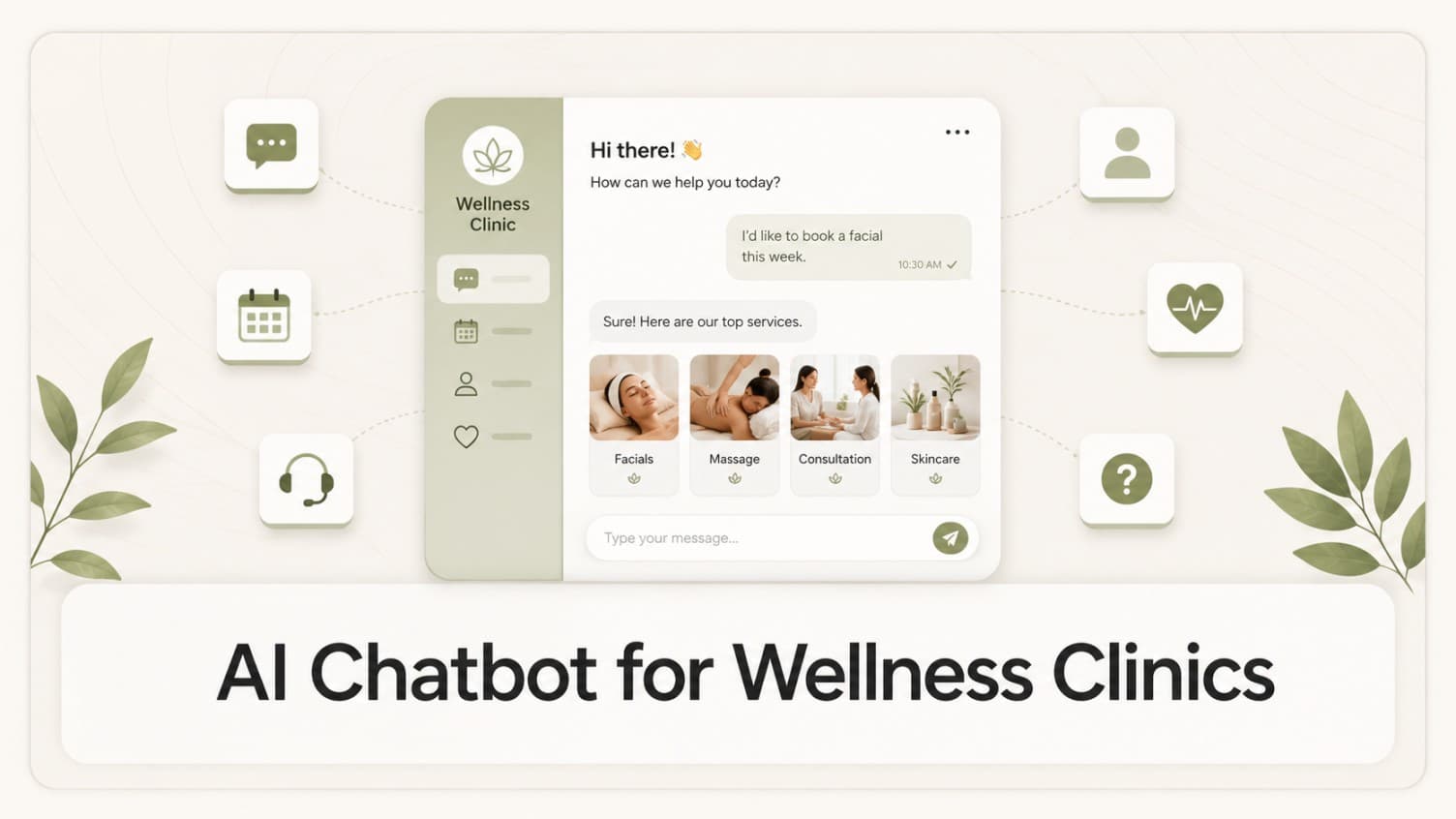
AI Chatbot for Wellness Clinics: Answer First-Visit Questions Faster
A practical guide to wellness clinic website chatbots: answer physio, chiro, massage, pilates, yoga, and IV drip first-visit questions, then route ready visitors to booking or intake.
Leo Lee
Best AI Chatbot for Your Website in 2026: 8 Options Compared
Compare the best AI chatbot options for website use cases, from local business lead capture to support automation, CRM chatflows, and developer agents.
Leo Lee