AI Tools for Small Business: A 30-Day Starter Plan for Local Owners
A practical 30-day starter plan for small business AI tools: where local owners should start, what to avoid, and how to choose a safe first workflow.
 Leo Lee12 min read
AI tools for small business are not just scaled-down versions of enterprise software. The useful version is much more practical: answer a customer faster, draft a better follow-up, turn one service page into social content, summarize a week of inquiries, or send a lead to the booking or quote path you already use.
So no, AI is not only for big companies.
But small businesses can still adopt it the wrong way. Buying five AI subscriptions, pasting private customer details into random tools, or letting AI answer sensitive questions without boundaries can create more risk than value.
For a local business, the better path is simple: pick one repetitive workflow, use AI where the answer is already known, keep a human owner for judgment, and measure whether the tool actually saves time or helps more customers take the next step.
This guide is written for independent local businesses, especially appointment, consultation, and quote-based businesses like med spas, beauty studios, wellness clinics, fitness studios, and local service providers.
Quick answer
Start with the workflow, not the tool.
Most local businesses should test AI in one of these areas first:
- Customer response: answer website questions, FAQs, booking questions, and after-hours inquiries
- Marketing drafts: social posts, emails, service descriptions, review responses, and campaign ideas
- Admin cleanup: summarize notes, turn messy text into checklists, draft SOPs, or organize FAQs
- Design production: create first drafts of flyers, social graphics, presentations, and simple promos
- Finance and operations: draft invoices, summarize payments, estimate follow-up, or organize bookkeeping tasks
- Automation: move information between forms, spreadsheets, email, CRM, and booking tools
For a small local business, customer response is often the highest-leverage starting point because it connects directly to missed leads. If a visitor asks a question on your website after hours and no one answers, the opportunity can disappear before the owner ever sees it.
That is where a Website Support Agent like CatchWhen fits. It does not replace your booking system, quote form, or staff judgment. It answers the first question and routes the visitor to the next step you already use.
For the deeper website version, read AI Chatbot for Small Local Businesses.
What the research says about small business AI adoption
The data does not support the idea that AI belongs only to large companies.
The U.S. Chamber of Commerce reported in August 2025 that 58% of small businesses said they use generative AI, up from 40% in 2024. QuickBooks Small Business Insights reported that, in its January 2026 survey, 77% of small and midsize businesses across the U.S., Canada, the U.K., and Australia said they use AI regularly.
Those numbers should not be read as proof that every small business has a mature AI strategy. They mostly show that access has changed. Owners are trying AI because the tools are now inside products they already use: email, documents, design tools, bookkeeping software, CRMs, and website chat.
The bigger lesson comes from enterprise data. McKinsey's 2025 State of AI survey found that AI use is widespread, but many organizations are still experimenting or piloting instead of scaling across the business. That pattern matters for small businesses too. Adoption is not the hard part anymore. Choosing the right workflow is. Source links in this section were checked May 7, 2026.
AI is available to small businesses. Useful AI still needs focus.
Why local business owners hesitate
Small business hesitation is not irrational.
Owners have good reasons to be cautious:
- The tool may give a confident but wrong answer.
- Customer data, health details, payment details, or private notes may be sensitive.
- The brand voice may sound generic.
- The owner may not know which AI tools train on user data or offer admin controls.
- Staff may worry that "AI adoption" means job replacement.
- The tool may create another dashboard instead of reducing work.
- Regulated questions may require a licensed professional, not a chatbot.
That last point matters for med spas, wellness clinics, and health-adjacent businesses. AI can explain the clinic's published process, but it should not diagnose, decide treatment fit, or promise outcomes. A good AI workflow knows when to answer and when to route.
Trust is not built by calling the tool "smart." Trust is built by limiting what the tool is allowed to do.
Pick the first workflow before you pick the tool
The safest first AI workflow has four traits:
- It happens often.
- The answer or process is already documented.
- A human can review or override it.
- A mistake would be annoying, not catastrophic.
That is why customer FAQs, draft emails, social post variations, review response drafts, internal checklists, and lead-routing questions are usually better starting points than diagnosis, legal advice, tax filing, final pricing decisions, or fully autonomous booking logic.
Use this filter before buying anything:
| Workflow | Good AI starting point | Keep human control over |
|---|---|---|
| Website inquiries | Answer FAQs and route to booking, quote, call, email, or contact links. | Final service fit, exceptions, complaints, and sensitive questions. |
| Marketing | Draft social captions, email ideas, service descriptions, and promo outlines. | Claims, before-and-after language, discounts, and brand promises. |
| Admin | Turn notes into checklists, SOPs, FAQs, and staff reminders. | Policy decisions, payroll, discipline, and legal compliance. |
| Design | Create first drafts for posts, flyers, menu updates, and simple campaigns. | Final brand review, image rights, treatment claims, and client photos. |
| Finance | Organize invoice drafts, payment reminders, and bookkeeping summaries. | Tax advice, final reconciliation, refunds, and pricing strategy. |
| Automation | Move form submissions, lead details, and follow-up tasks between tools. | Deleting records, charging customers, or sending sensitive messages automatically. |
If a workflow fails this test, do not start there. The goal is not to prove that AI can do everything. The goal is to remove one reliable bottleneck.
Starter AI tools by situation
There is no single best AI tool for every small business. The right first tool depends on where the business already works.
| Situation | Starter tools to evaluate | Why it fits | Watch out for |
|---|---|---|---|
| You need one general assistant for writing, planning, and summaries | ChatGPT Business or Claude | Useful for drafts, outlines, policies, review responses, staff instructions, and research-style work. | Do not treat outputs as final. Avoid customer PII in personal accounts and review data settings. |
| Your team already lives in Google Workspace | Google Workspace with Gemini | AI help appears inside Gmail, Docs, Meet, Sheets, and the Gemini app depending on plan. | Make sure staff understand what can and cannot be summarized or shared. |
| Your team already lives in Microsoft 365 | Microsoft 365 Copilot | Useful when Outlook, Word, PowerPoint, Excel, Teams, and Microsoft admin controls are already central. | Confirm licensing, eligible Microsoft 365 plans, and whether the cost makes sense for a small team. |
| You need better social graphics and local promos | Canva Magic Studio | Good first-draft tool for social posts, flyers, presentations, service menus, and visual campaign assets. | Review image rights, brand consistency, and claims before publishing. |
| You need email marketing and customer campaigns | Mailchimp AI tools or HubSpot | Useful for email drafts, audience segments, campaign ideas, and follow-up workflows. | Bad list quality and weak offers cannot be fixed by AI copy alone. |
| You need leads and tasks to move between apps | Zapier | Connects forms, email, spreadsheets, CRMs, booking tools, and follow-up tasks without custom code. | Start with simple automations. Test before letting anything send customer-facing messages. |
| You need bookkeeping and payment admin help | Intuit Assist inside QuickBooks and other Intuit products | Useful when the business already uses QuickBooks or Mailchimp and wants help with invoices, reminders, and insights. | Keep accountant review for taxes, reconciliations, and unusual transactions. |
| Your website visitors ask questions before booking | CatchWhen | Answers from your website and FAQs, then routes visitors to existing booking, quote, call, email, or contact paths. | It is not a full helpdesk, CRM, or scheduling system. It works best when your site already has clear next-step links. |
The practical rule: start with the tool that fits the system you already use. If you are a Google Workspace business, evaluate Gemini before adding a separate writing tool for every staff member. If you are a Microsoft shop, evaluate Copilot. If your biggest leak is website inquiries, evaluate a Website Support Agent before buying a full support platform.
For website-specific comparison, see Best AI Chatbot for Your Website.
Examples by local business type
Different local businesses should not adopt AI in the same order. Use the first workflow that matches the way customers already reach you.
| Business type | Start with | Avoid starting with |
|---|---|---|
| Med spas and aesthetic clinics | Website FAQs, consult routing, service-page summaries, after-hours questions, and approved social drafts. | AI diagnosis, candidacy decisions, treatment recommendations, or before-and-after claims without clinic review. |
| Hair, nail, lash, brow, and beauty studios | Service menu answers, booking guidance, deposits, cancellation policies, Instagram captions, and email promos. | Promising live availability, exact service timing, color correction advice, or aggressive automated discounts. |
| Wellness clinics and fitness studios | First-visit explanations, class or service descriptions, intake expectations, staff note summaries, and FAQs. | Medical advice, insurance answers that are not policy-reviewed, or claims about outcomes and treatment suitability. |
| Quote-based local services | Quote request routing, intake questions, estimate follow-up drafts, job-prep instructions, and clean lead summaries. | Binding estimates, schedule promises, final pricing, or complex automations before the quote process is documented. |
The pattern is consistent: use AI to make the first step clearer, then route to the person or system that already owns the decision.
How to adopt AI without creating new risk
Use this 30-day adoption plan before committing to a bigger AI stack.
Week 1: Choose one workflow
Pick one repeated task that already has a source of truth.
Good examples:
- Website visitors ask the same 20 questions
- Staff rewrites the same appointment policy every week
- The owner drafts social posts from scratch
- Lead details arrive in a form but sit in an inbox
- Customers ask what happens before the first visit
Bad examples:
- "We need AI everywhere"
- "AI should run front desk"
- "AI should replace our current software"
- "AI should answer anything customers ask"
If the workflow cannot be written down, it is not ready for automation.
Week 2: Create the source of truth
AI needs approved information.
Collect:
- Service descriptions
- Pricing language or price-range policy
- Booking, quote, call, email, and contact links
- Hours and location
- Cancellation, deposit, reschedule, and refund policies
- FAQ answers from real customer questions
- Escalation rules for questions that need staff
This step is not busywork. It is how you stop AI from improvising.
Week 3: Test with real examples
Use real but sanitized examples. Remove names, phone numbers, emails, health details, payment details, and private notes.
Test:
- Ten common questions
- Five edge cases
- Three questions the AI should refuse or route
- One angry or confused customer message
- One missing-information case
The question is not "does it sound impressive?" The question is "would we allow this answer to represent the business?"
Week 4: Measure and decide
Track a few simple signals:
- Did it reduce repetitive owner or staff work?
- Did customers get clearer next steps?
- Did more visitors reach booking, quote, call, or contact links?
- Did staff trust the output enough to use it?
- Did any answer create risk, confusion, or cleanup work?
Keep the tool if it earns its place. Cancel it if it becomes another dashboard.
What not to automate first
Small businesses should be more conservative than enterprise AI decks suggest.
Do not start with:
- Medical, legal, tax, or financial advice
- Final pricing decisions
- Refund decisions
- Hiring or firing decisions
- Anything involving sensitive personal data without clear controls
- Customer-facing messages that no human has reviewed
- Automations that delete records, charge customers, or change appointments without safeguards
There is nothing old-fashioned about keeping judgment human. The practical small business AI stack is not "AI does everything." It is "AI handles the repetitive first pass, and people keep the decisions that matter."
That is also the right way to think about website chat. The chatbot should answer what is known, admit what is not known, and route the visitor to the correct next step.
AI tools for small business FAQ
Is AI only useful for big companies?
No. Small businesses can use AI for writing drafts, customer response, website FAQs, marketing assets, admin summaries, bookkeeping support, and simple automations. The difference is that small businesses should start narrower and avoid enterprise-style transformation projects.
What AI tool should a small business try first?
Start with the tool that fits your biggest repeated bottleneck. Use ChatGPT, Claude, Gemini, or Copilot for writing and planning. Use Canva for visual content. Use Zapier for app-to-app workflows. Use CatchWhen when unanswered website questions and after-hours lead routing are the problem.
Is it safe to use AI for customer communication?
It can be safe when the tool is trained on approved information, has clear boundaries, avoids sensitive data, and routes high-risk questions to a human. Do not let AI give medical, legal, tax, or final pricing advice without human review.
Should I use ChatGPT or a website chatbot?
Use ChatGPT or Claude for owner and staff productivity: drafts, summaries, planning, and internal documents. Use a website chatbot when visitors need answers on your site and should be routed to booking, quote, call, email, or contact paths.
Takeaway
AI is not the property of big companies anymore. The tools are already inside the software small businesses use every day.
The real question is whether the owner can choose a small enough first workflow.
For local businesses, that usually means one of three things: answer customers faster, create marketing drafts faster, or move lead information to the right place with less manual work. Start there. Keep the guardrails visible. Let AI handle the first pass, not the final judgment.
For website inquiries, the useful pattern is even simpler: answer first, route clearly, and keep the business's existing booking or quote process in place.

Article by
Leo Lee
Leo Lee is the founder and builder of CatchWhen, a Customer Support AI System that creates AI Support Agents for appointment-based local businesses. CatchWhen helps med spas, salons, wellness clinics, and other independent service businesses answer customer-facing website inquiries and route ready leads into the booking, quote, or contact tools they already use. Leo writes about the workflows, guardrails, and infrastructure behind production-ready AI customer support agents.
Keep reading
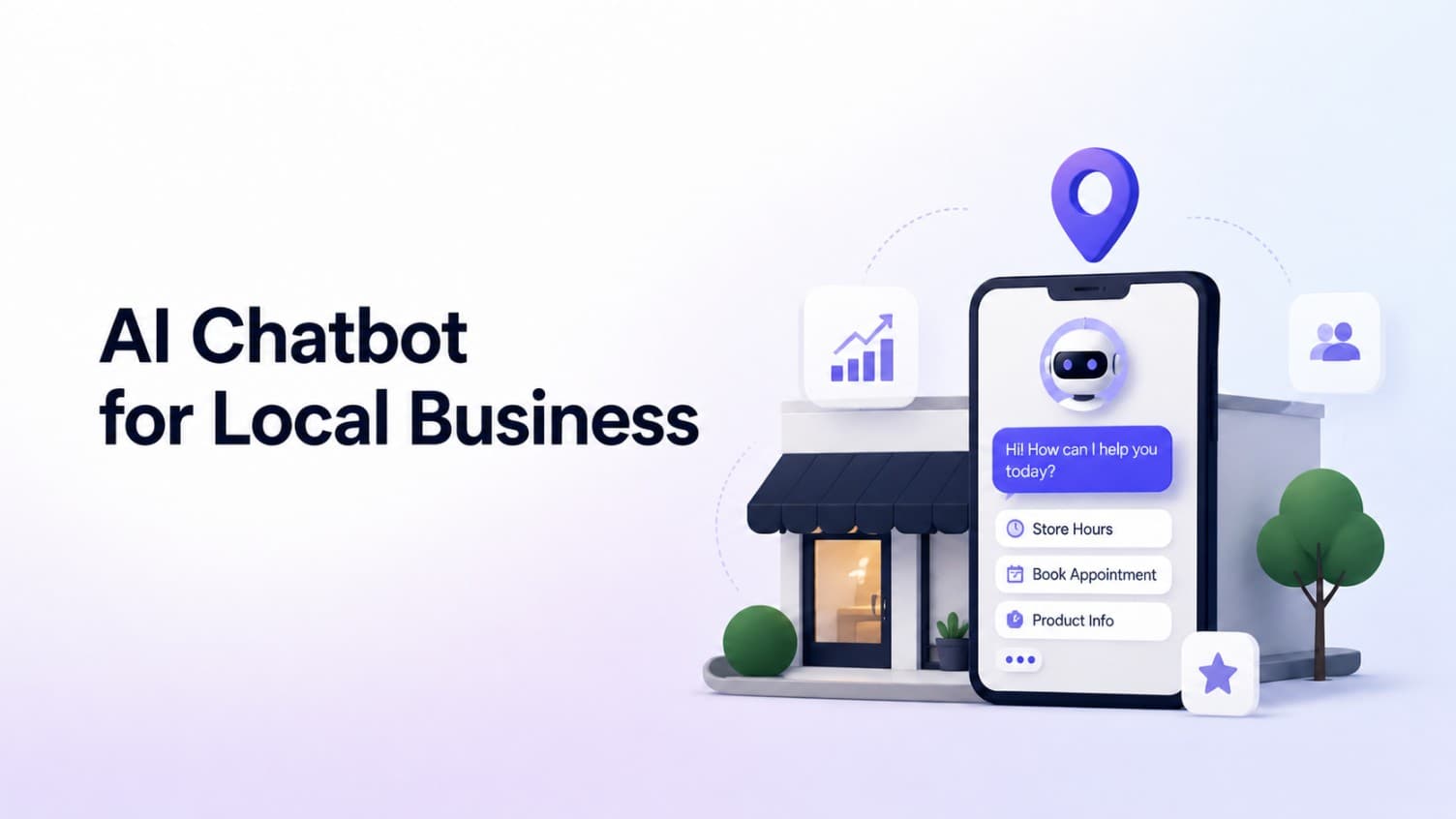
AI Chatbot for Small Local Businesses: A Practical Website Guide
A practical guide to AI chatbots for small business websites: what they answer, where they fit, and how local owners route visitors to booking or quote links.
 Leo Lee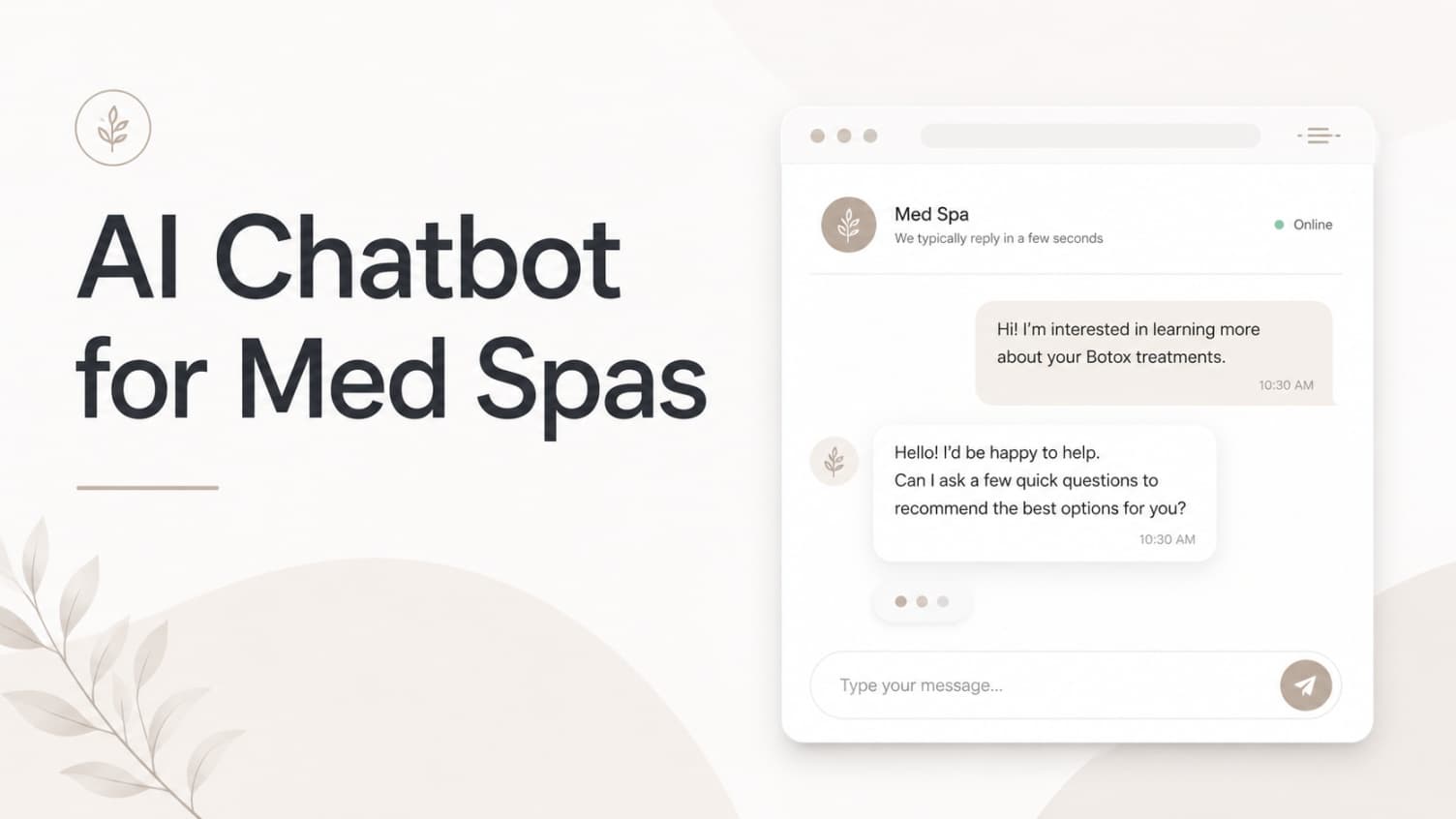
AI Chatbot for Med Spas: Route More Consult Requests from Your Website
A practical guide to med spa website chatbots: answer Botox, filler, laser, pricing, and consult questions, then route visitors to your existing booking path.
Leo Lee
AI Chatbot for Wellness Clinics: Answer First-Visit Questions Faster
A practical guide to wellness clinic website chatbots: answer physio, chiro, massage, pilates, yoga, and IV drip first-visit questions, then route ready visitors to booking or intake.
Leo Lee