Best AI Chatbot for Your Website in 2026: 8 Options Compared
Compare the best AI chatbot options for website use cases, from local business lead capture to support automation, CRM chatflows, and developer agents.
 Leo Lee12 min read
The best AI chatbot for your website depends on what the website is supposed to do.
If your site gets hundreds of support tickets, the strongest fit may be an AI customer service platform like Intercom or Zendesk. If your site needs lead qualification inside a CRM, HubSpot may be the easier choice. If you run a small appointment, consultation, or quote-based local business, the better question is narrower: which chatbot can answer the first question and route the visitor to the booking, quote, call, or contact path you already use?
That is the lens for this guide.
This is not a list of every AI chatbot product. It compares eight practical options and explains which situation each one fits. Pricing and product notes were checked against official pages on May 6, 2026, but AI chatbot pricing changes often, so verify the plan page before buying.
Quick answer
For most small business websites, the best AI chatbot is the one that can be installed quickly, answer from your real website and FAQ content, show the right next step, and avoid forcing the business into a new operating workflow.
Use this shortlist:
| Tool | Best fit | Pricing model to watch |
|---|---|---|
| CatchWhen | Local appointment, consultation, and quote-based businesses that want a Website Support Agent for booking/quote routing. | Simple monthly plans with response limits. Standard starts at $29/mo. |
| Intercom Fin | Larger support teams that want AI agent, inbox, help center, tickets, and workflow automation together. | Seat pricing plus Fin outcomes. Intercom lists Fin from $0.99 per outcome. |
| Zendesk AI Agents | Teams already using Zendesk for customer support. | Outcome-based pricing around automated resolutions. |
| Tidio / Lyro | SMB websites that want live chat, customer service add-ons, Lyro AI, and flows. | Lyro and Flows are priced as add-ons with conversation or visitor limits. |
| Chatbase | No-code teams that want a website or document-trained AI agent with message credits. | Monthly plans with message credits and knowledge limits. |
| HubSpot Chatbot Builder | CRM-led lead qualification, meeting booking, and sales handoff. | Free builder, with more functionality inside paid HubSpot hubs. |
| Landbot | Lead generation and guided conversation flows on websites, Messenger, and WhatsApp. | Chat and AI chat allowances; extra AI chats can add up. |
| Botpress | Technical teams that want to build custom AI agents and workflows. | Subscription plus AI Spend, which may be harder to forecast. |
If you want one rule: do not start by asking "which AI chatbot is most advanced?" Start by asking "what should happen after the visitor gets an answer?"
How to choose the right website AI chatbot
A website chatbot usually has one of four jobs.
It can answer support questions, collect and qualify leads, route visitors to appointments or quotes, or power a custom workflow built by a technical team. Many tools can do more than one of these jobs, but most are clearly better at one.
Before comparing features, decide what kind of website you have:
| Website situation | What matters most | Better category |
|---|---|---|
| Small local business with booking or quote links | Fast setup, after-hours response, FAQ answers, routing to existing next steps. | Local business auto-response chatbot |
| SaaS or ecommerce team with ticket volume | Helpdesk integration, inbox, tickets, automation, reporting. | AI customer support platform |
| Marketing or sales site using a CRM | Lead qualification, meeting links, forms, sales routing. | CRM chatbot or flow builder |
| Product or technical team building custom agents | APIs, workflows, channels, model control, custom logic. | AI agent builder |
This matters because a med spa, salon, wellness studio, fitness studio, or quote-based local service usually does not need a full enterprise helpdesk. It needs the website to stop going silent when the owner is in a treatment room, with a client, teaching a class, or away from the phone.
For that kind of business, the chatbot's job is not to run the company. It is to answer first, then route.
1. CatchWhen
CatchWhen is built for small local business websites that lose high-intent inquiries when nobody can answer right away.
It is a strong fit when the visitor usually needs one useful answer before taking the next step:
- "Do you offer consultations?"
- "How do I book?"
- "Can I request a quote?"
- "What does the first visit look like?"
- "Do you offer this service?"
- "What is the best way to contact the team?"
CatchWhen trains on the business's website content, FAQs, and knowledge sources, then routes visitors to existing booking, quote, call, email, or contact paths. That distinction matters. It is not trying to replace Vagaro, Mindbody, Jane, Square Appointments, Jobber, a contact form, or a booking page. It sits in front of those tools as a Website Support Agent.
Best fit:
- Med spas and aesthetic clinics
- Beauty studios
- Wellness clinics and studios
- Appointment-based local services
- Quote or consultation-based websites
- Small teams that want no-code setup
Watch out:
- If you need a full ticketing platform, workforce management, or enterprise support routing, CatchWhen is intentionally lighter than Intercom or Zendesk.
- If your website has almost no traffic or no clear booking/contact path, fix the website basics first.
For a deeper category guide, read AI Chatbot for Small Local Businesses. For setup, start with the website embed guide.
2. Intercom Fin
Intercom Fin is one of the strongest options for teams that want an AI customer service agent connected to a full support platform.
Intercom's pricing page lists Fin from $0.99 per outcome and combines Fin with Intercom plans such as Essential, Advanced, and Expert. Intercom also offers Fin for teams that already have another helpdesk, with no seats required for that standalone Fin path.
Best fit:
- SaaS companies with real support volume
- Teams that need inbox, tickets, help center, reporting, and AI agent automation
- Companies that want AI handoff into a mature support workflow
Watch out:
- Outcome-based pricing can be reasonable when it replaces a measurable support workload, but it is less predictable than a simple monthly plan.
- For a small local business that only needs website answers and booking-link routing, Intercom may be more system than necessary.
Intercom is a better "support operations" choice than a lightweight website widget choice.
3. Zendesk AI Agents
Zendesk AI Agents make the most sense when Zendesk is already the center of the support operation.
Zendesk describes its AI agent pricing around automated resolutions: you pay for customer interactions handled successfully by the AI agent without human intervention. That model aligns cost with resolved support volume, which can be useful for support teams with clear baselines.
Best fit:
- Existing Zendesk users
- Support teams with tickets, messaging, and help center content already in Zendesk
- Companies that want AI inside a broader CX platform
Watch out:
- If the website only needs an AI front door for booking, quote, or contact routing, Zendesk can be heavy.
- Outcome-based pricing needs clear definitions, caps, and internal buy-in. Zendesk's own outcome-pricing explanation notes that variable pricing can create forecasting and approval complexity.
Zendesk is not a bad choice for website chat. It is just a better choice when website chat is part of a larger support system.
4. Tidio / Lyro
Tidio is a practical SMB option because it combines live chat, automation flows, ticketing, and Lyro AI.
The official pricing page lists Lyro AI Agent as a customer service add-on starting at $32.50/mo from 50 Lyro AI conversations. Tidio also lists Flows from $24.17/mo, positioned around visitor-triggered lead and sales automation.
Best fit:
- SMB websites that want live chat plus AI
- Ecommerce and service businesses that want a fast all-in-one setup
- Teams that need automation flows without building a custom agent
Watch out:
- Pricing depends on which add-ons and usage levels you need.
- Make sure the AI conversation allowance matches your website traffic before comparing Tidio to flat monthly tools.
Tidio is a good default to evaluate when you want a packaged live chat and AI product rather than a developer platform.
5. Chatbase
Chatbase is a no-code custom AI agent builder for teams that want to train a chatbot on a website, help docs, files, and knowledge sources.
Its pricing page lists a free plan, Hobby at $32/mo when billed annually, Standard at $120/mo, and Pro at $400/mo. The Standard plan includes 4,000 message credits/month, help desk, voice, telephony, API access, personalization, auto retraining, and advanced integrations.
Best fit:
- Teams that want to launch a custom website AI agent quickly
- SaaS, service, and content-heavy websites with documents or help-center material
- No-code buyers who want a general-purpose website chatbot platform
Watch out:
- Message credits and knowledge limits matter. A plan that looks inexpensive can feel constrained if traffic or training content grows.
- General-purpose AI agents still need clear routing rules. If the business goal is booking or quote capture, test those paths directly.
Chatbase is a strong "train on your content" option, especially when the buyer wants a general AI agent rather than an industry-specific local business workflow.
6. HubSpot Chatbot Builder
HubSpot's chatbot builder is best understood as a CRM-connected chatflow tool.
HubSpot describes it as free software for qualifying leads, booking meetings, providing customer support, and scaling one-to-one conversations. The builder can use templates, no-code sequences, contact data from HubSpot Smart CRM, and follow-up automation.
Best fit:
- Businesses already using HubSpot CRM
- Sales and marketing teams that want lead qualification
- Websites where the next step is a booked meeting or CRM-owned sales handoff
Watch out:
- It is not the same thing as a standalone AI support agent trained deeply on your whole website.
- The real value comes when the website, CRM, email follow-up, and sales process already live in HubSpot.
If HubSpot is already your CRM, start there. If you do not use HubSpot, choosing it just for a website chatbot may create more system overhead than you need.
7. Landbot
Landbot is strongest when the website chatbot needs guided flow design, lead capture, routing, and WhatsApp or Messenger coverage.
Its pricing page lists a Starter plan at $45/mo, or $36/mo billed annually, for individuals and small businesses wanting chatbots on websites and Facebook Messenger. The plan includes 500 chats/month, 100 AI chats, and 2 seats, with extra AI chats listed at EUR1 per AI chat.
Best fit:
- Lead generation funnels
- Sales qualification flows
- WhatsApp-heavy businesses
- Teams that want visual control over conversation paths
Watch out:
- Flow builders can become complicated if every scenario gets its own branch.
- AI chat add-ons should be checked against expected volume.
Landbot is a better fit for guided sales and lead flows than for a pure knowledge-base support chatbot.
8. Botpress
Botpress is the most technical option in this list.
Its pricing page lists Pay-as-you-go at $0/mo plus AI Spend, and Plus at $79/mo billed annually plus AI Spend. Botpress also notes that AI Spend may be hard to forecast because it depends on LLM usage, tokens, and production volume.
Best fit:
- Product teams
- Developers
- Agencies building custom agents for clients
- Workflows that need APIs, custom actions, and multi-step logic
Watch out:
- More control means more design responsibility.
- AI Spend can be less predictable than a simple monthly response limit.
- A small local business without a technical owner may not want to maintain an agent builder.
Botpress is a good choice when you want to build the agent, not just install one.
Why ecommerce may need a different shortlist
If the website is primarily a Shopify or ecommerce store, tools like Gorgias may belong in the shortlist even though they are not in the main eight above.
Gorgias is built around ecommerce customer support, order context, returns, refunds, discounts, product recommendations, and ticket volume. Its pricing page describes AI Agent pricing around fully automated resolved conversations and ecommerce support workflows. That is useful for online stores, but it is a different buying decision from a local med spa, salon, or wellness studio trying to answer appointment questions and route visitors to a consultation link.
Use ecommerce-specific tools when order data is the center of the conversation. Use local business website chatbots when service questions and next-step routing are the center.
Pricing models to compare before buying
AI chatbot pricing can look simple until usage starts. The headline plan price is only one part of the decision.
Look at these pricing models:
| Pricing model | What it means | Risk |
|---|---|---|
| Flat monthly plan | You pay a monthly subscription for plan limits. | Easier to forecast, but limits may cap responses, sources, seats, or bots. |
| Seat-based pricing | You pay per teammate or agent seat. | Good for support teams, but expensive if many people need access. |
| Outcome-based pricing | You pay when the AI resolves or completes a defined outcome. | Aligned with value, but harder to forecast without caps and definitions. |
| Message or credit pricing | You pay by message credits, conversations, or AI chats. | Easy to start, but traffic spikes can change the real cost. |
| AI spend / token pricing | You pay for underlying model usage. | Flexible for builders, but hardest for non-technical buyers to estimate. |
For small local businesses, predictable pricing is usually more useful than elaborate automation. The owner needs to know what the chatbot costs before the month starts. For verified plan prices and a worksheet to estimate your own monthly number, see How Much Does an AI Chatbot Cost for a Small Business?.
What small local businesses should prioritize
If you run a med spa, beauty studio, wellness clinic, fitness studio, or appointment-based local service, use this checklist before choosing the best AI chatbot for your website:
- Can it answer from your real website, FAQ, policy, and service information?
- Can it route to the booking, quote, call, email, or contact path you already use?
- Can you install it without rebuilding your website?
- Can you test the same questions real visitors ask by phone, form, email, or DM?
- Does it handle after-hours inquiries without pretending to replace the owner?
- Does it admit when information is missing and show a safe contact path?
- Is pricing predictable enough for a small business budget?
- Can you review conversations and improve unanswered questions over time?
The best chatbot is not the one with the longest feature list. It is the one that changes what happens when a visitor asks a real question.
If the visitor gets an answer and a next step, the chatbot is doing its job.
Best AI chatbot for website FAQ
What is the best AI chatbot for a small business website?
For a small appointment, consultation, or quote-based business, the best fit is usually a no-code chatbot that answers from the business's own information and routes visitors to existing booking, quote, call, or contact links. CatchWhen is built for that workflow. Larger support teams should also evaluate Intercom, Zendesk, Tidio, Chatbase, HubSpot, Landbot, or Botpress based on their current tools.
Should I choose a support platform or a website chatbot?
Choose a support platform if your team already handles ticket volume, inbox routing, help center content, and support reporting. Choose a website chatbot if your main problem is unanswered website questions, after-hours inquiries, and weak routing to booking or quote paths.
Is outcome-based AI chatbot pricing good?
It can be good when the outcome is clearly defined and replaces measurable support work. It can be risky for small teams that need predictable costs, because resolved conversations or outcomes can vary by traffic and season.
Can an AI chatbot book appointments directly?
Some tools can connect to scheduling workflows, but many small businesses are better served by routing visitors to the booking link they already use. That avoids switching calendars or changing how the team confirms appointments.
How many AI chatbot tools should I compare before choosing?
Compare three to five tools that match your actual use case. A local service business does not need to evaluate every enterprise CX platform, and a Zendesk-heavy support team does not need to start with lightweight website widgets.
The practical takeaway
The best AI chatbot for website conversion is not always the biggest platform.
For enterprise support, Intercom and Zendesk are serious options. For CRM-led sales flows, HubSpot and Landbot make sense. For document-trained no-code agents, Chatbase and Tidio are worth testing. For developer-built workflows, Botpress gives more control.
For small local business websites, the deciding factor is simpler: can the chatbot answer the first question and route the visitor to the next step before the lead goes cold?
That is where CatchWhen fits. It answers from your business information, keeps your existing booking or quote tools in place, and gives visitors a clear path forward.
Answer quickly. Route clearly. Let the website do the rest.

Article by
Leo Lee
Leo Lee is the founder and builder of CatchWhen, a Customer Support AI System that creates AI Support Agents for appointment-based local businesses. CatchWhen helps med spas, salons, wellness clinics, and other independent service businesses answer customer-facing website inquiries and route ready leads into the booking, quote, or contact tools they already use. Leo writes about the workflows, guardrails, and infrastructure behind production-ready AI customer support agents.
Keep reading
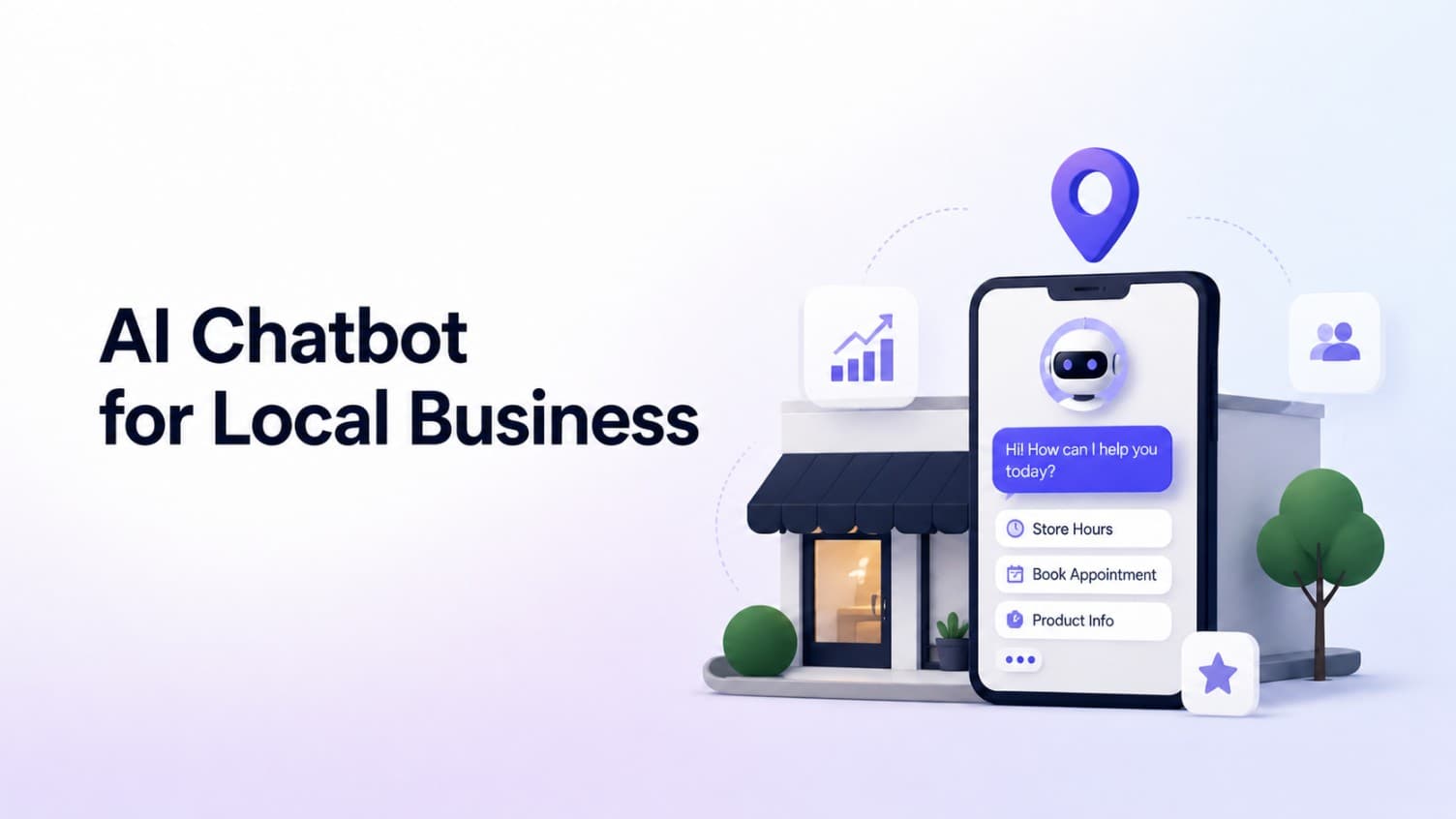
AI Chatbot for Small Local Businesses: A Practical Website Guide
A practical guide to AI chatbots for small business websites: what they answer, where they fit, and how local owners route visitors to booking or quote links.
 Leo Lee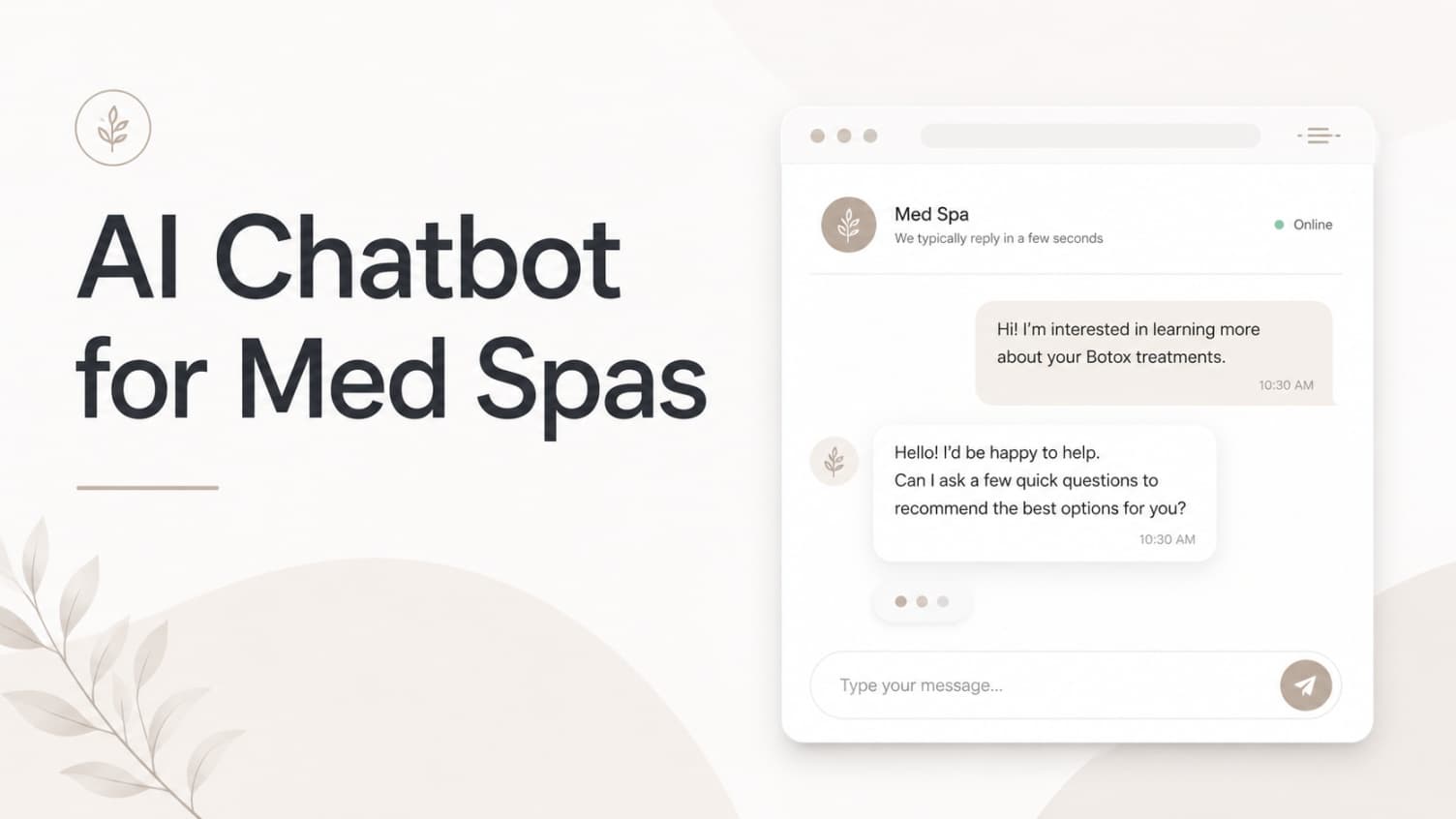
AI Chatbot for Med Spas: Route More Consult Requests from Your Website
A practical guide to med spa website chatbots: answer Botox, filler, laser, pricing, and consult questions, then route visitors to your existing booking path.
Leo Lee
AI Chatbot for Wellness Clinics: Answer First-Visit Questions Faster
A practical guide to wellness clinic website chatbots: answer physio, chiro, massage, pilates, yoga, and IV drip first-visit questions, then route ready visitors to booking or intake.
Leo Lee