How to Train an AI Chatbot on Your Website Content
How to train an AI chatbot on your website content without code: which knowledge sources matter, what to fix first, and why chatbots answer wrong.
 Leo Lee11 min read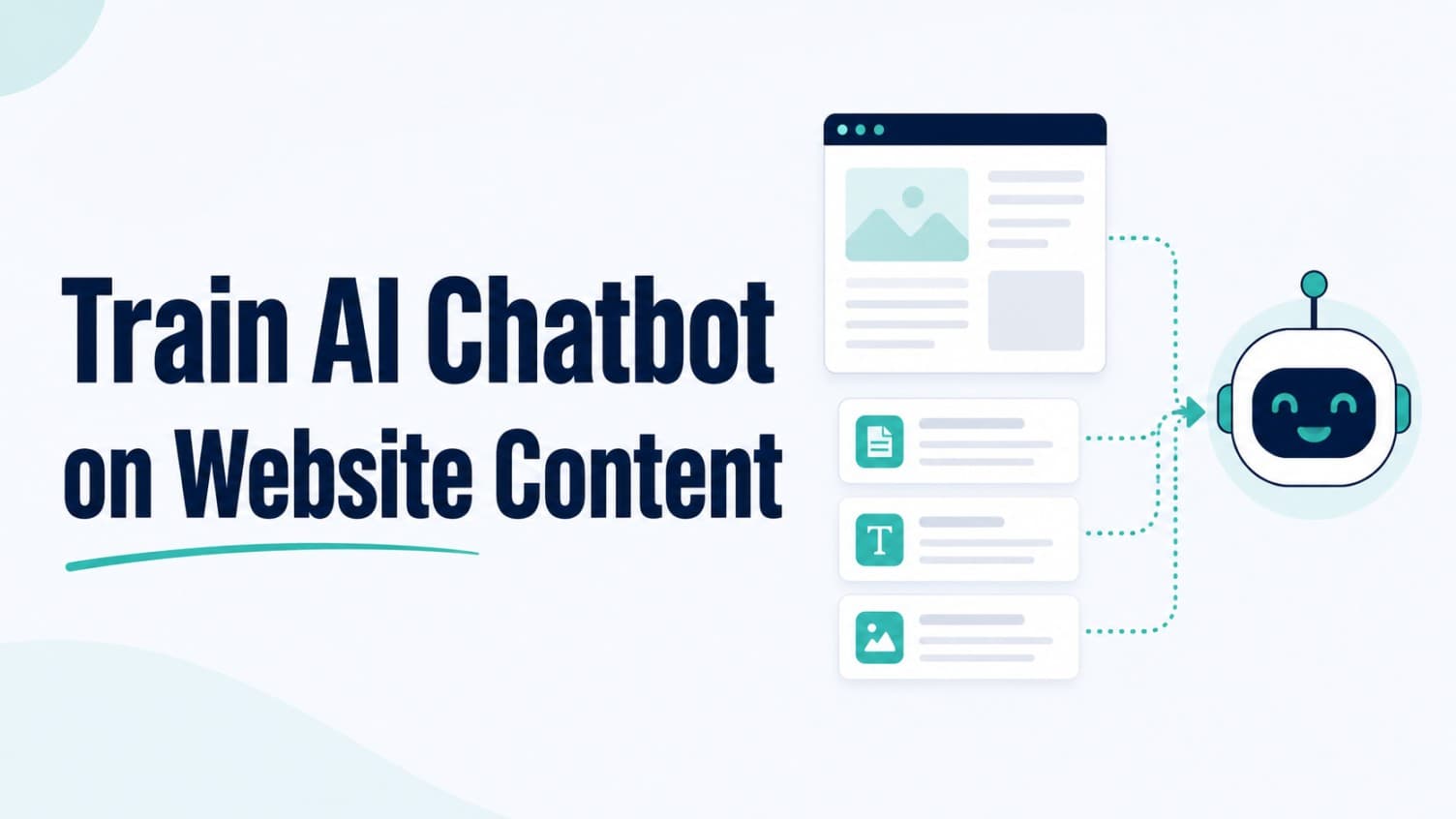
Training an AI chatbot sounds technical. For a small business, it mostly is not.
Modern no-code chatbots train on your website content: you connect your site, the platform reads your pages, and the chatbot answers customer questions from what you have published. No spreadsheets of dialogue, no programming, no machine learning degree.
Which means the real question is not "how do I train an AI chatbot?" It is "is my content good enough to train one?" When a chatbot gives a wrong, vague, or invented answer, the cause is almost always a gap in the content it was given, not a broken AI.
This guide covers what training actually means, which knowledge sources matter most, what to fix in your content before connecting it, what to keep out, and how to diagnose wrong answers after launch.
Quick answer
To train an AI chatbot on your website content:
- Connect your knowledge sources. Your website pages, FAQs, and key documents. The platform reads and indexes them.
- Audit the content first. The chatbot can only say what your content says. Missing prices, vague policies, and menu-speak service names become missing, vague, and confusing answers.
- Test with real customer questions. Ask the questions clients actually send, not the ones your homepage already answers well.
- Fix content, not just settings. When an answer is wrong, the fastest fix is usually editing or adding the underlying content, then retraining.
The work is editorial, not technical. An owner who can write a clear services page can train a good chatbot.
What "training" actually means for a no-code chatbot
The word "training" makes people picture engineers feeding data into a model for weeks. That is a real thing, and it is not what happens here.
A no-code website chatbot uses your content as its knowledge base. When a visitor asks a question, the system finds the most relevant pieces of your published content and answers from them. The underlying AI model already knows how to hold a conversation; your content tells it what is true about your business.
Two practical consequences follow from this.
First, you control the chatbot by controlling the content. There is no mysterious behavior to tune. If the chatbot says deposits are $50 and your policy page says $50, that is where the answer came from. Change the page, retrain, and the answer changes.
Second, the chatbot cannot answer what you never wrote down. If your site never explains whether new clients need a consultation, the chatbot either says it does not know or, on badly configured platforms, guesses. The cure for guessing is published, approved content plus a platform that admits uncertainty and routes to a human instead of inventing an answer.
The five knowledge sources, ranked by impact
Most platforms let you train the chatbot on your own data in several forms. The sources are not equally valuable. Here is the order that pays off for an appointment-based local business.
1. Your service pages
The highest-impact source, because most pre-booking questions are service questions. The test is whether each page answers, in plain client language: what the service is, who it is for, roughly what it costs or what affects cost, how long it takes, and how to book it.
2. Your FAQ content
FAQs are dense, question-shaped, and map directly to what visitors type into a chat. If you do not have a strong FAQ page yet, building one doubles as training material. The FAQ example posts for salons and med spas show the answer, boundary, route format that converts well in chat.
3. Policy and logistics pages
Cancellation rules, deposits, late arrivals, parking, first-visit instructions, intake forms. These produce the questions owners are most tired of answering by phone, and they are the easiest content to write because the answers are just facts.
4. Documents you already have
Price lists, prep and aftercare instructions, new-client packets. Uploading an existing document is faster than rewriting it as a web page, and it captures knowledge that often lives only at the front desk.
5. The questions you get asked anyway
Pull the last month of DMs, emails, voicemails, and walk-in questions. Anything asked twice belongs in your content. This source is last not because it matters least, but because it works best as a checklist against the other four: every repeated real question should have a home somewhere in your trained content.
Audit your content before you connect it
Connecting a messy website produces a confidently messy chatbot. Before training, run each key page through four checks.
Write in client language, not menu language. A page that lists "dimensional color" answers nothing for the visitor who asks "how much to fix my brassy blonde?" Add the words clients actually use, even if the service name stays professional.
One fact, one place. If your homepage says appointments require a deposit and your booking page says some appointments do, the chatbot inherits the contradiction. Decide which version is true and make every page agree.
Replace vague with honest. "Pricing varies" trains a useless answer. "Pricing starts at X and depends on length and density, confirmed at consultation" trains a useful one. You do not need exact numbers, you need the factors and the next step.
Date-check anything that expires. Holiday hours, promotions, seasonal services. Whatever is on the page when you train is what the chatbot believes until you retrain.
Here is the difference in practice:
Weak source content: "We offer customized facial treatments tailored to your unique skin journey."
Trainable content: "Our facials run 60 to 75 minutes and start at $120. First visit includes a skin consultation so the esthetician can recommend the right treatment. Book online or call to ask which facial fits your skin concern."
The first sentence gives the chatbot adjectives. The second gives it answers.
What to leave out of training data
Training on everything is a mistake. Keep these out:
- Anything you would not say to a customer. Internal notes, staff documents, supplier pricing. Assume every trained sentence can appear in a chat window.
- Prices you do not want quoted. If a price is consult-only, do not publish a number anywhere in trained content; publish the factors and the consult path instead.
- Promotions with end dates, unless you are disciplined about retraining when they expire. An expired discount quoted by a chatbot is a refund argument waiting to happen.
- Content that needs professional sign-off. For med spas and wellness clinics, anything touching treatment suitability, medical advice, or outcomes should be provider-approved before it enters the training set, and the chatbot should route those questions to a consult regardless.
- Other people's content. Training on a competitor's service descriptions or a manufacturer's marketing page imports claims you cannot stand behind.
The principle: training data is a promise. Only feed the chatbot statements your business is willing to honor.
Why chatbots answer wrong, and how to fix it
After launch, treat every bad answer as a diagnosis, not a malfunction. Almost all of them trace back to one of these causes.
| Symptom | Likely content cause | Fix |
|---|---|---|
| Invents a price or detail | No published guidance, and the platform fills gaps instead of admitting them. | Publish approved pricing factors; choose a platform that says "I don't know" and routes. |
| Gives outdated hours or promo info | Stale page in the training set. | Update the page, retrain, and add the page to your retraining trigger list. |
| Contradicts itself between chats | Two pages disagree about the same fact. | Apply one fact, one place; make pages agree, retrain. |
| Cannot answer a common question | The answer was never written down anywhere. | Add it to the FAQ or service page; the chat logs tell you which questions to add. |
| Answers correctly but unhelpfully | Source content is technically true but written in menu language. | Rewrite in client language with a clear next step. |
| Answers questions it should not touch | Sensitive content in the training set, or missing routing rules. | Remove the content; set the question category to route to staff. |
Notice that five of the six fixes are edits to content. This is good news: it means the owner, not a developer, holds the repair tools.
A systematic way to find these problems before customers do is a structured test pass. The 50 chatbot test questions script covers pricing, policies, edge cases, and the questions that should trigger a human handoff.
When to retrain
Retraining is not a maintenance chore on a calendar. It is triggered by changes. Keep a short list of events that always require it:
- A price, deposit, or cancellation policy changes
- A service is added, renamed, or discontinued
- Hours change, including seasonal and holiday hours
- A promotion starts or ends
- A provider or key staff member joins or leaves, if your content names them
- Your chat logs show a repeated question the chatbot keeps missing
The last trigger is the one that improves the chatbot over time. The first five just keep it honest. Platforms that retrain automatically when your website changes shrink this list; platforms that train from uploaded documents need you to remember which document holds which fact.
A practical rhythm for a small business: check the unanswered and badly-answered questions monthly, fix the content behind them, retrain, and move on. Fifteen minutes a month maintains what the initial setup built.
Where CatchWhen fits in the training workflow
CatchWhen is built around the approach this guide describes. You connect your website and the platform crawls and trains on your pages directly, so your service pages, FAQ, and policy pages become the chatbot's knowledge without retyping anything. FAQs and documents can be added as separate sources, and retraining picks up page changes so updated content replaces stale answers.
Two design choices matter for the content-gap problem specifically. The Website Support Agent answers only from your trained content and registered business information, and when it does not have an answer it says so and routes the visitor to your booking or contact path instead of improvising. The dashboard also surfaces unanswered questions, which is your monthly retraining trigger list, generated from real visitors.
For the decisions that come before training, see the website chatbot launch checklist. For the broader picture of what a website chatbot should do for a local business, start with AI Chatbot for Small Local Businesses.
AI chatbot training FAQ
Do I have to write every question and answer manually?
No. Modern no-code platforms train on your existing website pages, FAQs, and documents. Manual Q&A entries are useful as a supplement for questions your site does not cover yet, but the bulk of training should come from content you already maintain.
How long does it take to train an AI chatbot on a website?
The mechanical part usually takes minutes: the platform crawls your site and indexes the content. The real time investment is the content audit before training and the test pass after, which for a typical local business site is a few hours of focused work rather than days.
What happens when my prices or policies change?
The chatbot keeps answering from the content it was trained on until you retrain. Update the page or document, retrain, and verify with a quick test question. Keep a trigger list of changes that always require retraining: prices, policies, hours, services, and promotions.
Why does my chatbot make up answers?
Usually because the question has no answer in the trained content and the platform fills the gap instead of admitting it. The fix is twofold: publish approved content for the questions that matter, and use a platform that says it does not know and routes to a human instead of guessing.
The practical takeaway
Training an AI chatbot is not a technical project. It is an editorial one.
The platform handles the indexing in minutes. What determines whether the chatbot helps or embarrasses you is the content you feed it: service pages in client language, honest pricing guidance, consistent policies, and a habit of fixing the content behind every bad answer.
Audit first, train second, test third, and retrain when facts change. A chatbot trained on clear content does not need to be clever. It needs to be right, and that part has always been in your hands.

Article by
Leo Lee
Leo Lee is the founder and builder of CatchWhen, a Customer Support AI System that creates AI Support Agents for appointment-based local businesses. CatchWhen helps med spas, salons, wellness clinics, and other independent service businesses answer customer-facing website inquiries and route ready leads into the booking, quote, or contact tools they already use. Leo writes about the workflows, guardrails, and infrastructure behind production-ready AI customer support agents.
Keep reading
AI Chatbot for Small Local Businesses: A Practical Website Guide
A practical guide to AI chatbots for small business websites: what they answer, where they fit, and how local owners route visitors to booking or quote links.
 Leo Lee
AI Chatbot for Med Spas: Route More Consult Requests from Your Website
A practical guide to med spa website chatbots: answer Botox, filler, laser, pricing, and consult questions, then route visitors to your existing booking path.
Leo Lee
AI Chatbot for Wellness Clinics: Answer First-Visit Questions Faster
A practical guide to wellness clinic website chatbots: answer physio, chiro, massage, pilates, yoga, and IV drip first-visit questions, then route ready visitors to booking or intake.
Leo Lee