AI Chatbot vs Contact Form: Which Should a Local Business Website Use?
Compare an AI chatbot vs contact form for local business websites with a decision table, examples, and a setup that uses both without replacing your tools.
 Leo Lee11 min read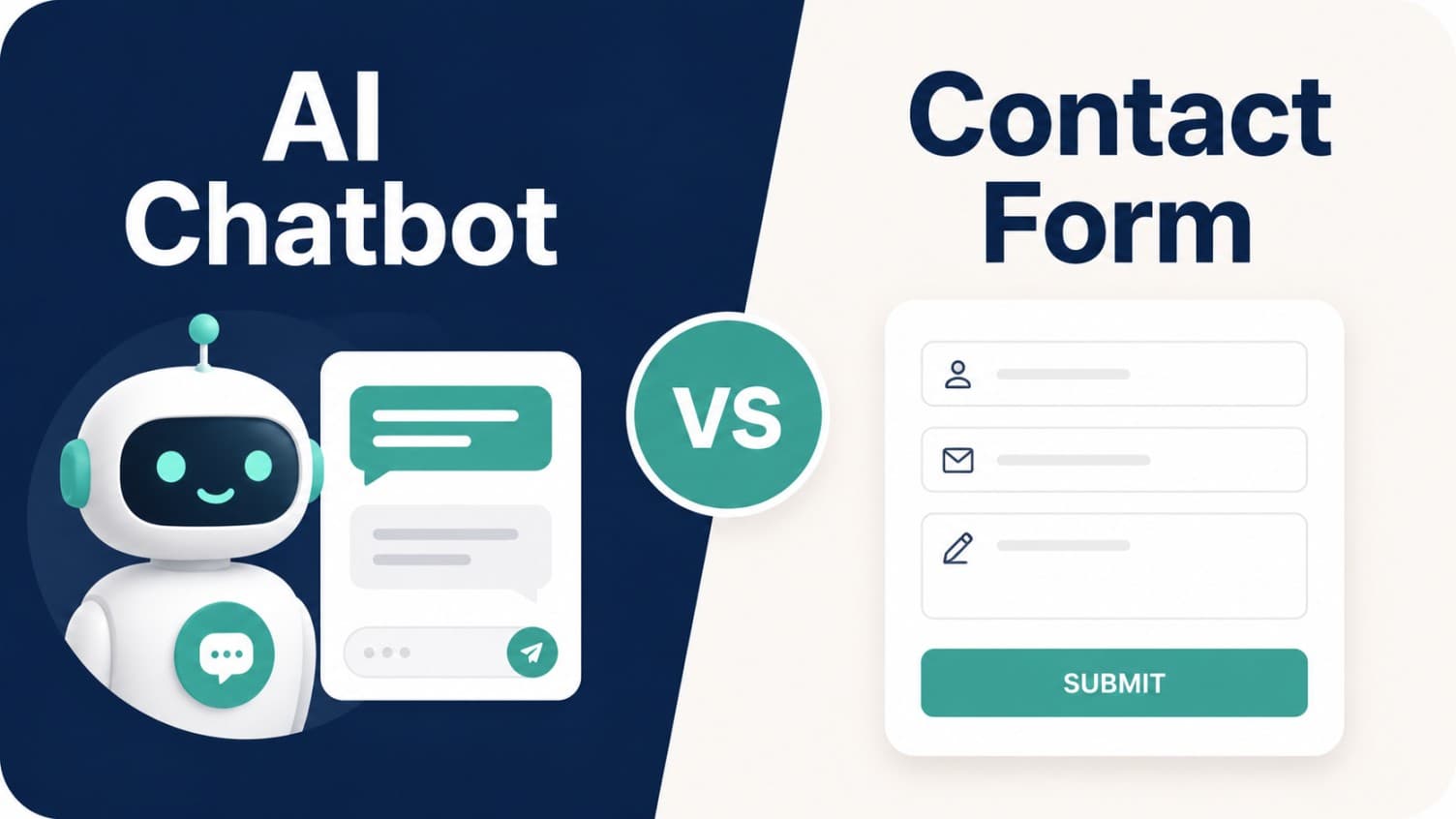
A contact form is useful when the visitor already knows what they want to send.
An AI chatbot is useful when the visitor still has a question before they are ready to send anything.
That is the practical answer to AI chatbot vs contact form for a local business website. The strongest setup is usually not one or the other. Keep the contact form for structured intake and records. Add a Website Support Agent when visitors need a first response, a clarifying question, or a route to the right booking, quote, call, or contact path.
The mistake is treating a chatbot as a shiny replacement for every form. A bad chatbot can create confusion. A lonely contact form can create delay. A chatbot can be a contact form alternative for simple first questions, but it should not erase the structured handoff a real request needs.
The better question is: which website moments need a live answer, and which moments need a clean submission?
Quick answer: AI chatbot vs contact form
Use a contact form when the visitor is ready to leave details.
Use an AI chatbot when the visitor needs help deciding what to do next.
Use both when the inquiry has value and the visitor might leave if the website makes them wait.
| Website moment | Better fit | Why |
|---|---|---|
| "I have a detailed request and want someone to reply." | Contact form | The form captures structured details and creates a record. |
| "I have one question before I book." | AI chatbot | The visitor needs a fast first response, not another blank form. |
| "I need a quote, but the business needs context." | Both | The chatbot can collect context, then route to the quote form. |
| "I want to book a real appointment." | Existing booking link | Neither tool should pretend to book unless it is integrated. |
| "I have a complaint, exception, refund, or sensitive issue." | Human handoff | The website should route carefully instead of improvising. |
| "I am browsing after hours and not ready to call." | AI chatbot plus form | The chatbot can answer first, then give a clean path to leave details. |
If the question is simple, public, and repeated, publish the answer too. The FAQ page vs AI chatbot guide explains that part of the system. This article focuses on the intake layer: form, chatbot, or both.
What a contact form does better
A contact form is not obsolete.
For a local business, a good contact form still does important work:
- It gives visitors a clear place to send a request.
- It creates a record that staff can review later.
- It can ask for required fields such as name, email, phone, service interest, preferred time, location, budget, or project details.
- It keeps the business from losing information across phone calls, sticky notes, and DMs.
- It gives staff a stable handoff point when the question cannot be answered automatically.
That matters for appointment, consultation, and quote-based businesses. A salon may need hair history before a color consult. A wellness clinic may need to know whether the visitor is a new patient. A local service business may need photos, address, timing, and project scope before quoting.
The form is strongest when the visitor is ready to submit.
The weakness is that many visitors are not ready yet.
They may be thinking:
- "Do I need a consultation first?"
- "Is this the right service?"
- "Can I book online?"
- "How soon can someone respond?"
- "Do you work with my situation?"
- "What information should I include?"
- "Will anyone see this tonight?"
A form does not answer those questions. It asks the visitor to do work before trust is built.
What an AI chatbot does better
An AI chatbot is strongest at the moment before the form.
It can answer the first question, ask one clarifying question, and route the visitor to the right next step. For a local business website, that next step is usually not a custom AI workflow. It is the booking link, quote request, phone number, email address, contact page, service page, or form the business already uses.
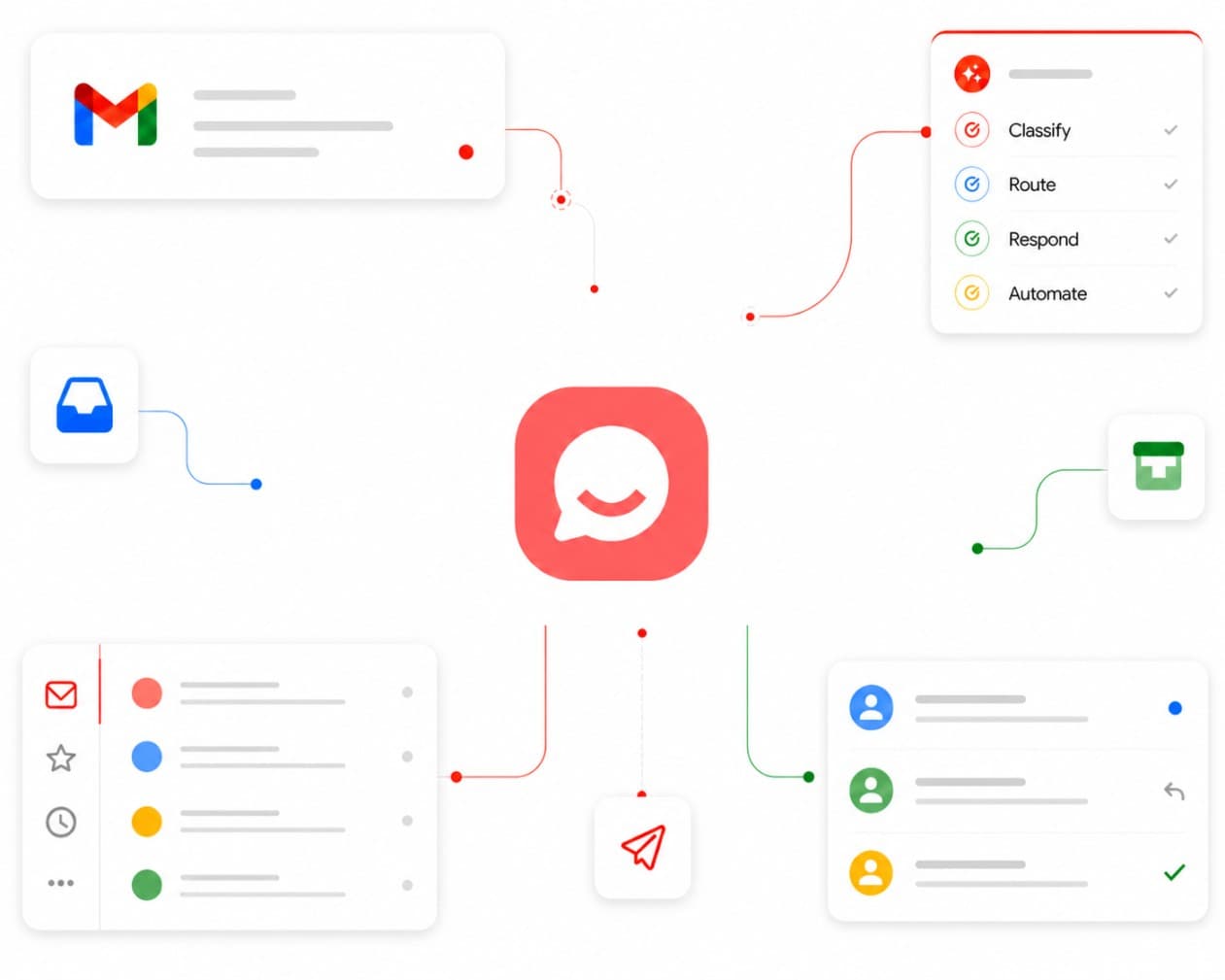
That is why CatchWhen describes the stronger version as a Website Support Agent. The job is not to replace the business's tools. The job is to help the visitor reach the right tool with more confidence and context.
A useful Website Support Agent can:
- answer from approved website, FAQ, policy, and service content
- explain which page, form, booking path, or contact method fits the question
- collect lightweight context before handoff
- avoid making promises that require staff review
- stay available after hours while the team is busy or closed
- show staff what visitors asked, so weak website content can be fixed later
The AI chatbot for website support guide covers that front-desk role in more detail.
The important boundary is this: the chatbot should not claim that a form was submitted, a quote was approved, an appointment was booked, or an exception was granted unless the website truly completed that action. If it only provided a link, it should say that.
The decision table
Use this table when deciding whether a page needs a contact form, an AI chatbot, or both.
| If the visitor needs to... | Use this | Setup rule |
|---|---|---|
| Ask one question before booking | AI chatbot | Answer briefly, then route to booking or consult. |
| Send a complete request for staff review | Contact form | Keep fields short, but capture what staff actually needs. |
| Choose between service options | AI chatbot plus service links | Clarify intent, then route to the right page or booking path. |
| Request a quote with project details | AI chatbot plus quote form | Let the chatbot explain what details are needed, then send to the form. |
| Handle a sensitive, complaint, refund, or exception request | Contact form or human contact | Do not let AI decide or negotiate. |
| Ask after-hours questions | AI chatbot plus contact path | Give a useful first answer and a way to leave details. |
| Book a confirmed appointment | Booking tool | Route to the real booking tool unless the chatbot is integrated. |
| Leave a simple "call me back" message | Contact form | Do not force chat if the visitor already knows what they need. |
This is the core model: chat answers the first question; forms capture the structured request; existing tools complete the action.
If you already installed a chatbot and it failed, use the website chatbot replacement checklist before replacing it. Many failed chatbots are really failed routing or source-content setups.
A three-layer website intake model
The cleanest local business setup has three layers.
Layer 1: Public answers
These are the pages visitors and search engines can read: service pages, pricing guidance, policies, FAQ pages, location pages, and new-client instructions.
This layer keeps the business from repeating the same answer everywhere. It also gives the AI something approved to use.
Layer 2: First response
This is the Website Support Agent. It answers questions from the public source content, clarifies the visitor's intent, and routes them to the right next step.
This layer is most useful when the visitor would otherwise hesitate, bounce, call later, or submit a vague form.
Layer 3: Structured action
This is the booking link, quote form, contact form, phone number, email address, intake form, or CRM process the business already uses.
This layer is where the real record lives. It is where staff confirm, quote, schedule, review, or reply.
| Layer | Tool | Ownership |
|---|---|---|
| Public answer | Website pages and FAQ | Owner, manager, marketer, or agency |
| First response | Website Support Agent | AI with approved boundaries and review |
| Structured action | Contact form, booking link, quote form, phone, email, CRM | Staff or existing business tools |
This model avoids a common trap. The business does not ask the contact form to answer questions, and it does not ask the chatbot to become the source of truth.
Local business examples
Salon
A visitor asks, "Should I book balayage or color correction?"
A contact form can collect details, but it does not help the visitor choose the next step. A Website Support Agent can explain that the answer depends on hair history and desired result, then route the visitor to a color consultation booking path or a short intake form.
Best setup: chatbot first, booking or intake form second.
Wellness clinic
A visitor asks, "What happens during the first visit?"
This is a strong AI chatbot question if the website has approved first-visit information. The chatbot can answer briefly and route to new-patient booking. The contact form should stay available for questions that need staff review.
Best setup: FAQ or service page as source, chatbot for first response, contact form for exceptions.
Med spa
A visitor asks, "How much will this treatment cost for me?"
The chatbot should not invent a final price or decide eligibility. It can explain the pricing boundary, route to consultation, and collect context only if the business wants that before staff review.
Best setup: chatbot with strict boundaries plus consult booking or contact form.
Quote-based local service
A visitor asks, "Can you quote this job?"
The chatbot can explain what details are needed: photos, address, timing, scope, and contact information. Then it should route to the quote request form.
Best setup: chatbot prepares the visitor; form captures the request.
Mistakes to avoid
The AI chatbot vs contact form decision goes wrong when the business makes one tool do every job.
Avoid these mistakes:
- Removing the contact form too early. Some visitors want a simple, quiet way to leave details.
- Using a chatbot with no source content. If the website does not publish the answer, the chatbot may guess or become vague.
- Making every question end with "contact us." That feels like a slower contact form, not support.
- Letting AI promise actions. Do not let the chatbot say it booked, submitted, canceled, quoted, refunded, or approved something unless that actually happened.
- Hiding human contact options. AI should reduce friction, not trap visitors.
- Not reviewing conversations. If visitors keep asking the same question, the website probably needs better content.
The U.S. Small Business Administration's AI guidance gives a sensible posture for small businesses: start small, test whether AI tools add value, and review output so it represents the business accurately. Source checked June 1, 2026.
The FTC's AI enforcement activity is also a useful reminder not to overstate what AI can do or use AI language for claims the business cannot support. Source checked June 1, 2026: FTC AI claims enforcement announcement.
Where CatchWhen fits
CatchWhen does not ask a local business to throw away its contact form, booking tool, quote process, CRM, phone number, or staff workflow.
It creates a Website Support Agent that starts with website inquiries. The agent answers from approved business content, routes visitors to the booking, quote, call, email, or contact path the business already uses, and stops before it makes decisions that belong to staff.
That makes CatchWhen a layer above the contact form, not a replacement for the business.
If your website only has a contact form today, the first upgrade is not "remove the form." The first upgrade is to answer the questions that stop people from using the form, booking link, quote request, or phone number in the first place.
If after-hours inquiries are the main issue, start with the after-hours website lead guide. If you are ready to add the first version, use the Website Chatbot Launch Checklist.
AI chatbot vs contact form questions
Can an AI chatbot replace a contact form?
Sometimes, but most local businesses should keep the contact form. The chatbot can answer first and route visitors, while the contact form remains the structured place to collect requests that need staff review.
Is a chatbot better than a contact form for lead capture?
A chatbot is better when visitors have questions before they are ready to submit. A contact form is better when visitors already know what they want to send. The strongest setup often uses the chatbot before the form.
Do I still need a contact form if I add an AI chatbot?
Yes, in most cases. A contact form gives visitors a simple fallback and gives staff a clean record. The chatbot should make the form easier to use, not erase it.
What should a chatbot do after hours?
It should answer from approved business content, route to booking or quote paths when appropriate, and offer a clear way to leave contact details. It should not promise that staff will respond instantly unless that is actually true.
Takeaway
Do not frame AI chatbot vs contact form as a winner-takes-all choice.
A contact form captures the request. A Website Support Agent answers the question before the request. Existing booking, quote, phone, email, and CRM tools complete the action.
When those jobs are separated, the website feels more helpful without forcing the business to rebuild its workflow.
Keep the form. Add the first response. Route to the tools you already trust.

Article by
Leo Lee
Leo Lee is the founder and builder of CatchWhen, a Customer Support AI System that creates AI Support Agents for appointment-based local businesses. CatchWhen helps med spas, salons, wellness clinics, and other independent service businesses answer customer-facing website inquiries and route ready leads into the booking, quote, or contact tools they already use. Leo writes about the workflows, guardrails, and infrastructure behind production-ready AI customer support agents.
Keep reading

AI Chatbot for Small Local Businesses: A Practical Website Guide
A practical guide to AI chatbots for small business websites: what they answer, where they fit, and how local owners route visitors to booking or quote links.
 Leo Lee
AI Chatbot for Med Spas: Route More Consult Requests from Your Website
A practical guide to med spa website chatbots: answer Botox, filler, laser, pricing, and consult questions, then route visitors to your existing booking path.
Leo Lee
AI Chatbot for Wellness Clinics: Answer First-Visit Questions Faster
A practical guide to wellness clinic website chatbots: answer physio, chiro, massage, pilates, yoga, and IV drip first-visit questions, then route ready visitors to booking or intake.
Leo Lee