FAQ Page vs AI Chatbot: Which Is Better for Local Business Websites?
Compare FAQ pages and AI chatbots for local business websites with a decision tree, examples, and a practical way to use both without tool switching.
 Leo Lee12 min read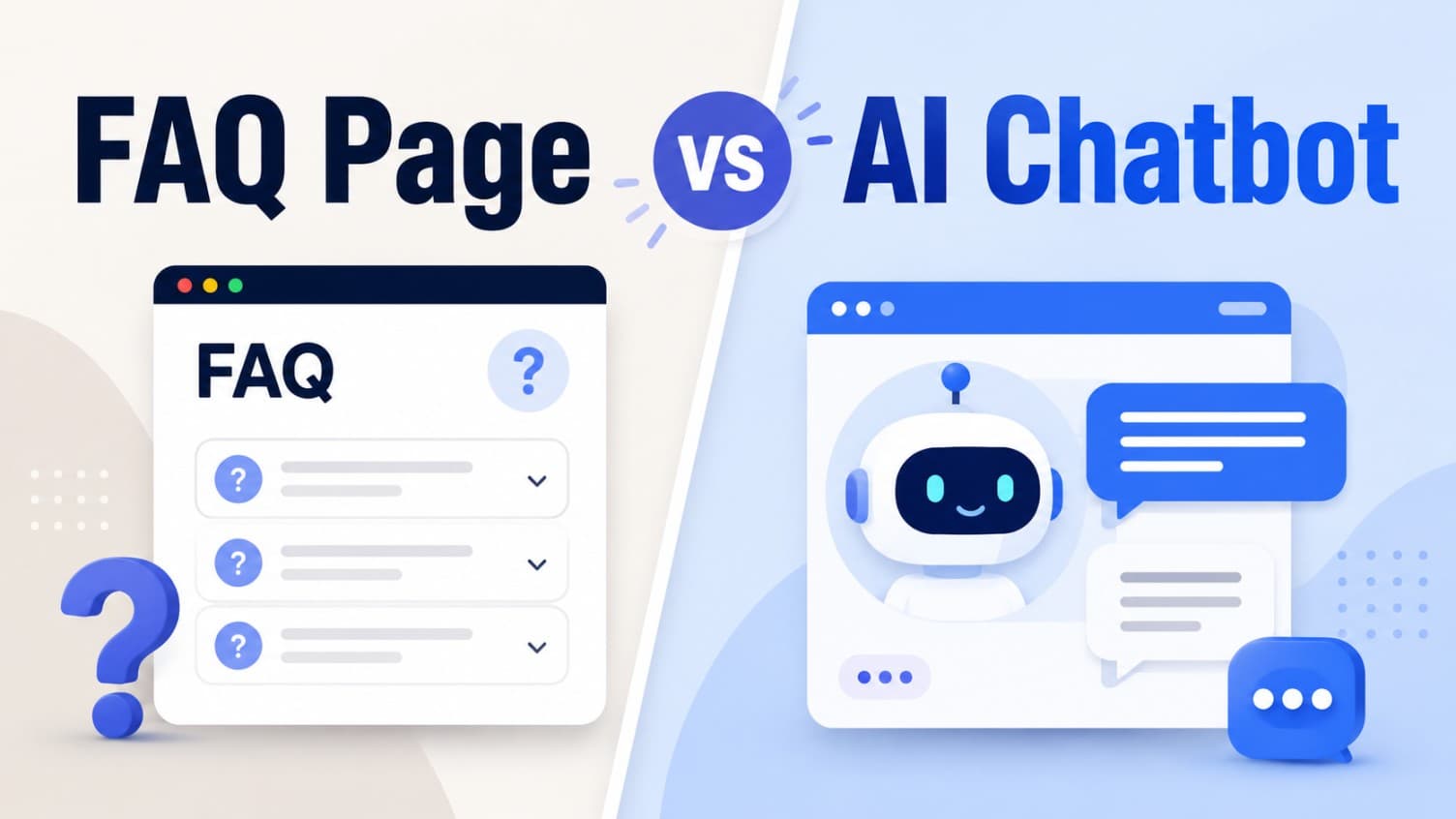
An FAQ page and an AI chatbot are not rivals. For a local business website, they solve different parts of the same problem.
An FAQ page is the stable public source. It gives visitors, search engines, staff, and AI tools a clear place to find approved answers. An AI chatbot is the first-response layer. It takes those approved answers, handles the visitor's wording in the moment, and routes the visitor to the booking, quote, call, or contact path that already exists.
If you are choosing between an FAQ page vs AI chatbot, the practical answer is this: use an FAQ page when the question is predictable and worth publishing. Use an AI chatbot when visitors ask different versions of that question and need help deciding what to do next. Use both when the question affects bookings, consultations, quotes, or high-value inquiries.
The mistake is treating the chatbot as a replacement for the FAQ page. A good Website Support Agent needs source content. A good FAQ page needs a way to turn readers into action. The strongest local business websites pair them.
Quick answer: FAQ page vs AI chatbot
Use an FAQ page when you need a public, searchable, reusable answer. Use an AI chatbot when the visitor needs a conversational first response and a clear next step.
Here is the simple split.
| Use case | Better fit | Why |
|---|---|---|
| Questions people search before they trust you | FAQ page | Public pages can rank, be linked, and show approved language. |
| Questions visitors ask in messy wording | AI chatbot | The chatbot can understand variants and ask clarifying questions. |
| Policy answers that should be consistent | FAQ page | A published policy avoids improvising. |
| Booking, quote, call, or consult routing | AI chatbot | The visitor needs to be sent to the right next step. |
| Sensitive, unclear, or exception-based questions | Human handoff | Neither a static FAQ nor a chatbot should guess. |
| Repeated questions with high booking intent | Both | Publish the answer, then let the chatbot use it and route. |
If the answer only needs to be read, an FAQ page may be enough. If the answer should lead to action, the chatbot earns its place.
The decision tree
Before adding a chatbot or writing another FAQ page, run the question through this decision tree.
-
Is this a question real visitors ask before they book, call, request a quote, or contact you? If no, do not build content around it yet. Keep the site focused on questions that affect action.
-
Can the business approve a clear public answer? If yes, put the answer on an FAQ page, service page, policy page, or pricing page. If no, write the boundary instead: what the visitor should do next and who reviews it.
-
Does the visitor need a next step after the answer? If yes, the chatbot can route them to booking, quote, call, email, contact, or consultation. If no, the FAQ page may be enough.
-
Does the question change based on service, location, timing, budget, or personal context? If yes, the chatbot can ask one clarifying question or route to staff. Do not force every variant into a long FAQ page.
-
Would you be uncomfortable if AI answered this while nobody was watching? If yes, publish a safe boundary and route to human review.
This keeps the decision practical. You are not choosing "static content" or "AI." You are deciding which questions deserve a published answer, which deserve a guided response, and which should stay human.
What an FAQ page does better
An FAQ page is strongest when the business needs a durable answer that everyone can see.
That matters for local businesses because the same question often appears in many places: Google search, service pages, booking flows, phone calls, DMs, emails, and in-person conversations. If the answer only lives in someone's head, every channel drifts.
A good local business FAQ page helps with four jobs.
- Public trust. Visitors can see that the business has answered the concern before.
- Search visibility. Specific questions can be found and linked.
- Staff consistency. The team can reuse approved language instead of improvising.
- AI source quality. A Website Support Agent can answer better when the approved answer exists on the site.
For example, a salon might publish:
Do I need a consultation before a color correction?
The answer can explain when a consultation is required, what photos to send, how long the visit may take, and where to book the consult. That FAQ helps the visitor even before chat is involved.
The problem is that many FAQ pages stop there. They answer the question, but they do not help the visitor act. The person still has to find the right booking link, choose the right service, or decide whether their situation needs staff review.
That is where the chatbot becomes useful.
What an AI chatbot does better
An AI chatbot is strongest when the visitor does not ask the question exactly the way the FAQ page says it.
A visitor may not type:
Do I need a consultation before color correction?
They might type:
I box dyed my hair black last month and want to go blonde. Can I book online?
That is not just an FAQ lookup. It is a first-response moment. The chatbot should understand the intent, answer from the salon's approved policy, and route the visitor to the correct consult path.
For local businesses, a good AI chatbot does five jobs better than a static FAQ page:
- Interprets messy customer wording.
- Asks one clarifying question when needed.
- Points to the right booking, quote, call, or contact link.
- Handles after-hours questions without making the owner monitor the inbox.
- Captures context for staff when the answer should not be automated.
That does not mean the chatbot should invent answers. It should rely on approved website content and FAQs, then route. If the answer is not in the business's source material, the right response is not confidence. It is a clear handoff.
The U.S. Small Business Administration's AI guidance gives a sensible posture for small businesses: start small, test whether AI tools add value, and review AI output so it represents the business accurately. Source checked May 31, 2026.
When you need both
Most appointment-based local businesses need both an FAQ page and an AI chatbot because the work splits cleanly.
The FAQ page stores approved answers. The chatbot turns those answers into a first response and a next step.
Use both when the question is:
- common enough to publish
- important enough to affect booking or quote intent
- nuanced enough that visitors phrase it in many ways
- risky enough that the AI needs a source and boundary
- actionable enough that the visitor should be routed somewhere after the answer
Med spas are a clear example. A clinic can publish an FAQ explaining that exact pricing depends on consultation, treatment area, product, and provider assessment. The chatbot can use that answer when someone asks, "How much is lip filler?" and then route to the consult request link. It should not decide candidacy or promise results.
The same pattern works outside med spas.
A wellness clinic can publish a first-visit FAQ, then use the chatbot to route new visitors to intake or booking. A fitness studio can publish trial-class rules, then use the chatbot to point first-time visitors to the right class pass. A quote-based service business can publish what information is needed for an estimate, then use the chatbot to collect project context before staff replies.
The FAQ page is the source of truth. The chatbot is the response path.
Source-response matrix
Use this matrix to decide what to write, what to automate, and what to keep human.
| Visitor question type | Put it on an FAQ page? | Let the chatbot answer? | Best next step |
|---|---|---|---|
| Hours, location, parking, contact details | Yes | Yes | Link to contact or location page. |
| Service availability | Yes, if stable | Yes, if documented | Link to service page or booking path. |
| Starting price or price range | Yes, if approved | Yes, with boundaries | Route to consult, quote, or booking. |
| "Which service should I choose?" | Maybe | Ask a clarifying question or route | Link to guide, consult, or staff review. |
| Medical, legal, safety, or eligibility question | Publish boundary | No personalized answer | Human review or consult. |
| Refund, complaint, exception, or dispute | Publish policy | Do not decide | Human handoff. |
| Live availability | Maybe | Only if integrated | Link to booking tool without promising a slot. |
| Quote request details | Yes | Collect context | Send to quote form or owner queue. |
This is also how you avoid the two common extremes.
One extreme is a giant FAQ page that tries to answer every possible version of every customer question. It becomes hard to scan and still leaves visitors unsure what to do next.
The other extreme is a chatbot with weak source content. It sounds modern, but it answers from thin air or sends everyone to "contact us."
The better setup is smaller and cleaner: publish the key answers, train the chatbot on them, and route the visitor clearly.
Bad vs better examples
These examples show the difference between "FAQ only," "chatbot only," and "FAQ plus chatbot."
Salon service selection
Visitor question:
I have dark brown hair and want balayage. Do I book balayage or consultation?
FAQ only:
Our balayage service is available for most hair types. See our color menu.
Chatbot without a strong FAQ:
You can book balayage here.
FAQ plus chatbot:
For dark hair, we recommend starting with a color consultation so the stylist can review your current color, goal shade, timing, and any previous dye. You can book the color consultation here: [booking link].
The better response uses approved policy and routes to the right service.
Wellness first visit
Visitor question:
I have never been to your clinic. Do I book a regular massage or first visit?
FAQ only:
New clients should read our first-visit page.
Chatbot without routing:
A first visit may be best.
FAQ plus chatbot:
New clients should start with the first-visit option because it gives the provider time to understand your goals and any relevant history. You can review the first-visit details here or book the first visit here: [booking link].
The visitor does not have to hunt through the site.
Quote-based local service
Visitor question:
Can you quote a small bathroom repair?
FAQ only:
We provide quotes for bathroom repairs.
Chatbot without boundaries:
Yes, it should be around $500.
FAQ plus chatbot:
We can help with small bathroom repairs, but the team gives a firm quote after reviewing the scope. Please send photos, address, preferred timing, and a short description through this quote form: [quote link].
The better answer avoids guessing and collects useful context.
Build the FAQ page before the chatbot
If your site has no useful FAQ content, start there.
That does not mean you need a massive FAQ hub. For most local businesses, the first version can be simple:
- List the 15 to 25 questions people ask before booking, calling, or requesting a quote.
- Group them by service, price, booking, policy, prep, first visit, and contact.
- Write short approved answers in the voice you want the business to use.
- Add the correct next step after each high-intent answer.
- Mark the questions that should route to staff instead of being answered directly.
Once that exists, adding an AI chatbot becomes less risky. The chatbot has approved source material, and the owner has a cleaner way to test it.
If you are planning the install, the Website Chatbot Launch Checklist shows the setup order. If you already launched a chatbot and it keeps giving weak answers, use the website chatbot failure audit before replacing it.
When an FAQ page is enough
Do not add a chatbot just because the website feels old.
An FAQ page may be enough when:
- the business gets low website traffic
- the questions are simple and rarely change
- visitors usually know exactly what they want
- there is no clear booking, quote, or contact path yet
- the team is not ready to review AI answers
- sensitive questions dominate the inquiry flow
In those cases, improve the FAQ page first. Make the answers clear. Add links to the right services. Put the most common questions near the relevant service pages instead of hiding everything on one page.
A chatbot will not fix a missing next step. If the site cannot explain what visitors should do after reading an answer, the chatbot will inherit that confusion.
When a chatbot is worth adding
An AI chatbot is worth adding when the website already has useful answers, but visitors still get stuck.
Good signs:
- people ask the same questions through calls, forms, emails, and DMs
- service pages are accurate but hard to navigate
- high-intent visitors need routing after the answer
- after-hours inquiries arrive when nobody can reply
- the owner wants better context before calling back
- the team can review the first week of conversations and fix gaps
This is where a Website Support Agent makes sense. It is not there to replace the FAQ page. It is there to make the FAQ page usable in a live visitor moment.
The AI chatbot for website support guide explains this as a front-desk job: answer common questions, route ready visitors, and hand off what should stay human.
Where CatchWhen fits
CatchWhen is built around the paired approach.
It trains from the business's website and FAQs, creates a Website Support Agent, answers customer-facing questions from approved content, and routes visitors to the existing booking, quote, call, or contact paths. The business does not need to replace its booking tool, calendar, CRM, or contact form.
That is the real difference between an FAQ page and a useful AI chatbot.
The FAQ page gives the answer a home. The Website Support Agent gives the visitor a path.
One without the other usually leaves a gap. A FAQ page can be accurate but passive. A chatbot can be responsive but weak without source content. Together, they let a small local business answer faster without pretending the AI can do everything.
That restraint matters. The FTC's AI enforcement actions are a reminder that businesses should not overclaim what AI can do or use AI as cover for unsupported promises. Source checked May 31, 2026: FTC AI claims enforcement announcement.
FAQ page vs AI chatbot questions
Should a local business replace its FAQ page with an AI chatbot?
No. A local business should usually keep the FAQ page as approved source content and use the AI chatbot as the first-response layer. The FAQ page creates a public answer; the chatbot helps visitors apply that answer and choose the next step.
Can an AI chatbot use my FAQ page as training content?
Yes, if the chatbot is designed to use website content and approved FAQs as source material. That is usually safer than asking AI to answer from a loose prompt or from memory.
Is an FAQ page better for SEO than a chatbot?
An FAQ page is better for public search visibility because it creates crawlable content on the website. A chatbot is better for live visitor response. The stronger setup is to publish useful FAQ content and let the chatbot use it during conversations.
What should an AI chatbot do when the FAQ page does not answer the question?
It should say the answer is not available from approved business content, collect useful context if appropriate, and route the visitor to a human, contact form, booking path, or quote request. It should not invent a confident answer.
Takeaway
The best local business website does not choose FAQ page or AI chatbot as if one makes the other obsolete.
It uses the FAQ page to make approved answers public. It uses the chatbot to turn those answers into a useful first response. And it uses human handoff for anything the business should not automate.
That is the clean operating model:
- publish what should be stable
- automate what should be responsive
- route what should become a booking, quote, call, or contact
- hand off what needs judgment
The FAQ page is where the answer lives. The AI chatbot is how the visitor gets unstuck.

Article by
Leo Lee
Leo Lee is the founder and builder of CatchWhen, a Customer Support AI System that creates AI Support Agents for appointment-based local businesses. CatchWhen helps med spas, salons, wellness clinics, and other independent service businesses answer customer-facing website inquiries and route ready leads into the booking, quote, or contact tools they already use. Leo writes about the workflows, guardrails, and infrastructure behind production-ready AI customer support agents.
Keep reading
AI Chatbot for Small Local Businesses: A Practical Website Guide
A practical guide to AI chatbots for small business websites: what they answer, where they fit, and how local owners route visitors to booking or quote links.
 Leo Lee
AI Chatbot for Med Spas: Route More Consult Requests from Your Website
A practical guide to med spa website chatbots: answer Botox, filler, laser, pricing, and consult questions, then route visitors to your existing booking path.
Leo Lee
AI Chatbot for Wellness Clinics: Answer First-Visit Questions Faster
A practical guide to wellness clinic website chatbots: answer physio, chiro, massage, pilates, yoga, and IV drip first-visit questions, then route ready visitors to booking or intake.
Leo Lee