AI Chatbot for Website Support: Your Site Needs a Front Desk
A practical guide to using an AI chatbot for website support as a first-response front desk: answer common questions, route visitors, and know when to hand off.
 Leo Lee10 min read
An AI chatbot for website support should do more than sit in the corner and answer random questions.
For a local business website, the better way to think about it is this: your website needs a small front desk. Not a full call center. Not a replacement for your booking system. Not an AI that pretends to be the owner. A front desk.
That means the website should greet the visitor's question, answer what is safe and known, point to the right next step, and know when a human should take over.
This is especially useful for appointment, consultation, and quote-based businesses. A med spa visitor may ask about consultations before booking. A salon client may not know which service to choose. A wellness clinic visitor may want to know what a first visit looks like. A home service lead may need to know whether a quote request is worth sending.
In all of those cases, the visitor is not asking for a brochure. They are asking for help deciding what to do next.
Quick answer: website support is the first-response job
An AI chatbot for website support is useful when it handles the first-response job your website usually leaves unfinished.
That job has five parts:
- Answer common questions from approved business information.
- Clarify the visitor's intent when the question is vague.
- Route the visitor to the right booking, quote, call, email, or contact path.
- Hand off questions that need a person.
- Give the owner a way to review what visitors keep asking.
If a chatbot only says "How can I help?" and then gives generic answers, it is just a widget.
If it answers from your real website, understands the next step, and stops before making risky promises, it becomes a website support layer.
That is why CatchWhen uses the phrase Website Support Agent. It is still familiar to searchers as a website chatbot, but the job is closer to a front desk for the website: answer first, route clearly, and keep the existing business workflow in place.
The website front desk scorecard
Use this scorecard before you buy, install, or rewrite a chatbot.
Greet the question
- Weak behavior
The visitor has to hunt through pages or submit a form.
- Better support
The visitor can ask in plain language and get a direct first answer.
Answer from approved information
- Weak behavior
The answer sounds generic or guesses beyond the site.
- Better support
The answer uses service pages, FAQs, policies, hours, locations, and approved guidance.
Help the visitor choose a next step
- Weak behavior
Every answer ends with "contact us."
- Better support
The answer points to the relevant booking, quote, call, email, or contact path.
Stop at the boundary
- Weak behavior
The bot sounds too confident about fit, price, results, or exceptions.
- Better support
The AI explains what is known and routes sensitive questions to a person.
Improve the website over time
- Weak behavior
Nobody reviews repeated questions.
- Better support
Repeated questions become better pages, FAQs, policies, and routing rules.
Most local business websites already do part of this. They list services. They show hours. They have a contact page.
The gap is the moment between "I found your website" and "I know what to do next."
A website support chatbot is valuable when it improves that moment.
What makes website support different from a normal chatbot
A normal chatbot is often measured by whether it can respond.
Website support should be measured by whether the visitor leaves with a useful next step.
That difference changes the whole setup.
A generic chatbot might answer:
Yes, we offer consultations. Please contact us for more information.
A website support answer should be more specific:
Yes. New clients usually start with a consultation so the team can understand your goals and confirm the right service. You can request a consultation here, or call the studio if you want to ask a question first.
The second answer does not need to be longer. It needs to do the front-desk job:
- answer the safe part
- explain the process
- offer the next step
- avoid pretending the consultation is already booked
This is the same reason a human front desk does not only answer questions. A good front desk helps the customer move through the business without confusion.
Your website should do a small version of that.
Job 1: answer the questions people ask before they act
Website visitors often ask questions that sound simple but carry buying intent.
They ask:
- "How much does this usually cost?"
- "Do I need a consultation first?"
- "Which service should I book?"
- "Do you work with new clients?"
- "Can I request a quote online?"
- "How long does the appointment take?"
- "Can someone answer this after hours?"
These are not just FAQ questions. They are hesitation questions.
If the answer is missing, the visitor may leave. If the answer is vague, the visitor may keep comparing. If the answer is useful, the visitor has a reason to keep moving.
Good website support starts with the questions that already happen every week by phone, DM, email, contact form, or front-desk interruption.
Do not start by asking, "What can AI automate?"
Start by asking, "What do customers ask before they book, request a quote, or call?"
Job 2: route visitors without replacing your tools
For a small business, the website support layer should not force a new operating system.
Most businesses already have a next step:
- a booking link
- a consultation request form
- a quote request form
- a phone number
- an email address
- a contact page
- a platform profile
The AI's job is to route the visitor to the right path, not replace every path.
That matters because tool replacement creates friction. A med spa may already run consultations through its current booking platform. A salon may rely on a booking tool with staff, service, and deposit rules. A wellness clinic may need an intake process. A local service business may need a quote form before it can estimate anything.
The first version of website support should respect those systems.
If the visitor asks a pricing question, the AI can give approved guidance and route to a consult, quote, or booking path. If the visitor asks about service fit, the AI can explain the published process and route to the human decision point. If the visitor wants to talk to someone, it should show the right contact path instead of trapping them in chat.
This is where many chatbots become annoying. They answer, but they do not route.
Website support should make the next step obvious.
Job 3: know what not to answer
An AI front desk should not be fearless. It should have boundaries.
The goal is not to make the chatbot sound confident in every situation. The goal is to make the customer experience clear and safe.
Published service details
- Good AI role
Explain from approved pages.
- Boundary
Update the source page if the answer is unclear.
Pricing guidance
- Good AI role
Share approved ranges, factors, or consultation process.
- Boundary
Do not invent a final quote.
Booking help
- Good AI role
Link to the correct booking or request path.
- Boundary
Do not claim live availability unless connected to a verified system.
Fit or eligibility
- Good AI role
Explain the general process and what a consultation is for.
- Boundary
Do not diagnose, approve, or reject the customer.
Policy exceptions
- Good AI role
Explain the published policy.
- Boundary
Route exception requests to staff.
Emotional or complex complaints
- Good AI role
Acknowledge and route to a person.
- Boundary
Do not argue, decide refunds, or make promises.
For med spas, wellness clinics, legal services, finance, and other sensitive categories, this boundary matters even more. The website support layer can explain the business's process. It should not give individualized advice that belongs to a licensed professional or qualified staff member.
The same principle applies to ordinary local services. If a quote depends on photos, measurements, availability, location, or a site visit, the AI should collect or route the request instead of pretending it can price the job.
Job 4: make after-hours support useful, not fake
Many local businesses are technically reachable after hours because the website is always online.
That does not mean customers get support.
The visitor may be on the site at 8:40 pm asking:
Do I need to book a consultation before treatment?
or:
Can I send photos for a quote?
or:
Which appointment should I choose as a first-time client?
A form alone can capture the message, but it does not answer the hesitation. A voicemail can capture the call, but it does not help the visitor decide whether to keep going.
Useful after-hours website support does three things:
- Answers the part the business has already approved.
- Sets the right expectation for what happens next.
- Gives the visitor a clean route to booking, quote, or follow-up.
It should not fake a human being. It should not promise that someone has reviewed the case. It should not say an appointment is confirmed if the visitor only clicked a link.
The goal is simple: keep the inquiry warm without overstepping.
Job 5: turn repeated questions into better website content
The best website support setup does not only answer questions. It shows you where the website is unclear.
If visitors keep asking "Do I need a consultation first?", the service page probably needs a clearer consultation section.
If people keep asking "Which service should I book?", the booking page may need better labels.
If quote requests arrive with missing details, the quote form may need better prompts.
If customers ask the same policy question every week, the policy page may be hard to find or too vague.
This review loop is important. The U.S. Small Business Administration's AI guidance tells small businesses to start small, test whether tools add value, review AI output, and keep customer trust in mind. For website support, that means the AI should not be a black box. It should help the business improve the answers customers actually need.
Good AI support creates better source content over time.
That is useful even if the customer never knows AI was involved.
Example: the same visitor question, three different support levels
Take this question:
How much does it cost?
A weak chatbot answer:
Prices vary. Please contact us.
This is safe, but it is not very helpful.
A risky chatbot answer:
It will cost $300.
This may be clear, but it can be wrong if the price depends on units, service type, location, provider, quote details, or consultation findings.
A better website support answer:
Pricing depends on the service and what the team recommends after reviewing your goals. If you are new, the best next step is to request a consultation so the team can confirm the right option and price range. You can start here.
The better answer does not claim more than the business knows. It answers the hesitation, explains the process, and routes the visitor.
That is the front-desk standard.
Where CatchWhen fits
CatchWhen is built for this website-first support job.
It creates a business-specific AI Support Agent that starts with website inquiries. The agent learns from the business's website, FAQs, contact details, and routing links. When a visitor asks a question, it answers from approved business information and points the visitor to the next step the business already uses.
That means CatchWhen is not trying to replace your booking tool, quote process, intake form, phone line, or staff judgment.
It sits before those paths.
The flow is:
- A visitor asks a question on the website.
- The Website Support Agent answers from trained business content.
- The visitor gets the relevant booking, quote, call, email, or contact route.
- The business confirms, reviews, or follows up through its normal process.
If you are still learning the category, start with the broader AI chatbot for small local businesses guide. If you are comparing terminology, use the AI chatbot vs AI Support Agent decision matrix. If you are preparing to launch, the website chatbot launch checklist gives you the setup order.
If you already tried a widget and it did not help, use the website chatbot failure audit before buying another one.
When a website support chatbot is not the first fix
A website support chatbot is not always the first thing to fix.
Start somewhere else if:
- your website gets almost no relevant traffic
- your service pages are so vague that there is nothing trustworthy to answer from
- your main leak is phone calls, not website visitors
- every inquiry requires licensed, legal, clinical, or staff-specific judgment
- your team will not review failed answers or repeated questions
- your booking or quote path is broken
In those cases, fix the source problem first.
Sometimes the right first step is clearer website copy. Sometimes it is a better booking page. Sometimes it is call handling. Sometimes it is staff training.
The best website support layer cannot rescue a confusing business process. It can make a clear process easier for visitors to use.
AI chatbot for website support FAQ
Is an AI chatbot for website support the same as live chat?
No. Live chat usually means a human or team answers visitors in real time. An AI chatbot for website support answers common questions automatically from approved business content and routes visitors to the next step. Some businesses use both.
Can a website support chatbot replace a front desk?
It should not replace staff judgment. It can handle first-response work: repeated questions, booking guidance, quote routing, contact paths, and after-hours support. A human should still handle exceptions, sensitive questions, complaints, and final decisions.
What should a website support chatbot not answer?
It should not diagnose, decide eligibility, guarantee outcomes, approve policy exceptions, promise live availability without an integration, or give final quotes that require review. It should explain the approved process and route the visitor to the right person or system.
Should I choose a website chatbot or a full AI front desk?
Choose the smallest layer that fixes the real leak. If visitors get stuck on your website before booking or requesting a quote, start with website support. If the bigger problem is missed calls, SMS, social messages, or multi-channel follow-up, a broader AI front desk or customer support system may come later.
Takeaway
Your website does not need to become a full support department.
But if real customers land there with real questions, it should do more than display pages and wait.
A useful AI chatbot for website support gives the website a small front desk: answer what is known, route what is ready, hand off what needs a person, and improve the source content as questions repeat.
That is the difference between adding a chatbot and adding support.

Article by
Leo Lee
Leo Lee is the founder and builder of CatchWhen, a Customer Support AI System that creates AI Support Agents for appointment-based local businesses. CatchWhen helps med spas, salons, wellness clinics, and other independent service businesses answer customer-facing website inquiries and route ready leads into the booking, quote, or contact tools they already use. Leo writes about the workflows, guardrails, and infrastructure behind production-ready AI customer support agents.
Keep reading
AI Chatbot for Small Local Businesses: A Practical Website Guide
A practical guide to AI chatbots for small business websites: what they answer, where they fit, and how local owners route visitors to booking or quote links.
 Leo Lee
AI Chatbot for Med Spas: Route More Consult Requests from Your Website
A practical guide to med spa website chatbots: answer Botox, filler, laser, pricing, and consult questions, then route visitors to your existing booking path.
Leo Lee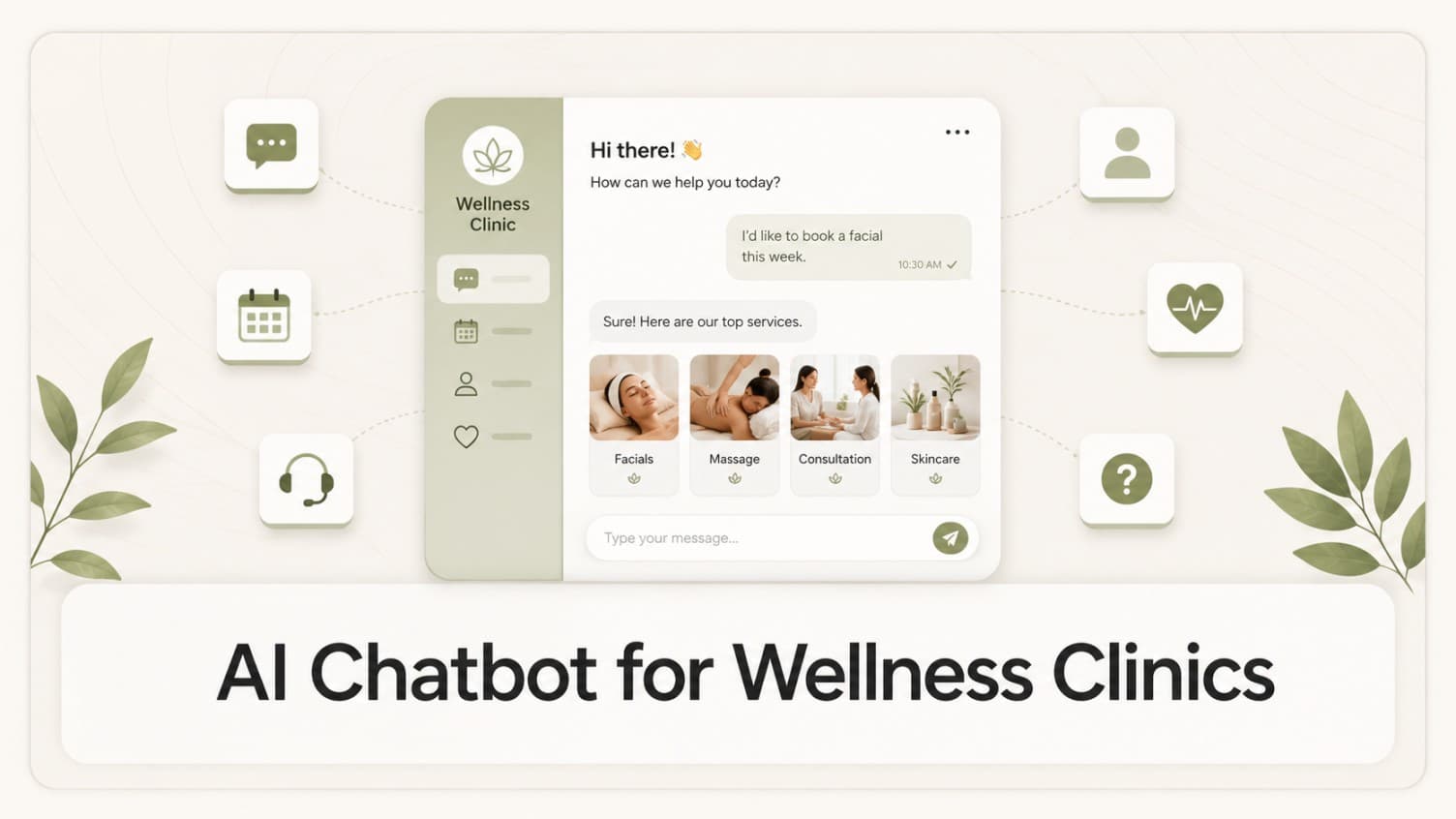
AI Chatbot for Wellness Clinics: Answer First-Visit Questions Faster
A practical guide to wellness clinic website chatbots: answer physio, chiro, massage, pilates, yoga, and IV drip first-visit questions, then route ready visitors to booking or intake.
Leo Lee