AI Chatbot vs AI Support Agent: Decision Matrix for Local Businesses
Use this AI chatbot vs AI Support Agent decision matrix to choose the right customer support workflow for a local business.
 Leo Lee11 min read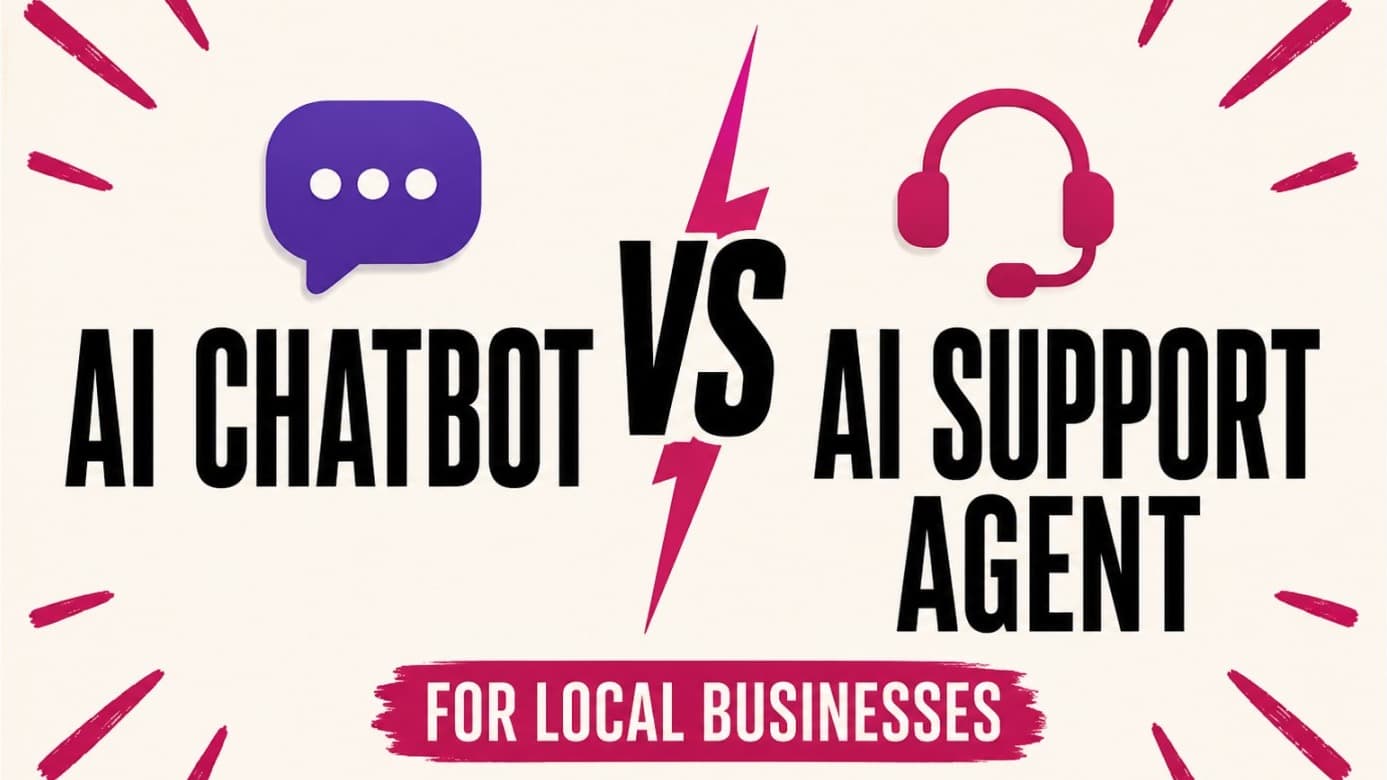
Many local business owners search for "AI chatbot vs AI agent" because the product names are confusing.
One tool says chatbot. Another says AI agent. Another says customer agent, virtual agent, assistant, copilot, or support automation. The words sound technical, but the real business question is simpler:
What should happen after a customer asks for help?
If the answer is only "show a reply," a basic AI chatbot may be enough. If the answer is "help the customer choose the next step and route them to booking, quote, call, or contact," you probably need an AI Support Agent. If the answer is "coordinate support across website, phone, SMS, social, and email over time," you are thinking about a broader Customer Support AI System.
For a small local business, that distinction matters more than the label on the software.
Quick answer: a chatbot answers, an AI Support Agent moves the customer forward
An AI chatbot is usually a conversational interface. It answers questions, guides customers through content, or follows a scripted flow.
An AI Support Agent should do a larger job. It should understand the customer's support moment, use approved business information, collect the context needed for follow-up, and route the person to the next action without pretending to replace the owner, provider, or front desk.
A Customer Support AI System is the layer above that. It organizes AI Support Agents across customer moments, source content, routing rules, handoff rules, and review loops. It is the operating model, not just the chat window.
That is the useful distinction:
- AI chatbot: answers or guides a conversation
- AI Support Agent: answers from approved business content and moves the customer to the right next step
- Customer Support AI System: manages support workflows across channels and agents over time
Official AI vendors use similar language, even if the terms vary. IBM describes AI agents as more autonomous systems that can work toward goals, use workflows, and decide when to call tools. IBM's chatbot overview describes chatbots as conversational interfaces that answer questions and can automate tasks when connected to systems. Zendesk's AI agent documentation also separates simple self-service from AI agents that use trusted knowledge sources, procedures, actions, integrations, and escalation.
Source links checked May 18, 2026.
For a local business, the point is not to chase the most advanced term. The point is to choose the smallest system that solves the real customer handoff.
The 3-layer local business decision matrix
Use this matrix before buying or launching anything.
| Layer | Best when | It should do | It should not do |
|---|---|---|---|
| AI chatbot | You need simple FAQ answers or a guided website conversation. | Answer known questions, link to pages, and collect basic details. | Make decisions, claim live availability, or handle sensitive exceptions. |
| AI Support Agent | Customers ask pre-booking, pre-quote, or pre-consultation questions and need context or a next step. | Answer from approved content, ask useful follow-up questions, apply boundaries, and route to booking, quote, call, email, contact, or staff review. | Replace your booking tool, diagnose customers, promise results, or pretend an action happened if it only routed the customer. |
| Customer Support AI System | You want a durable support layer that can coordinate multiple AI Support Agents over time. | Define support workflows, handoff rules, source content, channel roles, and review loops. | Launch every channel at once or act like humans are no longer needed for judgment-heavy support. |
The mistake is buying the third layer when the first layer is all you need, or buying the first layer when your customer support workflow actually needs the second.
A med spa customer asking "How much is lip filler?" is not only asking for a price. They are trying to decide whether the appointment is worth booking, whether a consultation is required, and whether there will be surprise costs later.
A salon customer asking "Which color service should I book?" is not asking for a generic service list. They are worried about booking the wrong appointment and getting turned away.
A home service customer asking "Can you come today?" may not need the AI to dispatch a technician. They need to know the right quote or callback path.
That is where an AI Support Agent becomes different from a chatbot. It is not just a talking box. It is a small workflow.
Choose an AI chatbot when the job is simple
A basic AI chatbot can be the right choice when your website has a narrow information problem.
Use a chatbot when the questions look like this:
- "What are your hours?"
- "Where are you located?"
- "Do you offer gift cards?"
- "What services do you provide?"
- "Do you have a parking lot?"
- "Where can I find your cancellation policy?"
These are answer-only questions. If your business already has clear pages and customers mostly need fast navigation, a chatbot can reduce friction without requiring a larger support workflow.
The risk starts when answer-only turns into decision-making.
For example, "Do you offer laser hair removal?" is usually a safe answer. "Am I a good candidate for laser?" is not the same question. A chatbot can explain the general consultation process, but a qualified person should handle individual suitability.
The same pattern applies outside med spas:
- A salon chatbot can explain that new color clients may need a consultation. It should not promise a correction outcome from one sentence.
- A wellness clinic chatbot can describe first-visit steps. It should not diagnose symptoms.
- A quote-based service chatbot can explain what affects pricing. It should not give a final quote without review.
If most customer questions are factual and low-risk, a chatbot may be enough. If many questions need next-step judgment, routing, or context collection, move up a layer.
Choose an AI Support Agent when the customer needs a next step
Most appointment, consultation, and quote-based local businesses do not lose leads because there is no information anywhere.
They lose leads because the customer gets stuck between information and action.
The customer thinks:
- "I just need it to answer prices."
- "Can it send people to my booking link?"
- "We already have a booking link, but people still get stuck."
- "I miss calls when I'm with a client."
- "Can it collect the details before I call back?"
- "What if it gives the wrong answer?"
That is an AI Support Agent problem.
An AI Support Agent should connect three things:
- The customer's question
- The business's approved answer
- The correct next step
For example:
| Customer asks | Good AI Support Agent behavior | Next step |
|---|---|---|
| "How much is Botox?" | Share approved pricing guidance or explain what affects price. | Route to consultation, pricing page, or contact. |
| "Which facial should I book?" | Ask whether they are new, what concern they have, and whether consultation is recommended. | Route to service page or consultation booking. |
| "Can I get a quote?" | Explain what details the business needs before quoting. | Route to quote form, callback, or contact path. |
| "Can someone call me?" | Collect useful context without pretending the call is scheduled. | Route to phone, contact form, or email. |
The product should not force the business to switch booking systems. A salon using Vagaro, a studio using Mindbody, a clinic using Jane, or a home service business using a quote form should not rebuild its operations just to answer recurring customer questions.
The support agent should fit around the workflow that already works.
Choose a Customer Support AI System when support is becoming multi-channel
A Customer Support AI System becomes relevant when one support agent is not the whole problem.
You may need a broader system when:
- Website, phone, SMS, email, and social inquiries all create missed leads
- Staff answer the same question differently across channels
- The business needs consistent handoff rules
- Support questions need source control, review, and improvement over time
- The owner wants one support strategy instead of separate disconnected bots
This does not mean you should launch everything at once.
For a 1-10 person local business, starting with every channel can create more complexity than value. The cleanest first agent is usually the support moment where source content, risk, and next step are clearest. For one business, that may be website inquiries. For another, it may be quote intake or after-hours contact collection.
Start where the source content and next step are clearest. Then expand only when the first agent is working.
That is why the phrase Customer Support AI System is useful. It describes the direction without pretending that a small business needs an enterprise help desk on day one.
The 7-question choice test
Use this test before deciding what to buy.
| Question | If yes | If no |
|---|---|---|
| Do customers ask the same factual questions every week? | A simple chatbot may help. | Automation may not be the first priority. |
| Do customers get stuck before booking, requesting a quote, or contacting you? | Consider an AI Support Agent. | Improve basic source content or navigation first. |
| Do answers need approved source content and clear boundaries? | Use an agent with source control and handoff rules. | A lighter FAQ widget may be enough. |
| Do customers need routing to existing tools? | Choose a support agent that respects your booking, quote, call, and contact paths. | Do not overbuy routing features you will not use. |
| Does the AI need to complete actions inside other systems? | You may need deeper integrations or a broader support platform. | Start with answer-and-route instead of action automation. |
| Do you have enough support volume for a help desk or ticketing platform? | Evaluate larger customer service platforms. | Use a focused first-response workflow before buying a larger platform. |
| Would a wrong answer create medical, legal, financial, or safety risk? | Keep those decisions human and route carefully. | Low-risk answers can be automated first. |
If you answer yes to questions 2, 3, and 4, you probably do not need just a chatbot. You need an AI Support Agent.
If you answer yes to questions 5 and 6, you may need a larger customer service platform or a more mature Customer Support AI System.
If you answer yes to question 7, do not let any vendor talk you into full automation before the boundaries are written.
Bad vs better examples
The difference between a chatbot and a support agent is easiest to see in the answer quality.
Bad answer
Yes, you can book tomorrow.
Better answer
I do not have live availability here. You can check the current schedule and book through this link, or contact the team if you need help choosing the right appointment.
The better answer avoids pretending it has calendar access.
Bad answer
You are a good candidate for filler.
Better answer
I cannot determine treatment suitability here. The safest next step is a consultation so the provider can review your goals, health history, and options.
The better answer protects the customer and the business.
Bad answer
Your request has been submitted.
Better answer
I can help you get to the right place. Please use this quote request form or call the team here. If you share the project details in the form, they can follow up with better context.
The better answer does not pretend an integration exists.
This is the line to watch when evaluating tools. A support agent does not need to sound more confident. It needs to know when confidence is the problem.
Where CatchWhen fits
CatchWhen is built for the middle layer of the matrix: an AI Support Agent inside a broader Customer Support AI System.
Today, CatchWhen implements that layer through a Website Support Agent for website inquiries. That means it is a fit when customers on your website ask questions like:
- "How much does this cost?"
- "Do I need a consultation?"
- "Which service should I choose?"
- "Can I book online?"
- "Can I request a quote?"
- "Can someone call me?"
The point is not to replace your booking software, front desk, provider judgment, or quote process. The point is to make the website stop going silent before the customer reaches those paths.
In this article's decision matrix, CatchWhen should be judged by whether it helps you:
- Use approved website, FAQ, and business content
- Give clear answers to common pre-booking or pre-quote questions
- Route customers to the booking, quote, call, email, or contact paths you already use
- Set human-only boundaries for sensitive questions
- Review gaps after launch and improve the source content
If you need enterprise ticket routing, call center automation, or a full help desk, CatchWhen may be too narrow for that job right now. If you need the website to answer the first question and move a ready customer to the next step, that is the job it is designed for.
For setup details, use the Website Chatbot Launch Checklist. Before launch, test risky answers with the 50 AI chatbot test questions. If you are still comparing products, the best AI chatbot for website comparison explains when a broader platform may make more sense.
Common questions
Is an AI Support Agent just another name for a chatbot?
Sometimes vendors use the terms loosely, so you have to inspect the actual workflow. In this guide, an AI Support Agent means more than a reply box: it answers from approved business content, applies boundaries, collects useful context, and routes the customer to the next step.
Should a local business start with an AI chatbot or an AI agent?
Start with the customer's job. If customers only need factual answers, a chatbot may be enough. If customers need help deciding what to book, how to request a quote, or when to talk to a person, start with an AI Support Agent. If you are evaluating CatchWhen specifically, its current agent starts with website inquiries.
Does an AI Support Agent replace booking software?
No. For most local businesses, the better pattern is to keep the existing booking, quote, call, and contact tools in place. The agent should sit before those tools and help the customer reach the right one.
What should an AI Support Agent never answer?
It should not diagnose, determine eligibility, make legal or financial recommendations, promise exact outcomes, waive policies, give final quotes without review, or claim to complete actions it cannot verify.
When do I need a full Customer Support AI System?
You need a broader system when support is spread across multiple channels, staff need consistent handoff rules, and the business wants source control and review loops over time. Start with the cleanest high-intent support moment first; for CatchWhen today, that starting layer is website inquiries.
The practical takeaway
Do not buy based on the label.
Buy based on the support moment.
If the customer needs a quick factual answer, a chatbot may be fine. If the customer needs to understand the next step before booking, requesting a quote, or contacting the team, choose an AI Support Agent. If the business needs consistent AI support across multiple channels over time, think in terms of a Customer Support AI System.
For many local businesses, the best first move is the middle layer: a focused AI Support Agent that answers carefully, routes clearly, and stops before human judgment is required.

Article by
Leo Lee
Leo Lee is the founder and builder of CatchWhen, a Customer Support AI System that creates AI Support Agents for appointment-based local businesses. CatchWhen helps med spas, salons, wellness clinics, and other independent service businesses turn missed customer questions into clear first responses, starting with website inquiries that route ready leads into the booking, quote, or contact tools they already use. Leo writes about the workflows, guardrails, and infrastructure behind production-ready AI customer support agents.
Keep reading
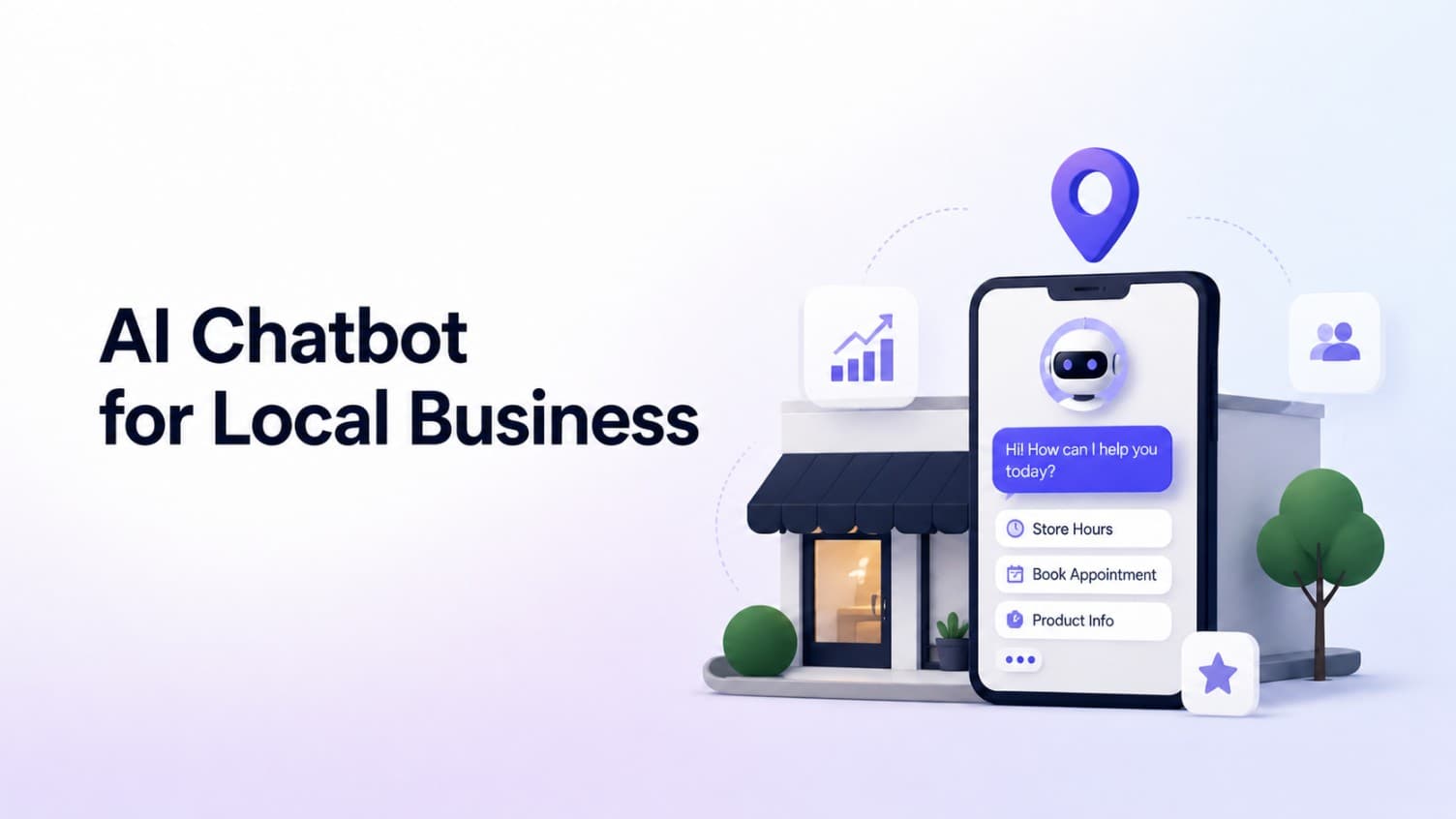
AI Chatbot for Small Local Businesses: A Practical Website Guide
A practical guide to AI chatbots for small business websites: what they answer, where they fit, and how local owners route visitors to booking or quote links.
 Leo Lee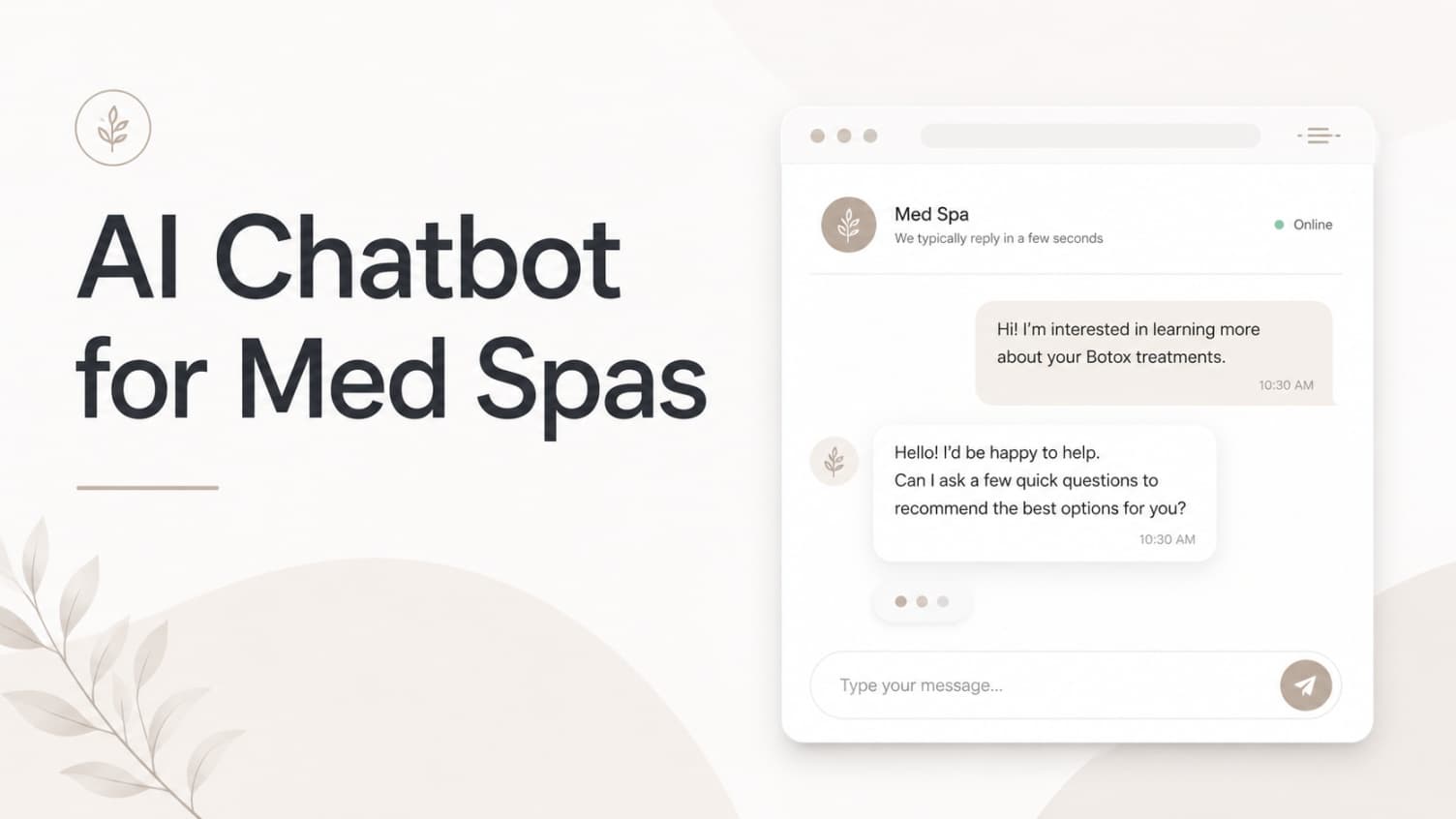
AI Chatbot for Med Spas: Route More Consult Requests from Your Website
A practical guide to med spa website chatbots: answer Botox, filler, laser, pricing, and consult questions, then route visitors to your existing booking path.
Leo Lee
AI Chatbot for Wellness Clinics: Answer First-Visit Questions Faster
A practical guide to wellness clinic website chatbots: answer physio, chiro, massage, pilates, yoga, and IV drip first-visit questions, then route ready visitors to booking or intake.
Leo Lee