How to Automate Customer Service for a Small Business: 7-Step Playbook
Learn how to automate customer service for a small business with a 7-step playbook: answer FAQs, route customers, preserve context, and keep humans in control.
 Leo Lee12 min read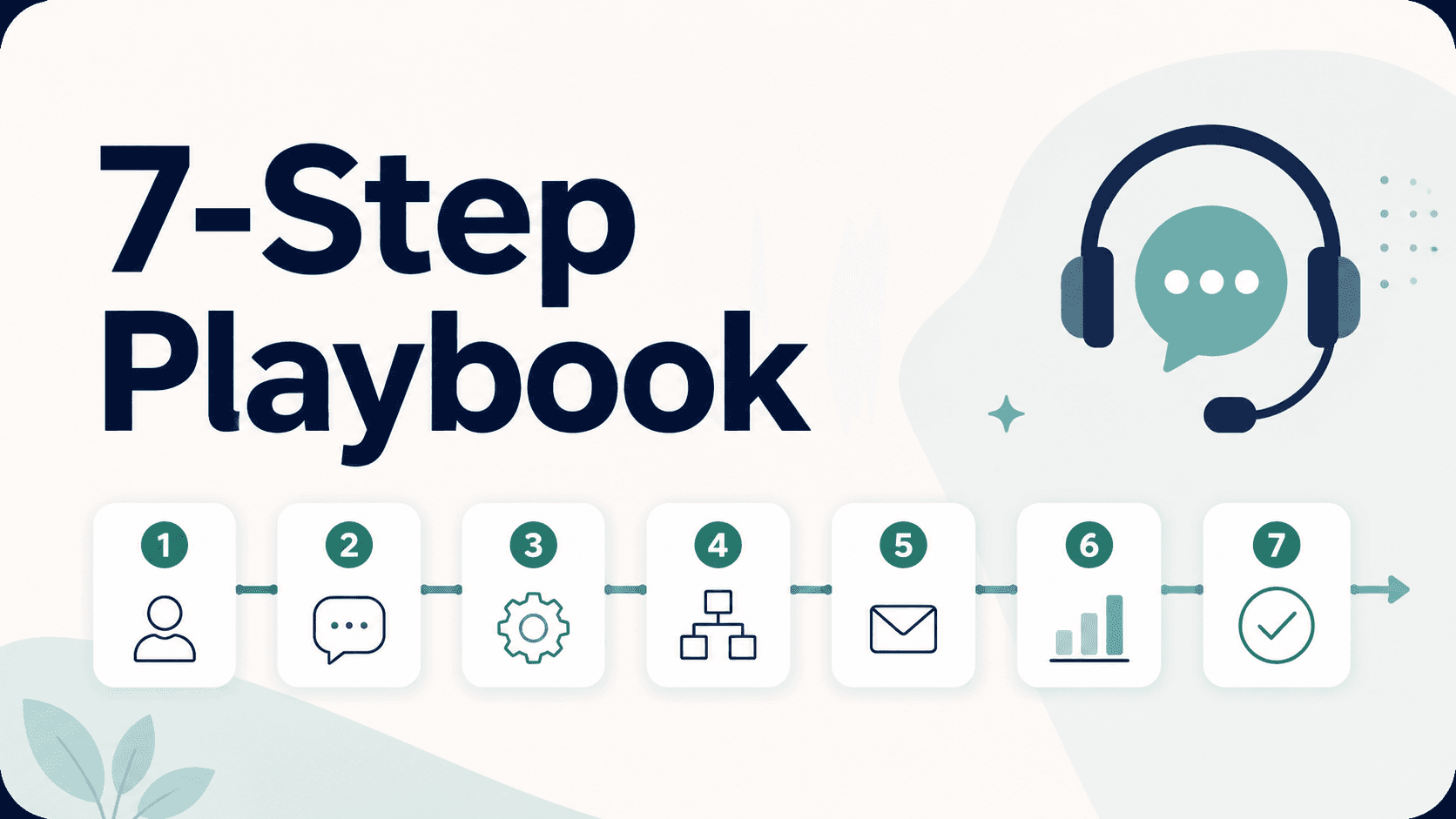
If you want to know how to automate customer service for small business, do not start by buying the biggest support platform you can find.
Start with the questions customers already ask before they book, call, visit, or request a quote.
For many local businesses, the safest first step is a clear first-response system: answer common questions from approved business content, route ready customers to the right booking or contact path, and send unclear or sensitive moments to a person.
That matters because customer service automation can go wrong when it tries to replace judgment. It works better when it removes delay, preserves context, and gives the owner a cleaner next step.
This guide gives you a practical 7-step playbook.
Quick answer: automate the first response, not the relationship
Small business customer service automation should do four things first:
- Answer common questions from approved FAQ, service, pricing, policy, booking, and intake content.
- Route ready customers to booking, quote request, call, contact, intake, or consultation paths.
- Collect the details a human needs before following up.
- Escalate anything sensitive, emotional, uncertain, or high judgment.
That is different from trying to automate every customer interaction.
For example, a med spa can automate an answer to "Do I need a consultation before Botox?" if the business has an approved consultation policy. It should not decide whether that person is a candidate. A salon can automate "Which service should I book for color correction?" by explaining the consult path. It should not promise the final price. A wellness clinic can automate first-visit prep. It should not diagnose pain.
The goal is not to make the business feel less human.
The goal is to make sure the customer gets an immediate, accurate first answer and a path forward while the human team keeps control of trust-heavy decisions.
That is why a single first-response workflow is usually stronger than trying to automate phone, SMS, social, email, website, and front desk operations all at once.
Before you automate, sort customer questions into three jobs
Before choosing a tool, sort your last 30 to 50 customer questions into three groups:
- Answer: questions with a stable, approved answer.
- Route: questions where the customer needs the right next step, link, or form.
- Review: questions where a person should decide, approve, apologize, price, diagnose, or make an exception.
This prevents the most common automation mistake: giving the AI too much authority.
SCORE's small business automation guidance frames the same basic split as routine tasks versus human moments. Routine tasks include hours, pricing ranges, appointment scheduling, order status, FAQs, and policies. Human moments include complaints, complex questions, custom requests, emotional situations, and customers with history.
That split is useful because small businesses do not lose trust only when they answer slowly. They lose trust when the answer sounds confident but wrong.
Use this test:
- If the answer is written somewhere your team already trusts, it can probably be automated.
- If the customer needs a specific link or next step, it can probably be routed.
- If the business would want a person to read the situation first, it should be reviewed.
This is especially important for appointment-based local businesses. A booking link is not the same as a confirmed appointment. A pricing range is not the same as a final quote. A general service explanation is not the same as medical, legal, financial, or personal advice.
The 7-step customer service automation playbook
Use this sequence before adding more channels or complex integrations.
1. List the real questions
What do people keep asking?
- Build
Review recent forms, emails, calls, DMs, chat logs, booking notes, and staff notes. Group repeated questions by topic.
- Keep human
Do not automate one-off complaints, special exceptions, or sensitive personal situations.
- Proof
You should have 10-20 common questions before choosing automation rules.
2. Create approved answers
Where should AI learn from?
- Build
Turn your FAQ, service descriptions, pricing notes, policies, booking instructions, and intake scripts into the source of truth.
- Keep human
Do not let AI invent missing prices, policies, availability, eligibility, or guarantees.
- Proof
Every automated answer should trace back to content your team would approve.
3. Fix the next-step paths
Where should customers go?
- Build
Confirm the correct booking, quote, call, contact, consultation, intake, and service-detail links.
- Keep human
Do not route people to a dead form, confusing calendar, or generic homepage.
- Proof
A customer should reach the right next step in one click after the answer.
4. Automate the first response layer
What should happen instantly?
- Build
Choose one high-intent intake surface first, then answer known questions and route ready customers from there.
- Keep human
Do not start with every channel if your source content, routing, and handoff rules are not clean yet.
- Proof
Test common service, price, booking, after-hours, and contact questions.
5. Collect context before handoff
What should staff know?
- Build
Ask for the details staff need: service interest, timing, contact method, prior visit, budget range, or concern.
- Keep human
Do not make the customer repeat everything after the handoff.
- Proof
A person should be able to follow up with context, not start from zero.
6. Write handoff rules
When should AI stop?
- Build
Define when to route to staff: complaints, exceptions, medical or personal questions, final pricing, refunds, and uncertainty.
- Keep human
Do not let AI argue, defend policy, promise a fix, or pretend a person has reviewed the case.
- Proof
Every sensitive question should have a clear stop point and human path.
7. Review what customers keep asking
What should the business improve?
- Build
Look for repeated confusion and update the FAQ, service copy, pricing explanation, booking flow, or staff script.
- Keep human
Do not treat repeated questions as chatbot noise. Treat them as business signals.
- Proof
The automation should make your service clearer over time.
This sequence keeps the work practical.
It also follows the safer guidance behind many current automation resources: map the workflow first, keep human handoff visible, test the process, and improve from real customer questions. Shopify's customer service workflow guide emphasizes reviewing customer needs, mapping the process, using software, and checking KPIs. Zendesk's automated customer service guide similarly highlights identifying what humans should still handle, testing workflows, monitoring performance, and auditing the knowledge base.
For a small business, that does not need to become an enterprise support project. It can start with one intake surface, one routing path, and one weekly review.
The Answer / Route / Review automation map
When a new customer question comes in, use this map.
Answer when the question has a stable business-approved answer:
- "What services do you offer?"
- "Do you take walk-ins?"
- "How late are you open?"
- "Do I need to book a consultation first?"
- "Where can I see pricing?"
- "What should I bring to my first visit?"
AI can answer these from approved FAQs, service pages, pricing notes, policies, booking instructions, or intake scripts.
Route when the customer is ready for a next step:
- "Can I book online?"
- "Where do I request a quote?"
- "How do I choose the right service?"
- "Can someone call me?"
- "Do you have a consultation form?"
- "Where do I upload photos or details?"
AI should point to the right booking, quote, consultation, contact, call, or intake path. If the business has multiple service categories, it should help the visitor choose the right path without pretending to make the final decision.
Review when the business needs human judgment:
- "Am I a good candidate?"
- "Can you make an exception?"
- "Can I get a refund?"
- "Is this safe for me?"
- "Why did this happen?"
- "Can you guarantee the result?"
AI should acknowledge the question, avoid over-answering, collect useful context, and route the person to staff.
This map is simple enough for a small team to use, but it prevents a lot of bad automation.
It also gives you a practical way to improve the business. If many customers ask the same "Answer" question, your public information may need clearer wording. If many customers need "Route" help, your booking or quote path may be hard to find. If many customers fall into "Review," your staff may need a better intake process.
Examples by business type
The best customer service automation is specific to the business. Here are realistic first workflows.
Med spa
Start with consultation, service, pricing-range, preparation, and booking-path questions.
Good automation:
- "Do I need a consultation before injectables?"
- "Where can I see laser treatment pricing?"
- "How do I book a skin consultation?"
- "What should I avoid before my appointment?"
Keep human:
- candidacy
- medical suitability
- treatment guarantees
- complications
- final recommendations
Salon or beauty studio
Start with service selection, new-client booking, color consultation, cancellation policy, and after-hours availability questions.
Good automation:
- "Should I book a consultation for color correction?"
- "What is the difference between a partial and full highlight?"
- "Where do I book a new-client appointment?"
- "Can I reschedule online?"
Keep human:
- final quote
- corrective service plan
- complaint resolution
- stylist-specific exceptions
Wellness clinic
Start with first-visit prep, service overview, booking path, insurance/payment process, and location questions.
Good automation:
- "What should I bring to my first visit?"
- "How do I book an assessment?"
- "Do you offer massage and physical therapy?"
- "Where are you located?"
Keep human:
- diagnosis
- treatment plan
- medical advice
- eligibility decisions
Fitness, yoga, pilates, or personal training studio
Start with intro class, membership explanation, booking link, class level, and what-to-bring questions.
Good automation:
- "Is the beginner class really for beginners?"
- "How do I book a trial class?"
- "What should I bring?"
- "Where do I see membership options?"
Keep human:
- injury-specific advice
- special pricing exceptions
- complaint handling
- membership disputes
The pattern is the same across industries: automate clarity, not judgment.
What not to automate first
Do not start by automating the most sensitive part of the customer relationship.
Avoid full automation for:
- complaints or frustration
- refunds and policy exceptions
- legal, medical, financial, or safety advice
- final quote or discount decisions
- eligibility or candidacy
- live availability unless connected to a real calendar
- promises that staff have reviewed something
- emotionally charged customer situations
The U.S. Small Business Administration's AI for small business guidance is a useful reminder here: start small, test whether tools add value, have a person review AI output, protect sensitive data, and consider customer trust when using AI-generated messages. Source link checked June 5, 2026.
For local businesses, the safest automation language often sounds like this:
- "Here is the general process."
- "Here is where pricing is listed."
- "This may need staff review."
- "I can collect the details and route this to the team."
- "For final recommendations, please book a consultation."
The unsafe version sounds like this:
- "You are a good candidate."
- "Your final price will be..."
- "We can definitely fit you in today."
- "You will get a refund."
- "That reaction is normal."
- "The owner has approved this."
If the business would not want a new employee saying it without checking, the AI should not say it either.
How to measure whether automation is working
You do not need an enterprise dashboard to measure the first version.
Track five practical signals:
- First response coverage: how often common questions get a clear answer.
- Routing accuracy: whether customers reach the right booking, quote, contact, or consultation path.
- Handoff quality: whether staff receive enough context to follow up.
- Repeated confusion: which questions keep coming back.
- Trust problems: any answer that sounds too certain, too vague, or too generic.
Review those signals weekly at first.
If customers still ask "Where do I book?" after automation, fix the route. If they ask "How much is it?" and the answer is vague, improve the pricing explanation. If staff still need to ask "What service were you interested in?" add that intake question before handoff.
Automation should make the whole service system clearer.
It should not just hide the mess behind a faster reply.
Where CatchWhen fits
CatchWhen fits the website inquiry layer of this broader playbook.
It creates a business-specific AI Support Agent that starts as a Website Support Agent. The agent answers customer-facing website questions from the business's own knowledge and routes ready visitors to the booking, quote, call, or contact paths the business already uses.
That matters because many small businesses do not need to replace their booking system, CRM, front desk, or staff judgment.
They need a cleaner first response at the moment a customer is already asking for help.
CatchWhen fits when the business wants to:
- answer repeated website questions instantly
- stop losing high-intent website inquiries after hours
- route customers to existing booking or quote paths
- collect context before human follow-up
- keep human judgment for pricing, consults, exceptions, and sensitive moments
- review repeated questions as business signals
For the broader strategy behind this, read AI customer service for small business. If you are deciding what to automate first, use the customer support automation priority map. If you are worried about trust boundaries, the AI chatbot handoff to human guide is the next useful step.
FAQ
What is the first customer service task a small business should automate?
Start with common questions that already have approved answers: hours, services, pricing location, booking instructions, consultation rules, policies, and first-visit details. These are frequent, low-judgment questions where a fast answer helps customers move forward.
Do I need a help desk to automate customer service?
Not always. A help desk can be useful once the business has multiple channels and staff members. Many appointment-based local businesses can start with first response, booking or quote routing, and clear handoff rules before adding a full help desk.
Can AI fully automate customer service for a small business?
It should not fully automate every customer service moment. AI can handle first response, context collection, and routing for known questions. Humans should still own sensitive situations, complaints, exceptions, final pricing, eligibility, and relationship repair.
How do I keep automated customer service personal?
Use business-specific source content, write clear handoff rules, make it easy to reach a person, and review repeated questions. Personal service is not just friendly wording. It is accurate answers, honest limits, and a real next step.
Takeaway
The best way to automate customer service for a small business is not to automate everything.
Start with one customer question surface.
List the questions customers already ask. Create approved answers. Fix the next-step paths. Automate the first response. Collect context. Hand off sensitive moments. Review repeated confusion.
That gives customers a faster answer without taking judgment away from the people who still need to own the relationship.

Article by
Leo Lee
Leo Lee is the founder and builder of CatchWhen, a Customer Support AI System that creates AI Support Agents for appointment-based local businesses. CatchWhen helps med spas, salons, wellness clinics, and other independent service businesses answer customer-facing website inquiries and route ready leads into the booking, quote, or contact tools they already use. Leo writes about the workflows, guardrails, and infrastructure behind production-ready AI customer support agents.
Keep reading
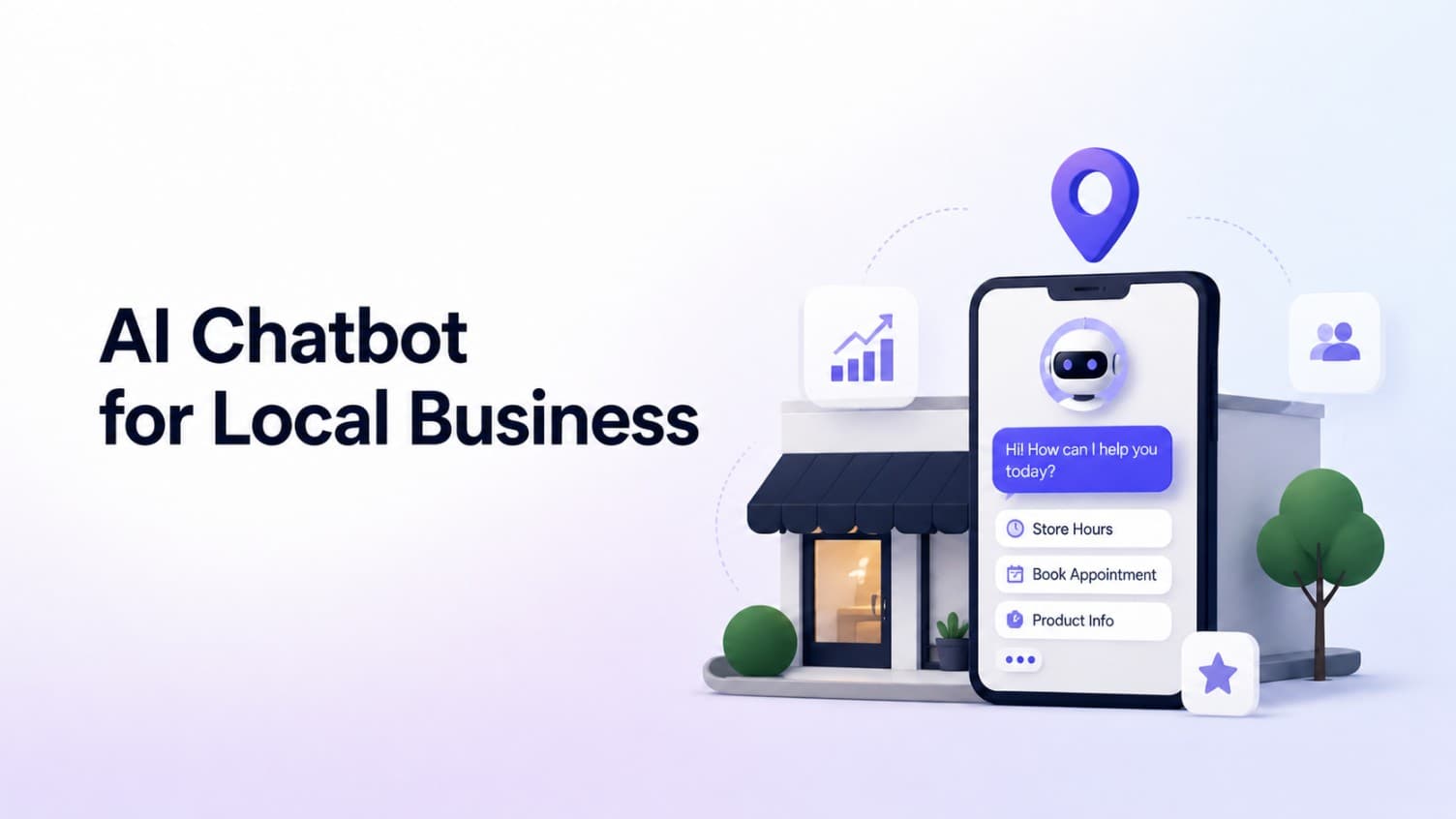
AI Chatbot for Small Local Businesses: A Practical Website Guide
A practical guide to AI chatbots for small business websites: what they answer, where they fit, and how local owners route visitors to booking or quote links.
 Leo Lee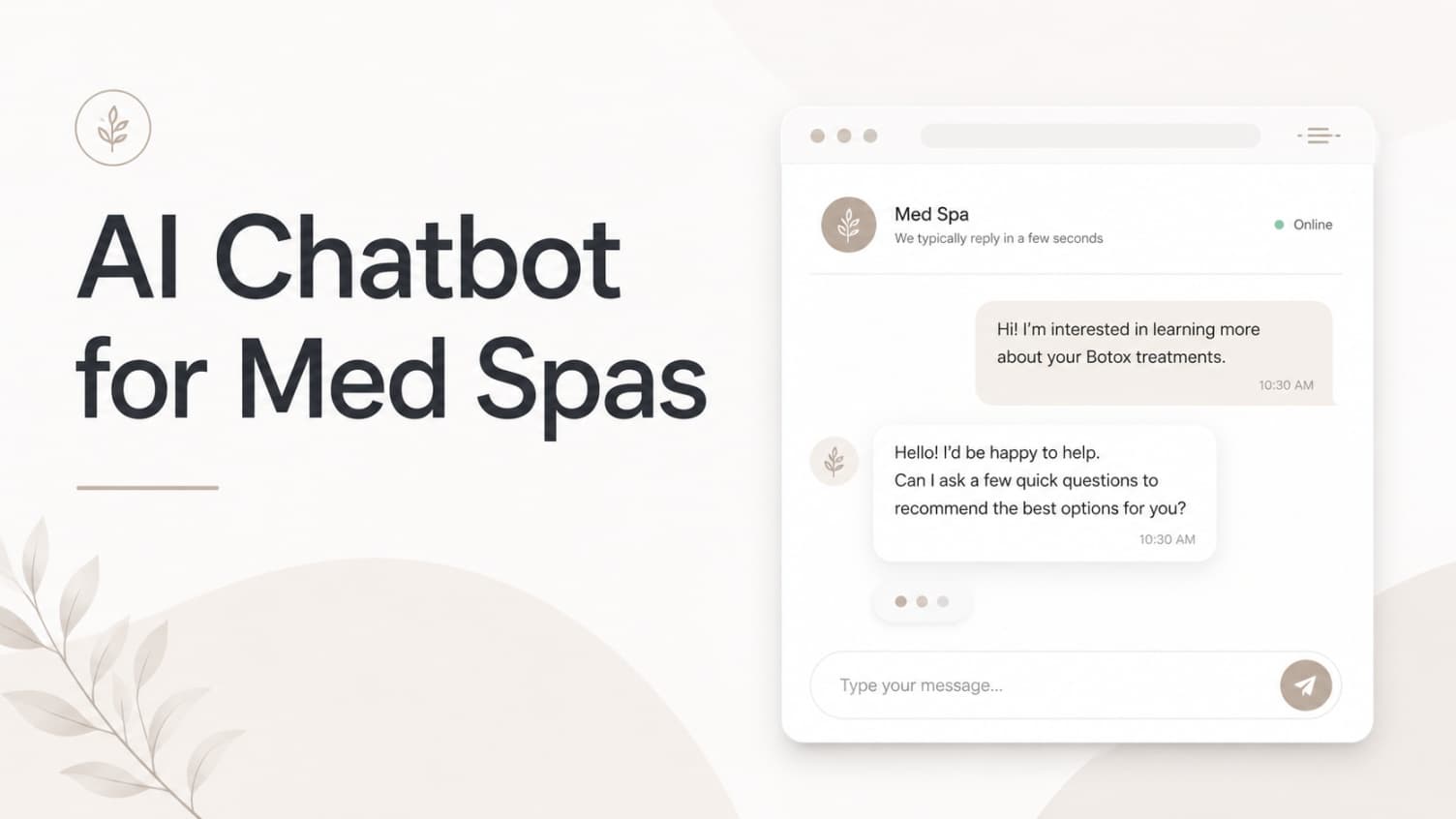
AI Chatbot for Med Spas: Route More Consult Requests from Your Website
A practical guide to med spa website chatbots: answer Botox, filler, laser, pricing, and consult questions, then route visitors to your existing booking path.
Leo Lee
AI Chatbot for Wellness Clinics: Answer First-Visit Questions Faster
A practical guide to wellness clinic website chatbots: answer physio, chiro, massage, pilates, yoga, and IV drip first-visit questions, then route ready visitors to booking or intake.
Leo Lee