AI Customer Service for Small Business: 5 Reasons to Start With Your Website
A practical look at AI customer service for small business: when it helps, where to start, and why local teams should begin with website inquiries.
 Leo Lee11 min read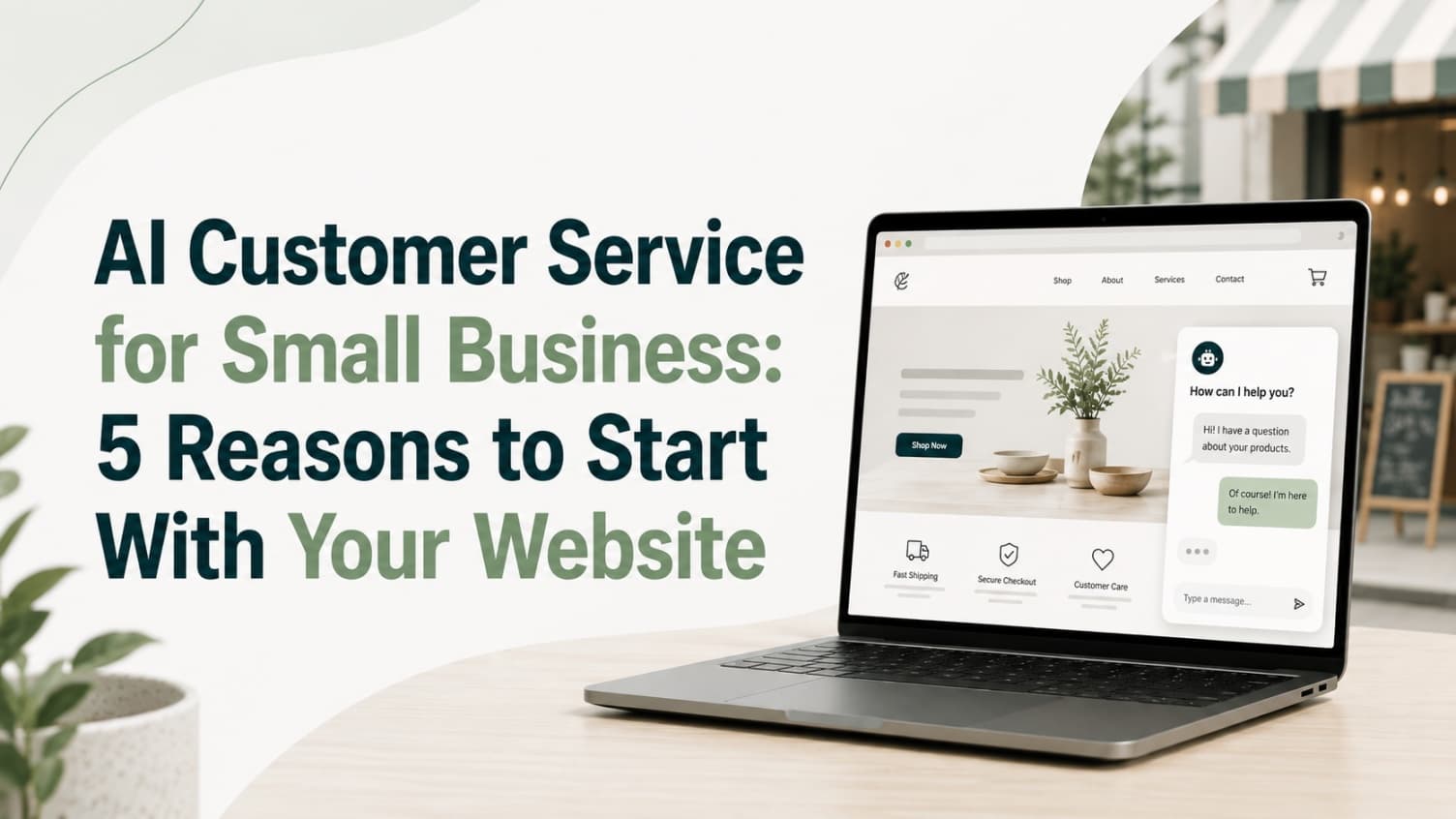
For most local businesses, customer service is not a department. It is the owner checking texts between appointments, the front desk answering while a client waits, or a technician trying to reply after a job.
That is why AI customer service for small business should not start with a giant automation project. It should start with the moment a customer asks a simple question and nobody is free to answer.
The practical reason to use AI is not that it replaces the human relationship. It is that it covers the first response, handles repeatable questions, captures useful details, and gives your team a cleaner handoff when a person should step in.
Quick Answer: Start With the First Response
Small businesses do not need AI to run every customer conversation.
They need AI to stop easy inquiries from going cold.
A good first customer service AI workflow can answer questions like:
- Are you open this Saturday?
- Do you offer consultations?
- What should I book for this service?
- Do you serve my area?
- Where can I see pricing?
- Can I request an appointment?
- What happens if I need to reschedule?
Those questions are simple, but they are not harmless. They often show up while the customer is deciding whether to book, call, or leave.
That is why the best starting point is usually your website. A website visitor is already looking at your services. They do not need a full support portal. They need a clear next step before their attention moves somewhere else.
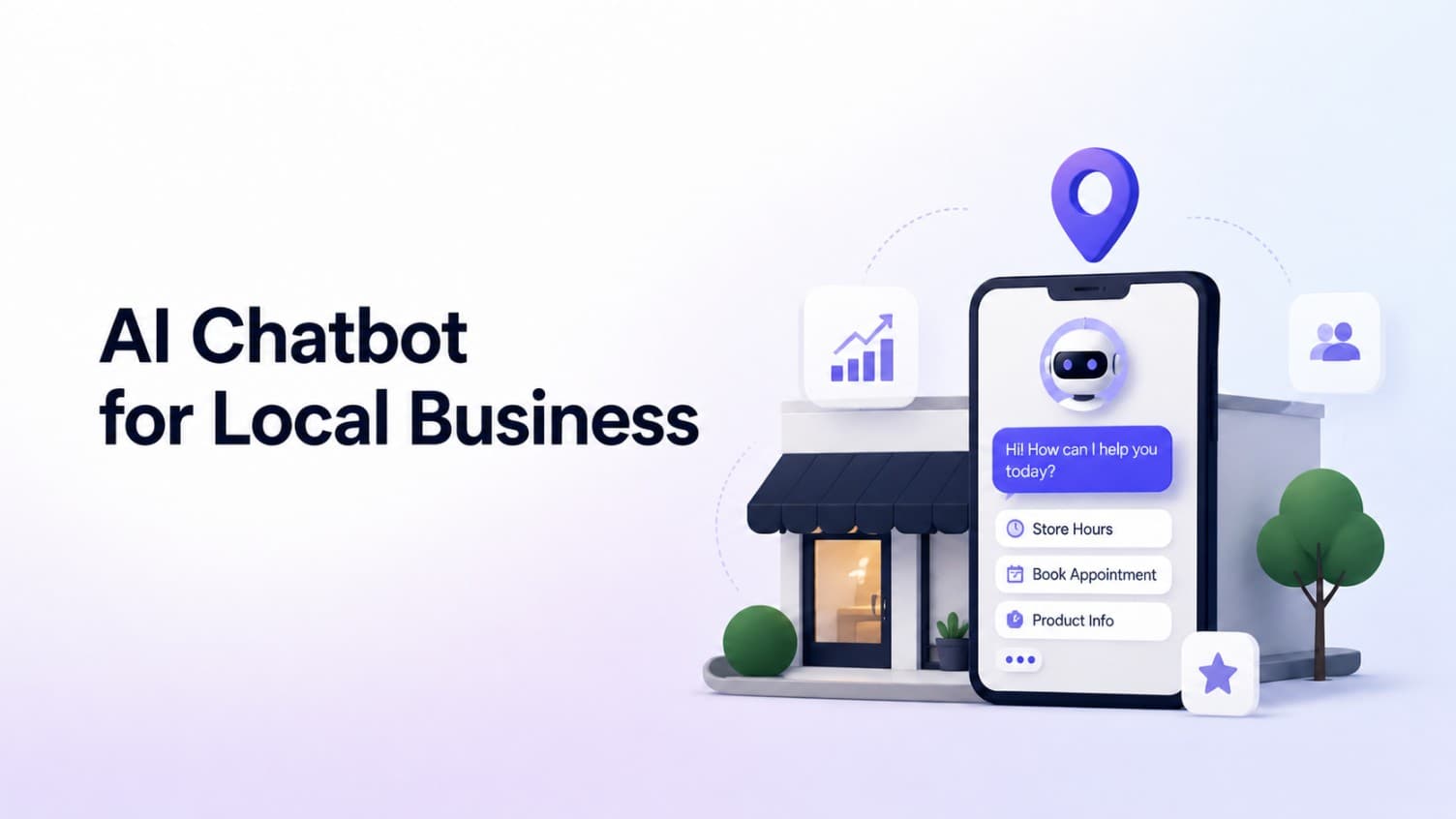
If you are still deciding what type of AI belongs on your site, this AI chatbot for small business website guide explains the broader category. This post focuses on why customer service itself is becoming the first place many small businesses should apply AI.
1. Customers Already Expect Answers Outside Business Hours
Customer questions do not respect your calendar.
A med spa prospect compares treatments at 10:30 p.m. A salon client checks color services after work. A wellness client looks at availability on Sunday morning. A homeowner sends a quote question while your team is still on another job.
For a large company, after-hours support may mean staffing a contact center. For a small local business, it usually means a gap.
That gap matters because customers have been trained by larger brands to expect fast answers. Zendesk's 2026 CX Trends research reported that consumers increasingly expect service to be available around the clock because of AI, and that responsiveness and accurate resolution strongly influence buying decisions.
Small businesses cannot copy the enterprise support model. They can copy the useful part: answer the common questions immediately, then route the customer to the next step you already use.
That might be:
- A booking link
- A consultation form
- A quote request
- A phone number
- A pricing page
- A staff follow-up with the conversation summary
The difference is small but important. AI does not need to pretend the business is open. It can say what it knows, collect the right details, and set the expectation clearly.
For local businesses, that is often enough to keep a warm inquiry from becoming a forgotten tab.
2. Repetitive Questions Are Not Small When They Interrupt Real Work
The obvious customer service problem is missed messages. The quieter problem is interruption.
Small teams lose focus every time they stop to answer the same question:
- How much does this usually cost?
- Do I need a consultation first?
- How long does the appointment take?
- Can I bring someone with me?
- What areas do you serve?
- Do you work with this booking app?
- Where is the intake form?
Each answer may take less than a minute. But the interruption happens in the middle of higher-value work: checking in a client, finishing a treatment, preparing a quote, cleaning a room, or handling a booked customer who is already in front of you.
That is where customer service automation for small business becomes useful. It is not about removing care. It is about protecting attention.
The U.S. Chamber's 2025 small business technology report found that generative AI adoption among U.S. small businesses has grown sharply, with many owners using AI to operate more efficiently and communicate better with customers. Talkdesk also reported in October 2025 that half of surveyed U.S. small businesses had already integrated AI into customer service operations.
The reason is not mysterious. Lean teams feel the drag of repetition faster than large teams do.
An AI customer service chatbot can take the questions your team already answers every day and make the first answer available on the website. The owner or staff still handles exceptions, judgment calls, refunds, emotional situations, and final confirmations.
That split is healthier than the usual small business setup, where every question has the same urgency because every question lands on the same person.
3. Many Customer Service Questions Are Actually Buying Questions
Some customer service inquiries happen after the sale. Local businesses also get a different kind of support question: the pre-booking question.
That question sounds like service, but it is really part of the buying decision.
A visitor may ask:
- Is this treatment right before a vacation?
- Do you offer a first-time consultation?
- Is deep tissue or Swedish massage better for soreness?
- Do I book a repair visit or an estimate?
- Do you take walk-ins?
- Is there a deposit?
If the customer gets no answer, they may not complain. They may simply choose a competitor whose next step is clearer.
That is why AI customer service should be connected to lead capture, not only support deflection. A small business website chatbot can answer the basic question, then move the visitor toward action:
- "Here is the consultation page."
- "This service usually starts with an assessment."
- "You can request a quote here."
- "If you are unsure, leave your name and preferred time so the team can follow up."
The goal is not to pressure the customer. It is to remove the small uncertainty that stops them from taking the next step.
This is especially true for appointment and quote-based businesses. Their customer service is often inseparable from sales. A question about price, timing, fit, or preparation is not just "support." It is the moment before booking.
That is why a tool built only for internal ticket volume may be the wrong first step. For local businesses, the better question is:
What question does a customer ask right before they would have booked?
Start there.
4. AI Shows You What Customers Keep Asking
Most small business owners know their customers well. But they do not always have a clean record of what prospects ask before they become customers.
Those questions are scattered across:
- Website forms
- Missed calls
- Instagram DMs
- Text messages
- Staff memory
- Sticky notes
- Booking app messages
An AI chatbot for customer service creates a more useful loop. It gives customers a place to ask, then shows you the patterns.
You may discover that people keep asking about:
- A service you do not explain clearly
- A policy that is buried too low on the page
- A price range that needs better framing
- A booking path that is confusing
- A service name customers do not understand
- An after-hours question your team never sees until morning
Talkdesk's small business AI survey found that businesses using AI in customer service apply it beyond chatbots too, including knowledge bases, live-agent assistance, analytics, and voice tools. For a small local business, the analytics do not need to be complicated. Even a simple list of unanswered or repeated questions can show what your website should explain better.
This is where AI becomes more than an answering tool.
It becomes a mirror for customer confusion.
If ten visitors ask whether Botox pricing includes the consult, that is not just a chatbot issue. It is a service-page issue. If new clients keep asking what to wear to Pilates class, that belongs in your first-visit page. If quote requests are missing photos or measurements, your intake flow needs clearer prompts.
Good AI customer service gives you the questions your customers were already asking. You still decide what to fix.
5. The Best AI Makes Human Follow-Up Easier
Customers do not dislike AI simply because it is AI. They dislike dead ends.
That distinction matters.
Pega and YouGov's 2026 consumer research found that many consumers still lack confidence in how businesses use generative AI for customer interactions, and only a very small share want chatbot-only service. The lesson for small businesses is clear: do not trap people in automation. Source links in this article were checked May 7, 2026.
The right model is not "AI instead of people."
It is:
- AI answers what it can answer safely.
- AI admits when it does not know.
- AI collects the details a person needs.
- AI routes the customer to the right next step.
- The human team follows up with context.
That is a better customer experience than a generic contact form that says nothing, a voicemail nobody wants to leave, or a chatbot that keeps guessing.
For example, a customer might ask whether a service is right for their situation. A safe AI answer can explain the general booking path, mention that the business can confirm details directly, and collect the customer's goal, preferred time, and contact information.
Now the staff member is not starting from zero.
They know what the customer wants, what the customer already read, and what next step was offered. The handoff is cleaner. The customer does not have to repeat the whole story.
That is where AI customer service becomes useful for early-stage tools and small teams. It does not need to resolve every case. It needs to make the next human touch more prepared.
What AI Should Handle First
If you are a small business owner, do not start by automating the hardest conversations.
Start with the safest, most repeatable customer service moments.
| Customer service moment | What AI can do | What a person should own |
|---|---|---|
| Hours, location, parking, policies | Answer directly from your website and FAQs | Update the source information when it changes |
| Service fit questions | Explain general options and route to the right page | Give personalized advice or final recommendations |
| Booking or quote questions | Send the correct booking, consult, or quote link | Confirm the appointment, estimate, or special request |
| Unclear or sensitive questions | Ask clarifying questions and collect contact details | Make the judgment call |
| Repeated unanswered questions | Log the question and show patterns | Improve the website, FAQ, or offer |
This is also how you avoid overbuilding.
You do not need a full customer service platform on day one. You need a reliable first layer that can answer from your own business information and route the visitor without forcing you to switch tools.
If you are comparing website chatbot options, this best AI chatbot for website comparison can help you think through fit by use case.
Handoff scripts small teams can reuse
The handoff matters because a small business cannot hide behind a ticket number. If the AI should stop, the next message needs to be plain and useful.
Use these scripts as starting points, then replace the links and policy language with your own:
| Situation | Better AI handoff script |
|---|---|
| The customer asks for a person | "I can help get this to the right person. You can call us here, or send your details through this contact form so the team has context before they reply." |
| The question needs a quote | "I can explain the usual factors, but an exact quote needs a few details. Please share the service, location, timing, and any photos or notes through the quote request form." |
| The customer asks for an exception | "I can share the standard policy, but exceptions need team review. Please contact us with your appointment details so a staff member can take a look." |
| The topic involves safety, eligibility, or judgment | "This needs a person to review. I can help you book a consultation or send your question to the team, but I should not make that decision here." |
| The customer sounds frustrated | "I am sorry this has been frustrating. I can collect the details and route this to the team so a person can review what happened." |
The goal is not to make the AI sound more human than it is. The goal is to make the handoff fast, honest, and specific enough that the customer does not have to start over.
What Not to Automate First
AI customer service goes wrong when a business uses it to avoid responsibility.
Do not start with:
- Refund disputes
- Medical, legal, or financial advice
- Angry customer recovery
- Complex billing exceptions
- Diagnosing a customer's problem from incomplete details
- Anything that requires a licensed professional's judgment
- Conversations where the customer clearly wants a person
Those are not good first workflows for a small business.
They require judgment, accountability, and often emotion. AI can summarize, route, and prepare the handoff. It should not pretend to be the final authority.
The safer starting point is simple:
What questions would you be comfortable answering from your website, FAQ, price page, service page, or booking instructions?
That is the knowledge your AI should use first.
A Simple Starting Plan for Small Businesses
Here is a practical way to begin without turning customer service into a software project.
- Write down the 20 questions your team answers every week.
- Mark which questions are safe to answer from public business information.
- Add clear routing for each question: booking link, quote form, phone, email, pricing page, or staff follow-up.
- Decide what the AI should say when it is unsure.
- Review real conversations weekly and improve the source content.
This is the kind of workflow CatchWhen is built around: a Website Support Agent for local business websites that answers common inquiries and routes visitors to the booking, quote, call, or contact path the business already uses.
It is not meant to replace a booking app, CRM, phone system, or front desk. It sits on top of the website so visitors are not left waiting when the team is busy.
For many local businesses, that is the correct first version of AI customer service. Not a giant transformation. Just a better answer at the moment the customer is already interested.
FAQ
Is AI customer service only for big companies?
No. Big companies may use AI across contact centers, ticketing systems, and agent workflows. Small businesses should start narrower: website questions, repeated FAQs, lead capture, and routing to the existing booking or quote process.
Will customers hate talking to an AI chatbot?
Customers usually hate bad automation, not helpful answers. Make the AI clear, honest, and easy to escape. It should answer simple questions, avoid pretending it knows everything, and hand off to a person when the question needs judgment.
Should a small business start with phone AI or website chat?
It depends on where inquiries are leaking. If most leads come by phone and go unanswered, phone AI may come first. If customers browse your services, pricing, or booking pages before deciding, a website chatbot is often the lower-risk first step.
What should I train an AI customer service chatbot on first?
Start with public, stable information: services, hours, location, booking steps, policies, pricing ranges where appropriate, consultation rules, quote requirements, and frequently asked questions. Do not start with sensitive customer records or complex exceptions.
The Takeaway
Small business customer service does not need AI because AI is trendy.
It needs AI because customers ask real questions when your team is busy, closed, or focused on the person in front of them.
The right first step is not to automate the whole relationship. It is to protect the first response, answer the repeat questions, capture the useful details, and help humans follow up with context.
That is a smaller promise than most AI customer service articles make.
It is also the one small businesses can actually use.

Article by
Leo Lee
Leo Lee is the founder and builder of CatchWhen, a Customer Support AI System that creates AI Support Agents for appointment-based local businesses. CatchWhen helps med spas, salons, wellness clinics, and other independent service businesses answer customer-facing website inquiries and route ready leads into the booking, quote, or contact tools they already use. Leo writes about the workflows, guardrails, and infrastructure behind production-ready AI customer support agents.
Keep reading
AI Chatbot for Small Local Businesses: A Practical Website Guide
A practical guide to AI chatbots for small business websites: what they answer, where they fit, and how local owners route visitors to booking or quote links.
 Leo Lee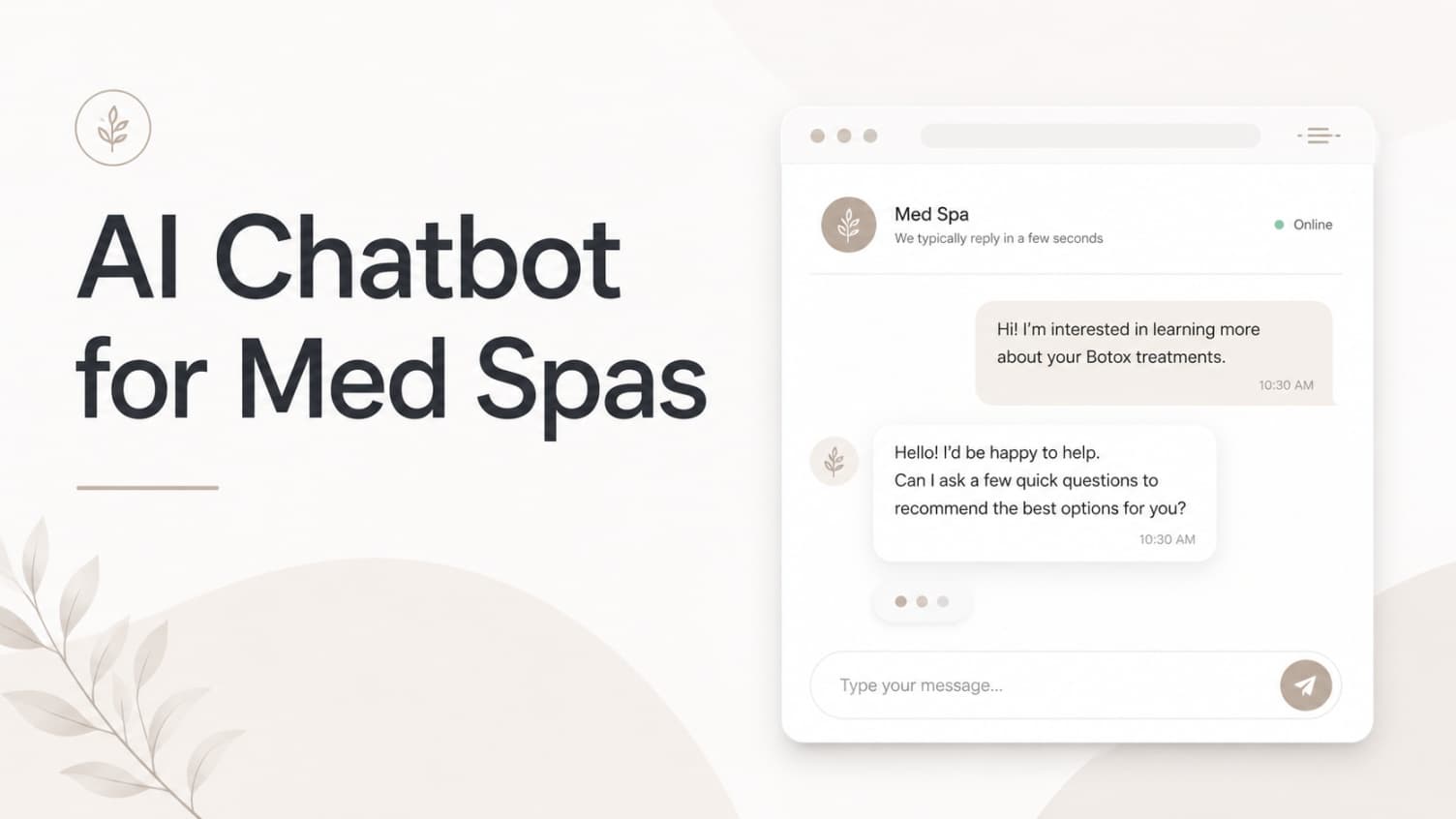
AI Chatbot for Med Spas: Route More Consult Requests from Your Website
A practical guide to med spa website chatbots: answer Botox, filler, laser, pricing, and consult questions, then route visitors to your existing booking path.
Leo Lee
AI Chatbot for Wellness Clinics: Answer First-Visit Questions Faster
A practical guide to wellness clinic website chatbots: answer physio, chiro, massage, pilates, yoga, and IV drip first-visit questions, then route ready visitors to booking or intake.
Leo Lee